Does IPVanish Work with Netflix? Servers, Setup and Fixes
According to StreamFix data, IPVanish works with Netflix on servers in the US, the UK and Canada, and 17 of 20 streaming platforms worked on the first try. Here’s which server to pick, how to set up the app and what to do when a stream won’t start.
Radek VlcekDevice & App Tester 10 min read Affiliate linksSome links are affiliate links. We may earn a commission at no extra cost to you, and it never affects our ratings.
According to StreamFix data, IPVanish works with Netflix on servers in the US, the UK and Canada, with the US library loading right away on a New York server.
17 of 20 streaming platforms worked on the first try; BBC iPlayer worked on the London server, and Disney+ and Prime Video streamed in 4K HDR.
For streaming, IPVanish recommends WireGuard; StreamFix data shows 837 Mbps on a local server, far above the 15 Mbps Netflix wants for 4K.
You have 30 days to try it on the annual and two-year plans bought on the website.
It’s nine in the evening, you’re in a hotel room on a business trip, and the laptop is open on the desk. You want to pick up the series you were halfway through before you left, and that’s when the IPVanish Netflix question stops being theoretical. According to StreamFix data, IPVanish works with Netflix, and the service loaded on servers in the United States, the United Kingdom and Canada.
Across the wider lineup, 17 of 20 streaming platforms worked on the first try. This guide sticks to the streaming side: which server to pick, how to set up the app, which protocol to use and what to do when a show refuses to start. For plans, privacy and everything else, read our IPVanish review. If you’re ready to buy, the IPVanish Black Friday offer has the latest prices.
Does IPVanish work with Netflix?
Yes. According to StreamFix data, Netflix loaded with IPVanish on servers in the United States, the United Kingdom and Canada. The US library came up right away on a New York server, while the UK and Canadian locations offered a smaller choice of servers. In the app you pick a server by country and then by city, so New York is easy to find in the list.
When you travel, one rule does most of the work: connect to a server in the country where you pay for Netflix. A VPN server changes your virtual location, so on a trip you keep watching your own services just like at home. Your Netflix subscription is still yours to pay, and a VPN won’t make it cheaper or add a free one. Our IPVanish plans guide shows whether the cheapest plan is enough for Netflix. IPVanish’s help center also describes a second route through split tunneling, which the settings section below explains.
Service
Server
What to watch
Netflix
US, UK, Canada
Netflix series and films
Disney+
US
Disney, Pixar, Marvel, Star Wars
Prime Video
US
Originals, rentals, sports
BBC iPlayer
London, UK
BBC channels, live and catch-up
HBO Max
US
HBO, DC, Warner Bros.
Hulu
US
Current US shows, FX
ITVX
UK
Live ITV channels, archive
Source: StreamFix data, November 9, 2026
Each row shows the server country where the service loaded according to StreamFix data, plus what the service is known for. For more on the service itself, see our guide to watching Netflix from anywhere.
Setup takes a few minutes, and you only do it once per device. This is the order that works best for streaming.
Get IPVanish through the button on this page. On the annual and two-year plans bought on the website, you have 30 days to try it.
Download the app for your device: Windows, macOS, iOS, Android, Fire TV, Android TV, Apple TV or Linux.
Open Settings, go to the protocol option and choose WireGuard.
Pick the server country, then the city, for example New York for Netflix in the US.
Open Netflix, sign in as usual and press play.
One account covers unlimited devices of your own, so the laptop, the phone and the TV stick can all be ready the same evening. Here’s how to set up IPVanish on a Firestick or smart TV. On Android and on Fire TV with Fire OS you can choose between WireGuard, OpenVPN and IKEv2, while iPhone and iPad offer WireGuard and IKEv2.
Disney+, BBC iPlayer, Prime Video and other services
Disney+ and Prime Video in 4K HDR
According to StreamFix data, Disney+ and Prime Video both streamed in 4K HDR without buffering. Disney+ is the home of Disney, Pixar, Marvel, Star Wars and National Geographic, and our guide to watching Disney+ from anywhere covers the service itself. Prime Video adds its own series, films to rent and sports.
BBC iPlayer and ITVX through a UK server
For Brits traveling abroad, BBC iPlayer is the obvious one to set up. According to StreamFix data, it worked with IPVanish on the London server specifically, so choose London rather than another UK city. The BBC says you need to be in the UK to use iPlayer because of licensing deals, and you need a TV license to watch. Our guide to watching BBC iPlayer outside the UK covers the service in more detail.
One detail many travelers don’t know: a show you download while you’re in the UK can be watched anywhere in the world. Downloading a few episodes before you leave the UK makes a good backup, and our article on how to watch BBC iPlayer abroad walks through the rules. ITVX also loaded on a UK server according to StreamFix data, with live ITV channels and its archive. You’ll find every platform listed in the streaming results of our IPVanish review.
HBO Max, Hulu and the rest of the US lineup
HBO Max and Hulu ran without problems according to StreamFix data, both on US servers. HBO Max brings HBO series alongside DC, Warner Bros. and Discovery, while Hulu is where current US shows and FX land. Apple TV, Paramount+, Peacock and Crunchyroll also carry a working status in the StreamFix data. Altogether, 17 of 20 platforms worked on the first attempt.
The best settings for streaming: protocol, server and split tunneling
WireGuard or OpenVPN for streaming?
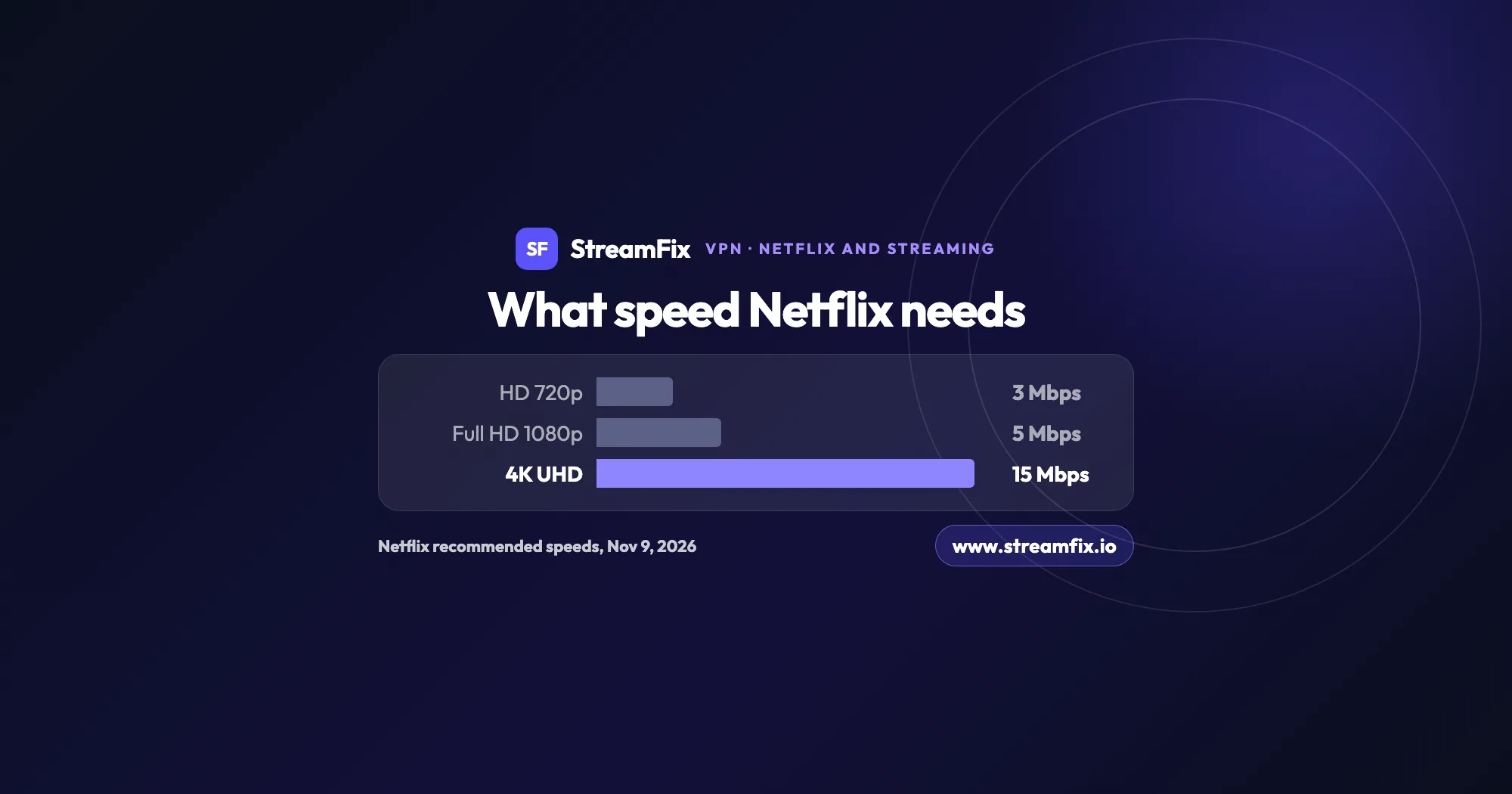
IPVanish recommends WireGuard for the best speed, and on Fire TV it notes that WireGuard tends to be faster. According to StreamFix data, IPVanish reached 837 Mbps on a local server and 779 Mbps on a distant one, with 12 ms latency, measured with WireGuard and OpenVPN. Netflix recommends 3 Mbps for HD, 5 Mbps for Full HD and 15 Mbps for 4K, so even a server far away leaves plenty of headroom. OpenVPN stays available as a backup on Android and on Fire TV with Fire OS.
Split tunneling: Netflix on your real location
Split tunneling lets you decide what goes through the VPN and what doesn’t. IPVanish’s help center describes a Netflix setup built on it: you let the Netflix app run outside the VPN and watch based on your actual location, while the rest of the device stays protected through the VPN. On Android and on Fire TV with Fire OS, you open Settings, then Split Tunneling, and pick Netflix from the list of apps.
What you can split depends on the device. Windows and Android work by app and by website, and Android now also has an inverse mode where you choose which apps use the VPN. Fire TV with Fire OS splits by app, while macOS and iOS split by website domain only, and on iOS not at the same time as Connect on Demand.
Streaming on a Fire TV Stick
The Fire TV app needs a Fire TV Stick of the second generation or newer. On Fire OS you get the protocol choice and split tunneling, while the Vega OS app has neither yet. IPVanish says a Fire TV Stick typically tops out at 30 to 65 Mbps with the VPN on, because the device’s processor sets the limit. That is still comfortably above the 15 Mbps Netflix wants for 4K, and our guide to setting up a VPN on a Firestick covers installation on both systems.
Our tip: start with WireGuard and a server in the right country, and reach for split tunneling only when you want Netflix on your real location.
When the picture won’t start, look at the server and the browser first. Most of the steps below come from IPVanish’s help center, and it pays to go through them in order.
Check the server country. It has to match the content you want, for example the US for Hulu or London for BBC iPlayer.
Switch to another server in the same country.
Restart the browser and clear the cache and cookies.
In Firefox, turn off DNS over HTTPS in the settings.
On Fire TV, pick the server closest to you with the lowest ping and load, and turn off Scramble.
If the stream still won’t play, our explainer on the Netflix proxy error covers the usual causes and fixes.
Since one account covers unlimited devices, try the same server on your phone too: it shows whether the problem sits with the server or with the laptop’s browser.
Why does Netflix have a different library in every country?
Netflix says the shows and films you can stream and download, including audio and subtitles, vary by country. The reason is rights: more than one studio or distributor can own the rights to a title, and even some Netflix originals aren’t available everywhere. When you travel within the European Union, Netflix offers the same content as in your home country for a limited time. Our ranking of the Netflix library by country shows how far the lineups drift apart.
What the WireGuard protocol actually does
WireGuard is the protocol IPVanish recommends for speed, and its design is unusually compact. The implementation fits in under 4,000 lines of code, not counting the cryptographic primitives. It encrypts traffic with ChaCha20, authenticated with Poly1305, and exchanges keys through Curve25519. Jason A. Donenfeld created it, and it has been part of Linux since version 5.6, released on March 29, 2020.
Streaming VPN glossary: five terms worth knowing
You’ll meet these five terms in the app settings and throughout this guide.
Server: the computer your connection runs through. Its country sets your virtual location, which is why you pick it by country and city.
WireGuard protocol: the modern set of rules that encrypts your connection. IPVanish recommends it for the best speed.
Split tunneling: a setting that sends chosen apps or websites outside the VPN, through your regular connection. The rest of your traffic stays in the VPN.
DNS: the system that turns a web address into the address your device connects to. In Firefox, DNS over HTTPS can get in the way of Netflix with a VPN.
Kill Switch: a safeguard that cuts your internet connection if the VPN drops. IPVanish offers it on Windows, macOS, iOS and Android, and as a separate app for Fire TV and Android TV.
Your plan for tonight
The plan is short: install the app, switch to WireGuard, connect to a server in the country where you pay for Netflix and press play. If something stalls, the fixes above cover the usual causes. You have 30 days to try IPVanish on the annual and two-year plans bought on the website, which is plenty of time to set it up on every device you own. Here’s how to try IPVanish free and get a refund.
Yes. According to StreamFix data, Netflix loaded with IPVanish on servers in the US, the UK and Canada, and the US library came up right away on a New York server. On a trip, connect to a server in the country where you pay for Netflix.
Check the server country, switch to another server in the same country, restart the browser and clear the cache and cookies. In Firefox, turn off DNS over HTTPS; on Fire TV, pick the nearest server with the lowest ping and load and turn off Scramble.
Yes. According to StreamFix data, BBC iPlayer worked on the London server. The BBC asks you to be in the UK and to have a TV license. Our guide to watching UK TV abroad covers the other British channels.
Yes. Windows and Android split by app and by website, Fire TV with Fire OS splits by app, and macOS and iOS split by website only. The Vega OS app on newer Fire TV models doesn’t have it yet.
WireGuard. IPVanish recommends it for the best speed, and according to StreamFix data the app reached 837 Mbps locally and 779 Mbps on a distant server, far above the 15 Mbps Netflix suggests for 4K. Our explainer on how a VPN for streaming works covers the basics.
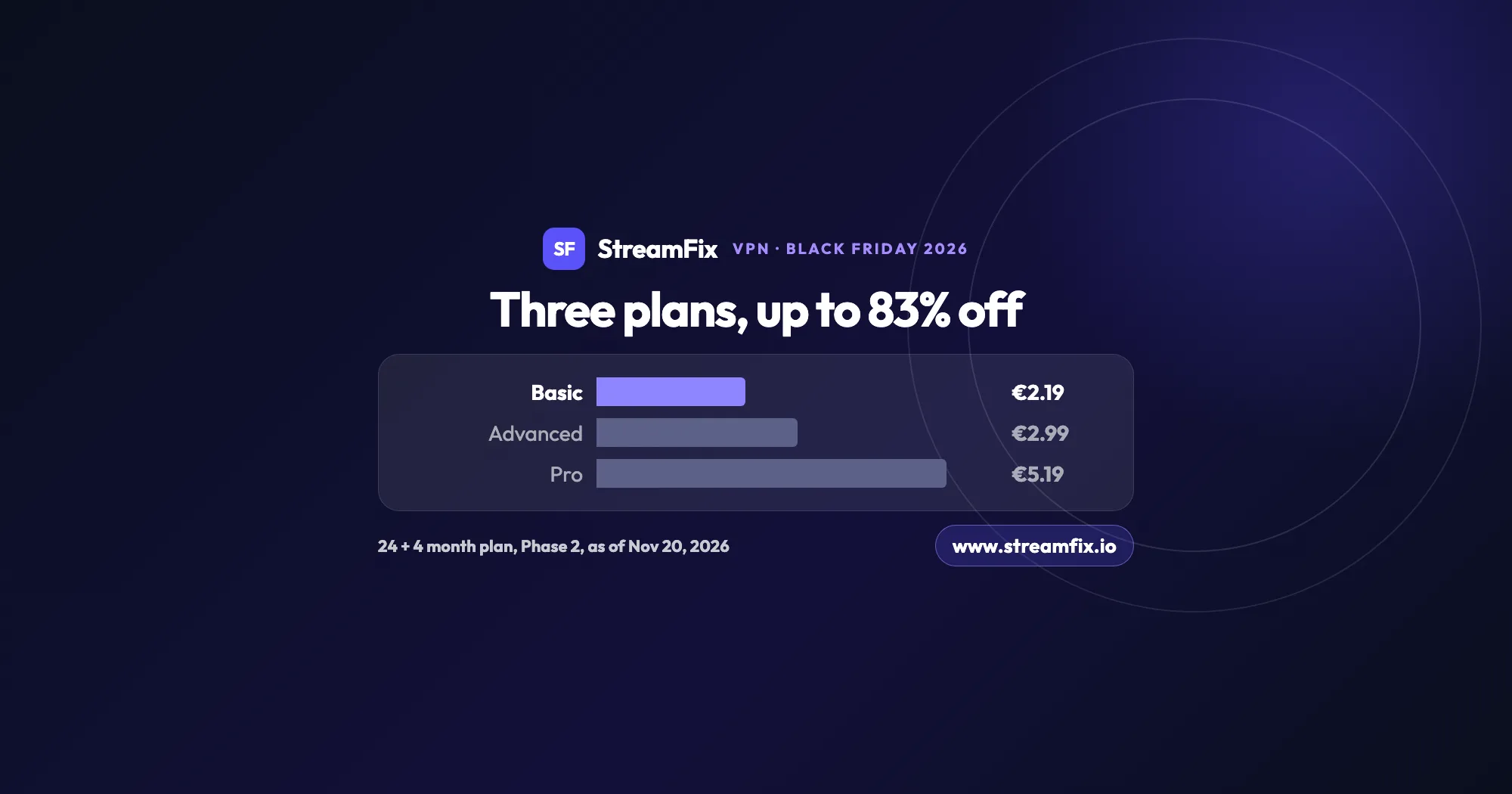
The ExpressVPN Black Friday deal runs in two phases, and on Black Friday itself Basic costs €2.19 a month, 83% off. All three plans share the same VPN, so the choice comes down to devices and extras.
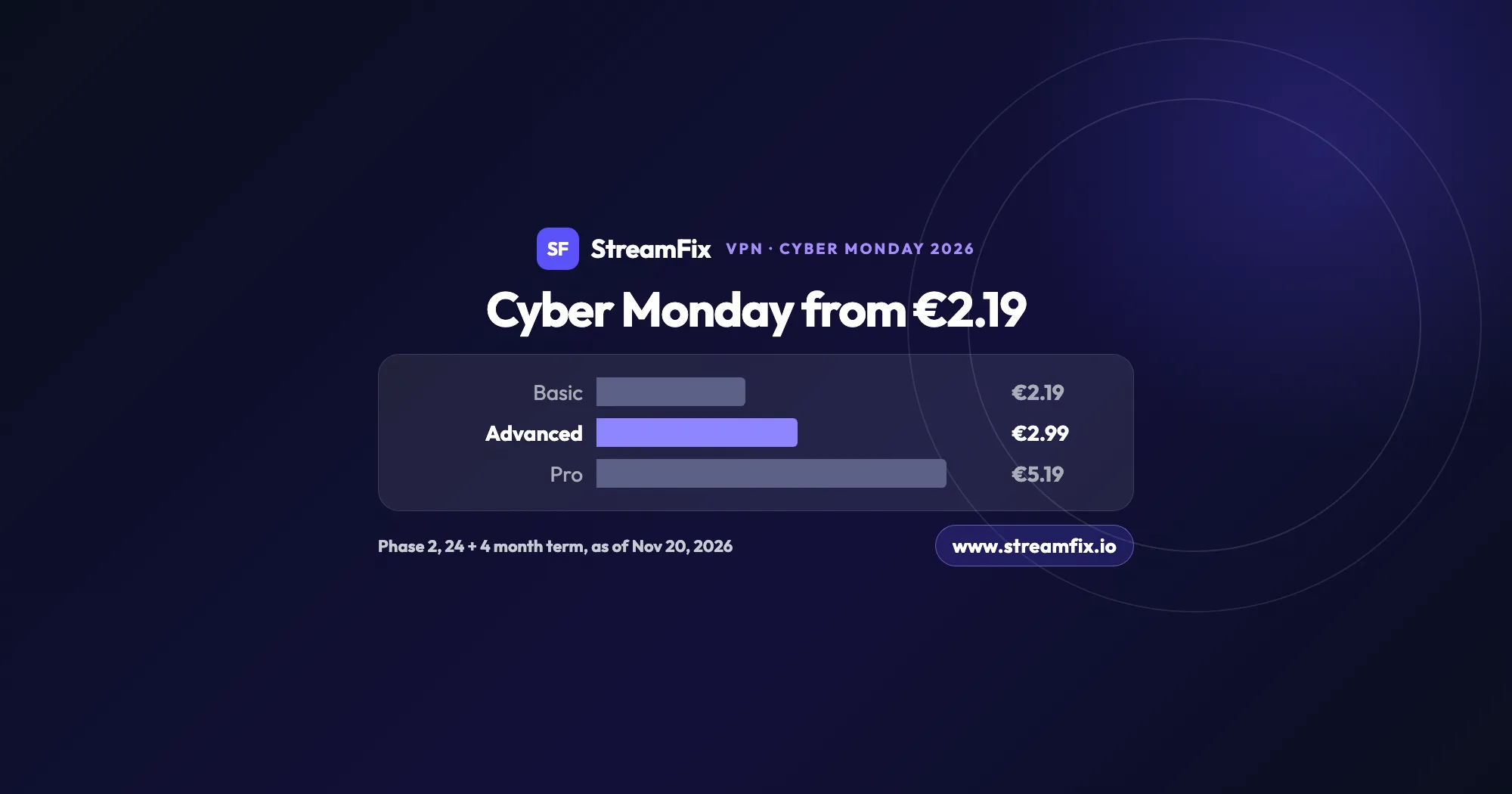
On Cyber Monday, November 30, 2026, Phase 2 of the ExpressVPN Black Friday sale applies: Basic €2.19, Advanced €2.99 and Pro €5.19 a month on the 24 + 4 month term. One subscription covers 10, 12 or 14 devices.
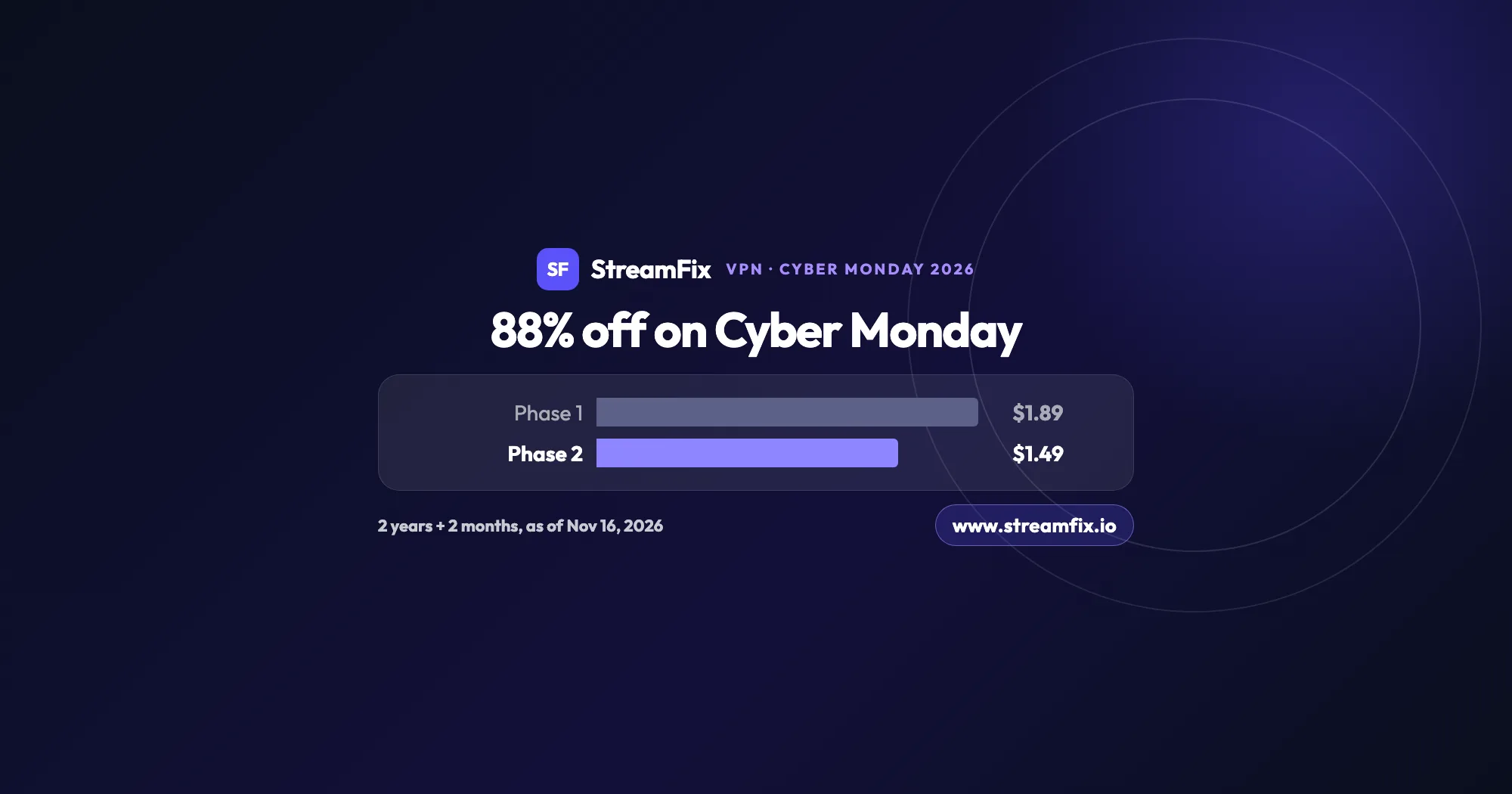
On Cyber Monday, November 30, 2026, Private Internet Access (PIA) costs $1.49 a month, 88% off, on the 2-year plan with 2 extra months. Phase 2 of the sale runs from November 25 to December 2, and one plan covers unlimited devices for your whole household.