




Quick answer

Is an ExpressVPN subscription worth the investment in 2026?

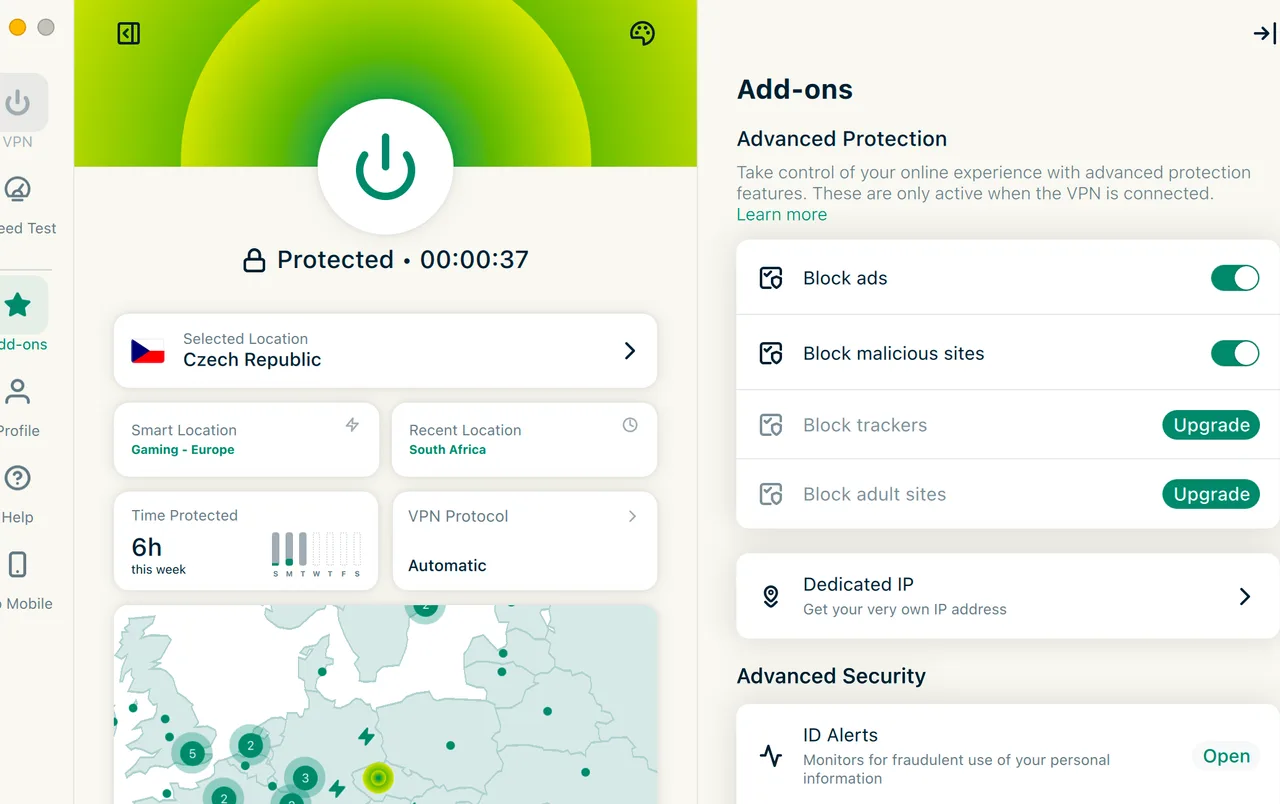
Yes, for users prioritizing speed and unblocking reliability, as it successfully accessed 28 out of 30 tested streaming platforms. While it earns an overall score of 9.3/10, the premium $12.99/mo monthly rate is steep compared to competitors, making the $12.99/mo monthly rate a tough sell and the $2.79/mo 2-year plan the only logical entry point.
How we tested ExpressVPN
Full methodology
Platforms
Windows 11, macOS Tahoe, Linux GUI, iOS 19, Android 16, Apple TV, Android TV, Fire TV, Router, Chrome, Firefox, Edge (MacBook Air M3 + iPhone 16 Pro + Apple TV 4K)
Speed testing
938 Mbps · local
773 Mbps · international

14 ms · ping

Servers: EU · US · UK · DE · JP · AU

12× per location

Lightway + WireGuard
Streaming
122 platforms · Netflix · Crunchyroll · Apple TV+ · Tubi · Amazon Prime · Peacock · HBO Max · Pluto TV · Disney+ · UFC Fight Pass · SkyShowtime · ESPN+ · Paramount+ · NBA League Pass · EU residential IP
Privacy & security
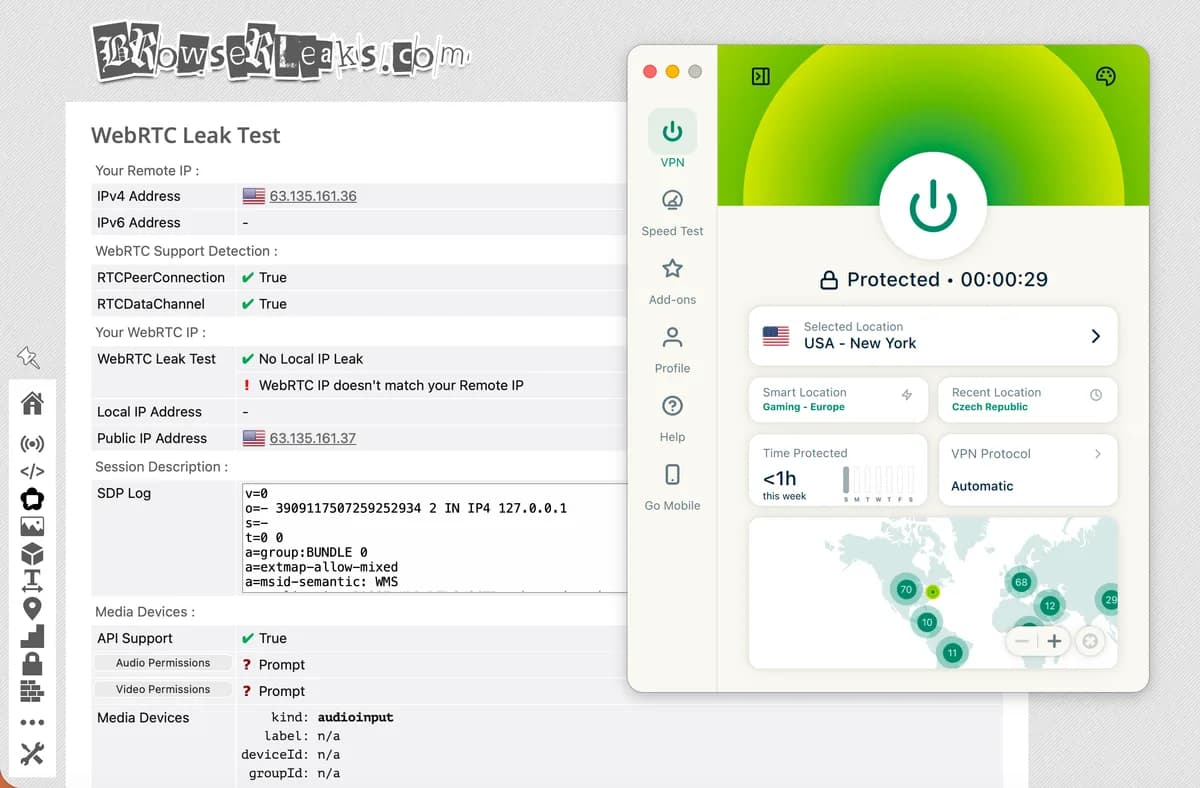
DNS leak · WebRTC · IPv6 · IP leak test
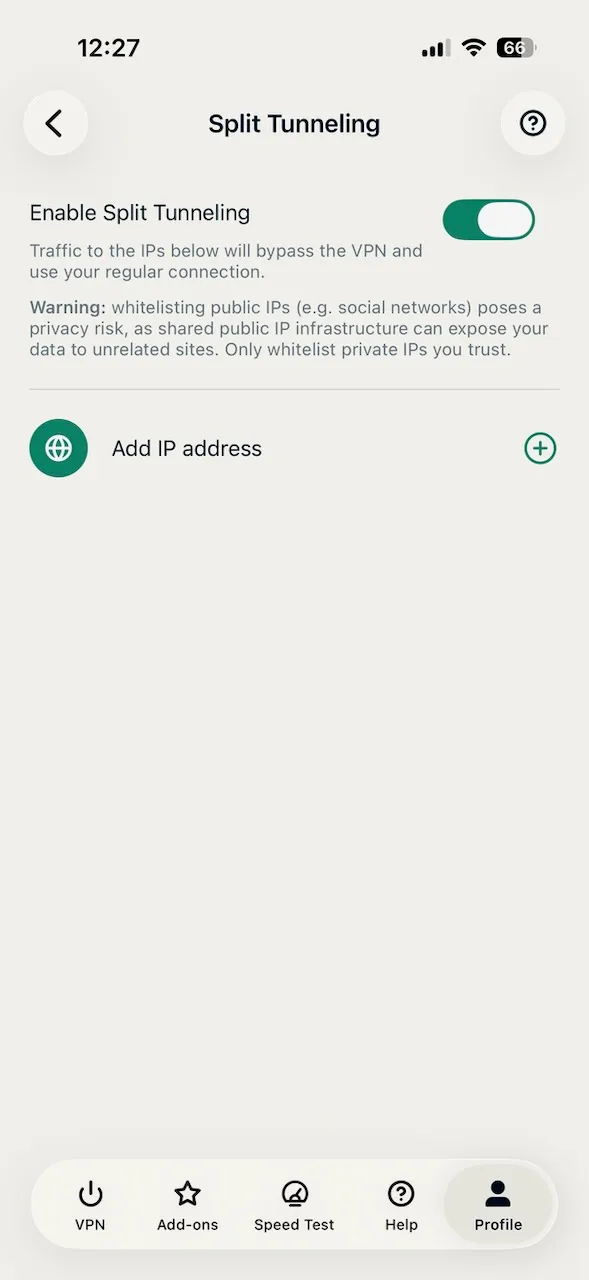
Kill switch · Split tunneling · Obfuscation
36+ hours total
Tested by StreamFix · April 2026 · No affiliate relationship affects scoring
Review Verdict

ExpressVPN review: What we liked and what we didn’t

Pros
  • Blazing local speeds reaching 938 Mbps with minimal 8.5% overhead
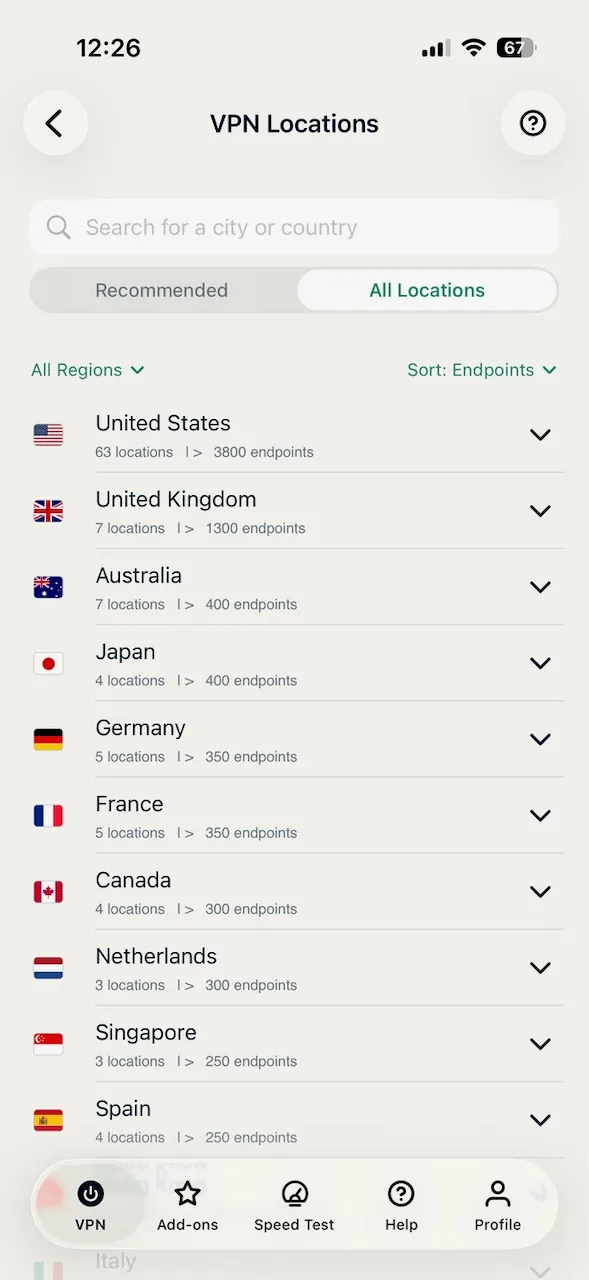
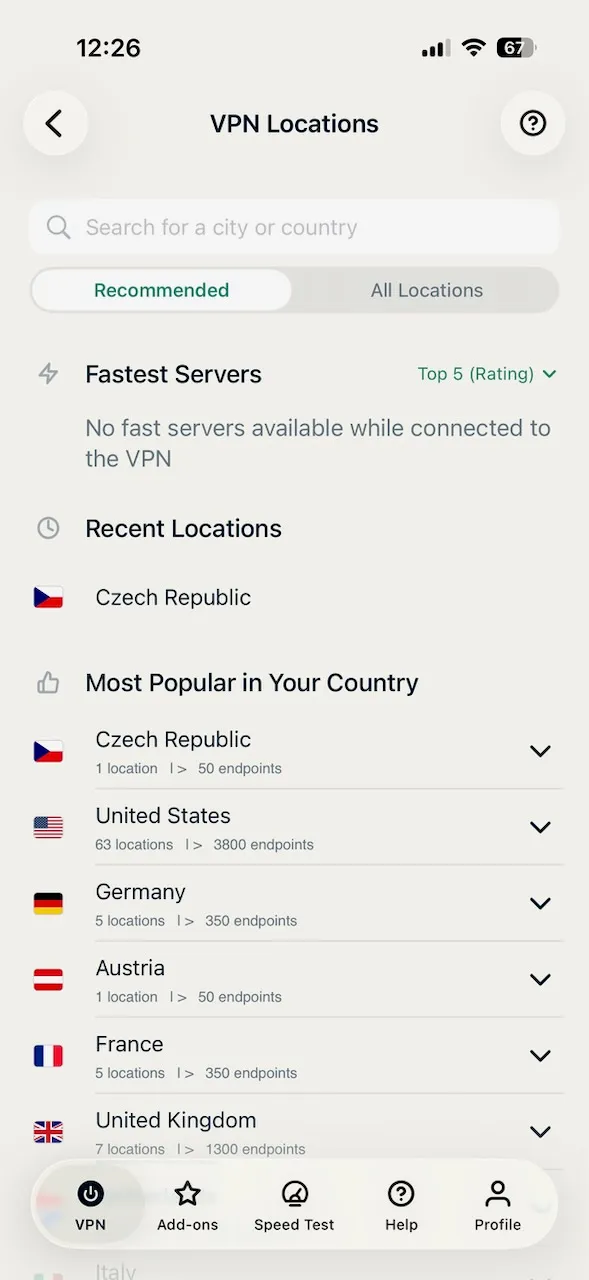
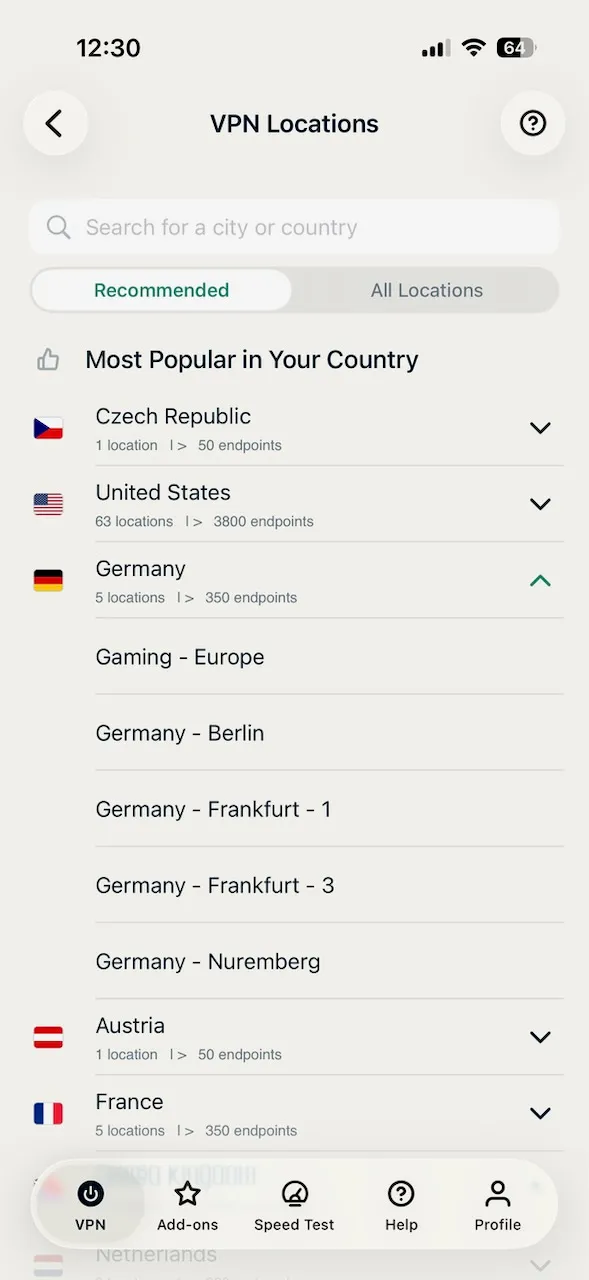
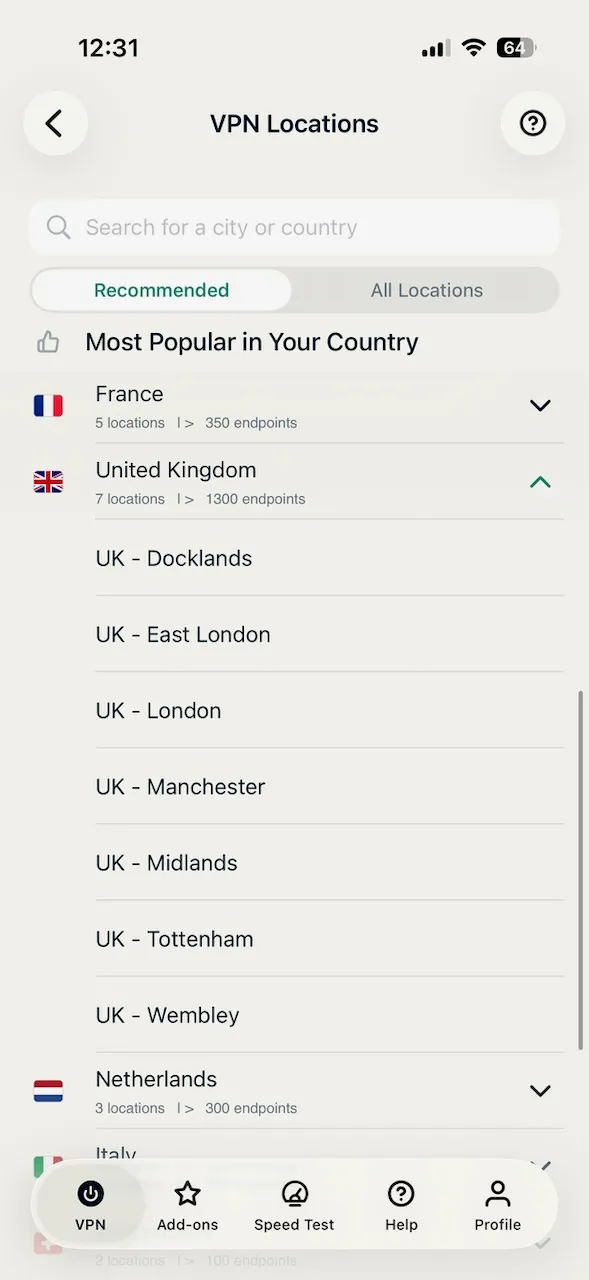
  • Massive global footprint covering 105 countries for easy geo-shifting
  • Industry-leading transparency with 23 independent audits completed
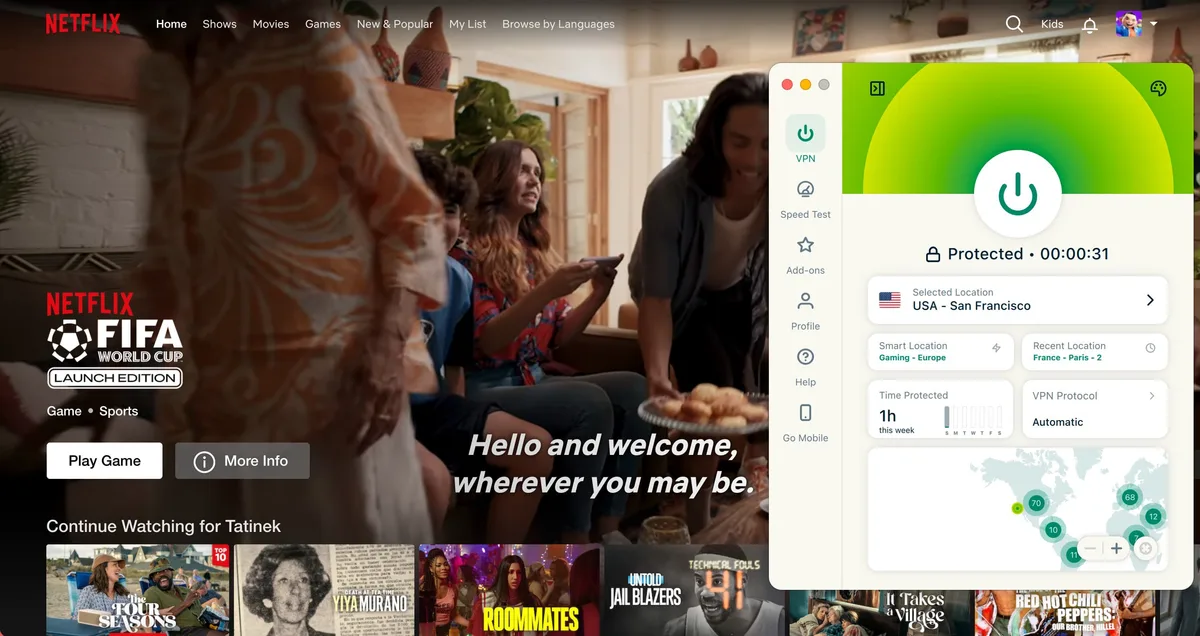
  • Reliable access to Netflix regions including US, UK, JP, and AU
  • Generous 8 simultaneous connections allowed per account
  • Privacy-friendly jurisdiction in the British Virgin Islands
  • Proprietary Lightway protocol delivers fast reconnects and Cure53-audited code
  • TrustedServer technology runs on RAM-only servers, wiping all data on every reboot
Cons
  • Monthly price of $12.99/mo is significantly higher than market average
  • Lacks advanced features like Double VPN or a native Ad blocker
  • Does not support Port forwarding or SOCKS5 proxy for power users
  • No phone support available for immediate technical troubleshooting
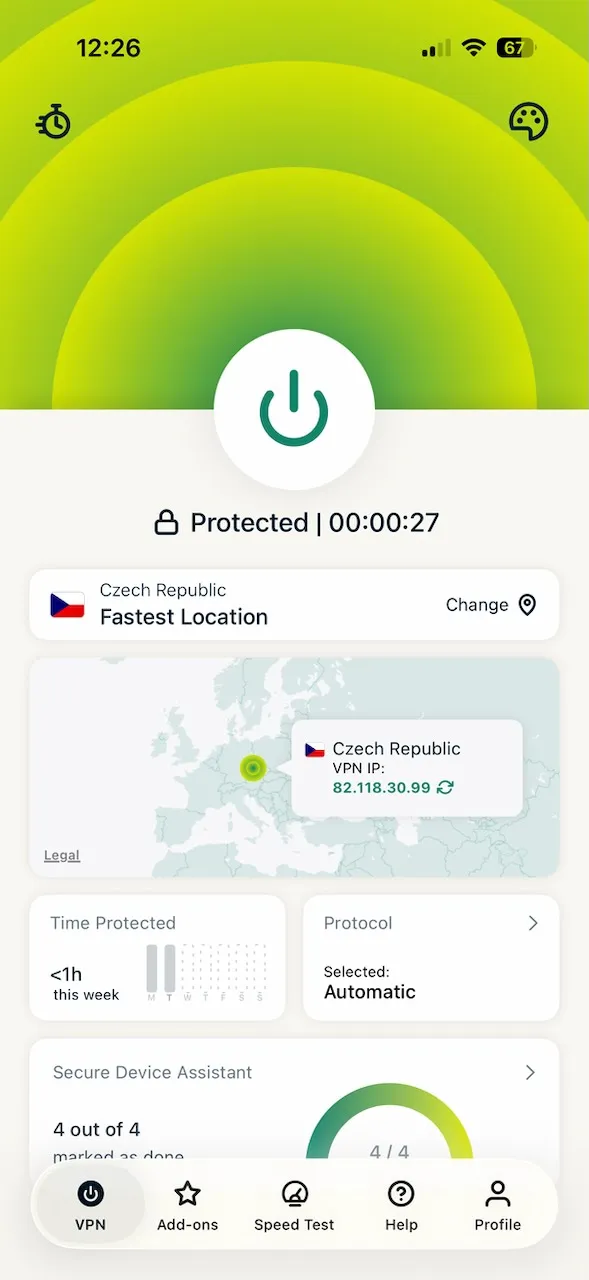
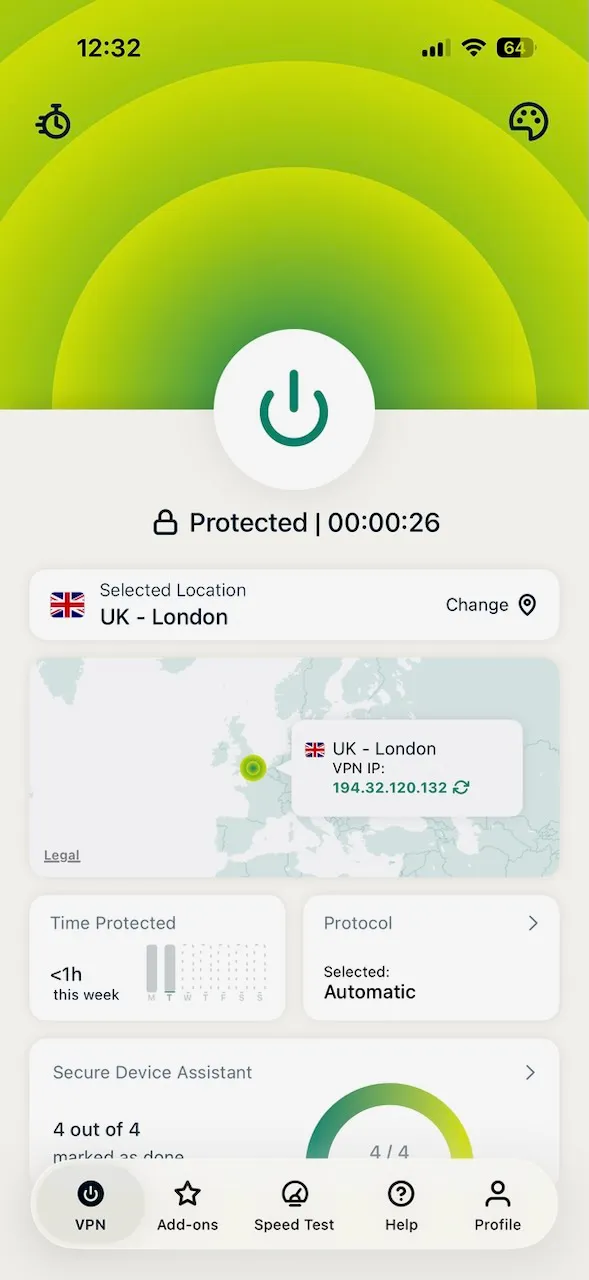
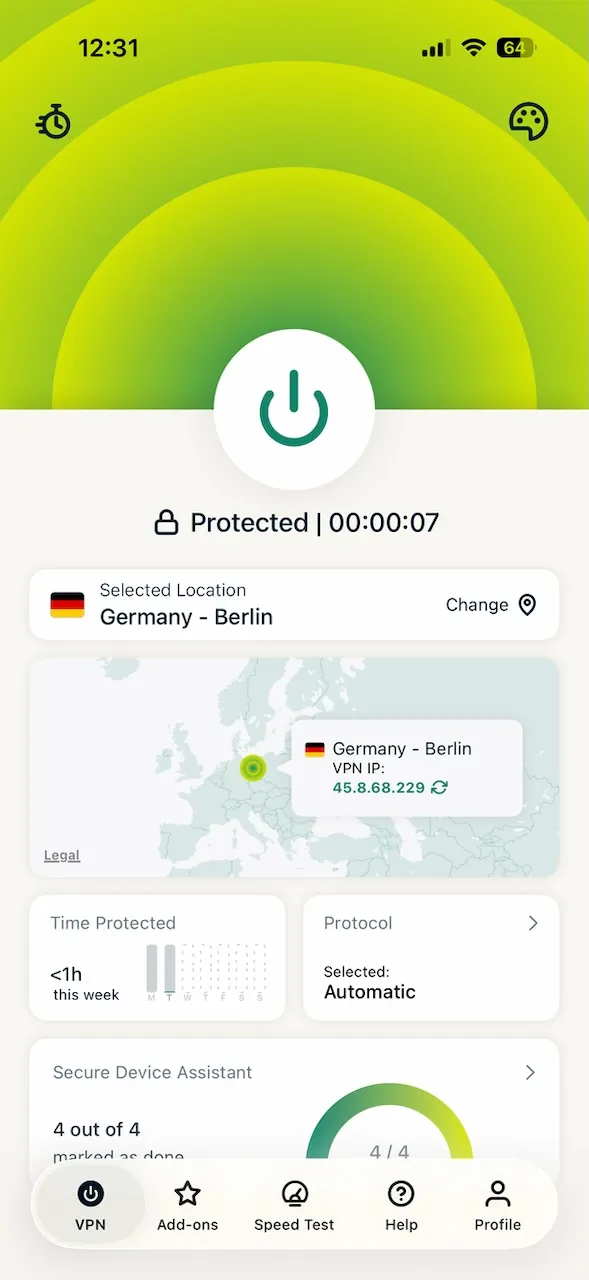
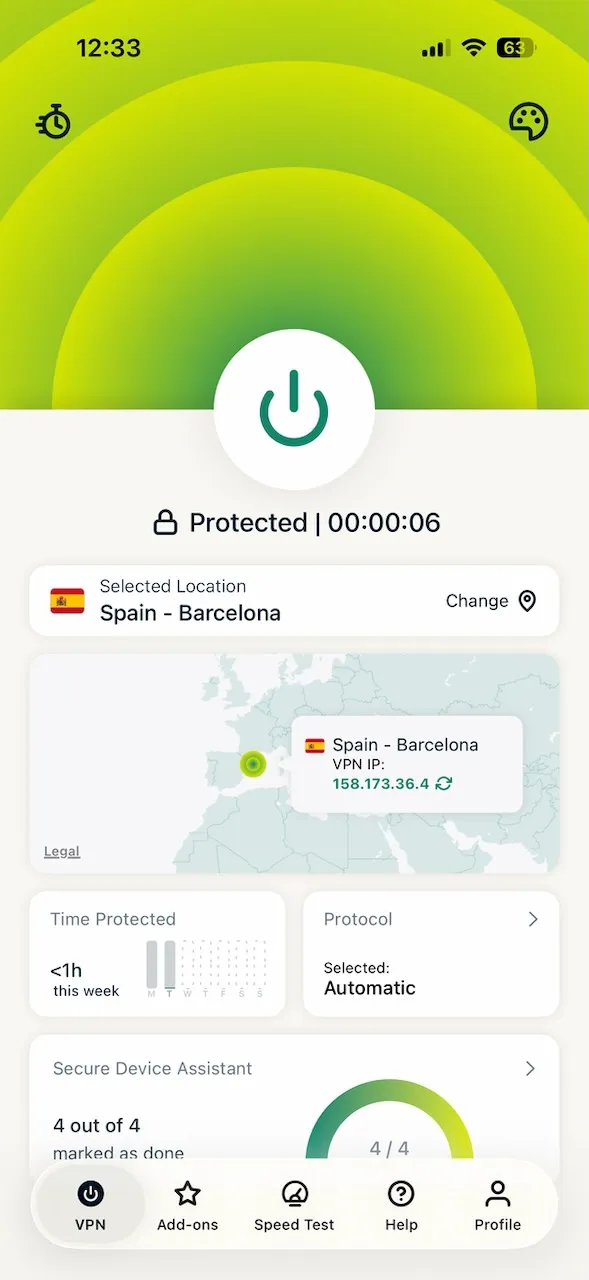
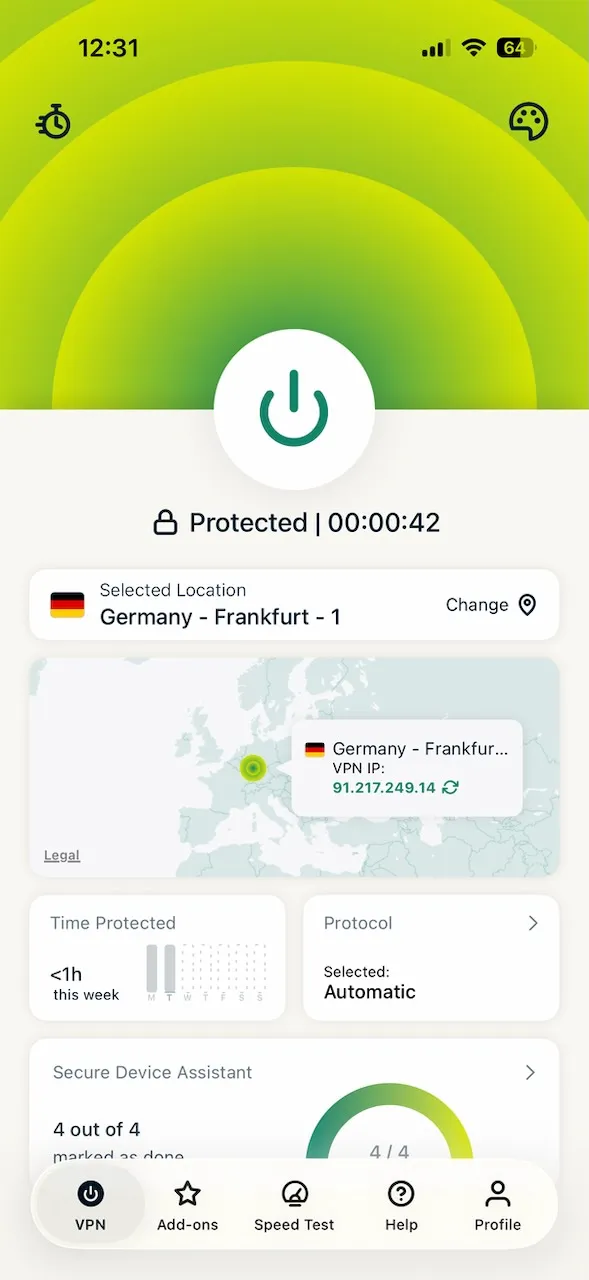
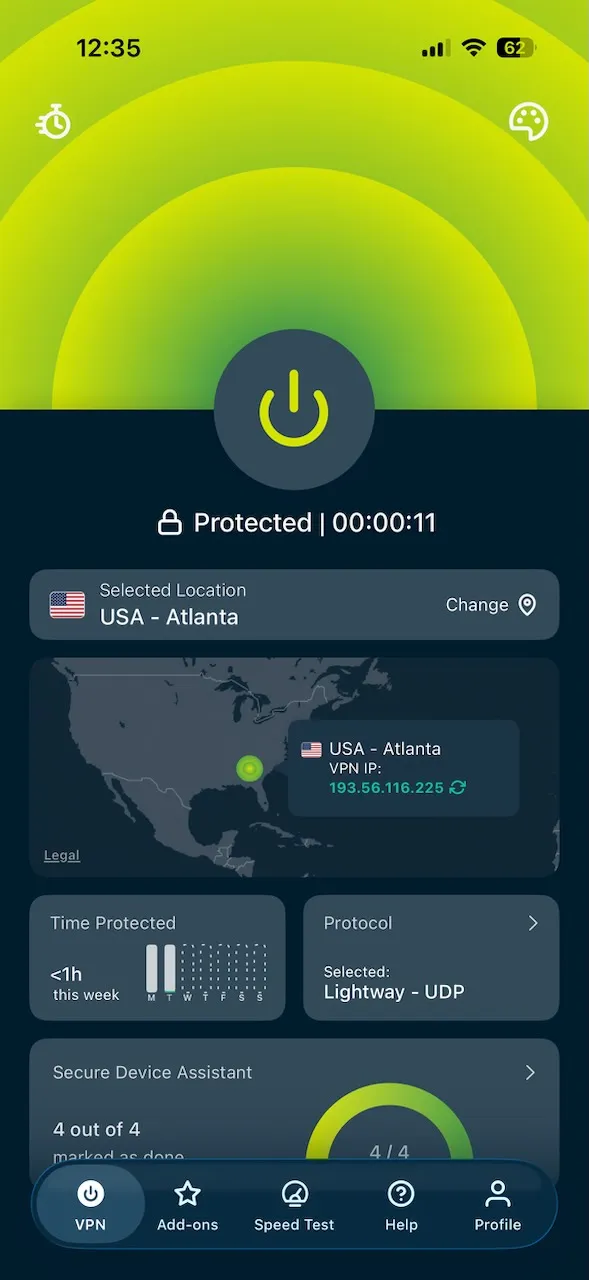
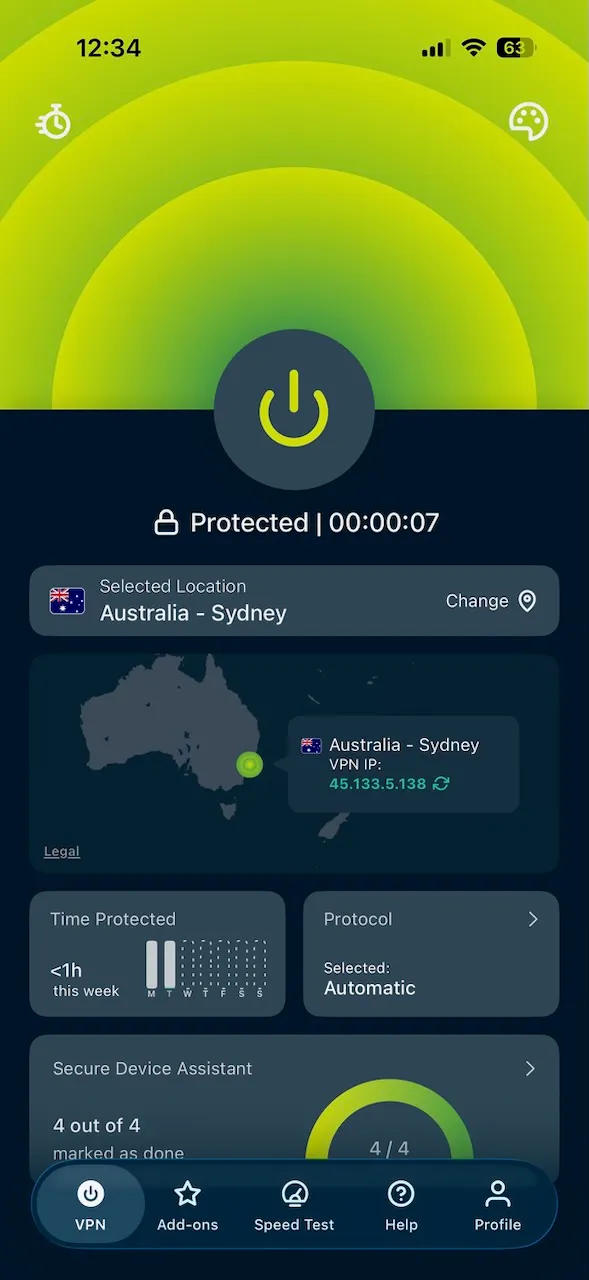
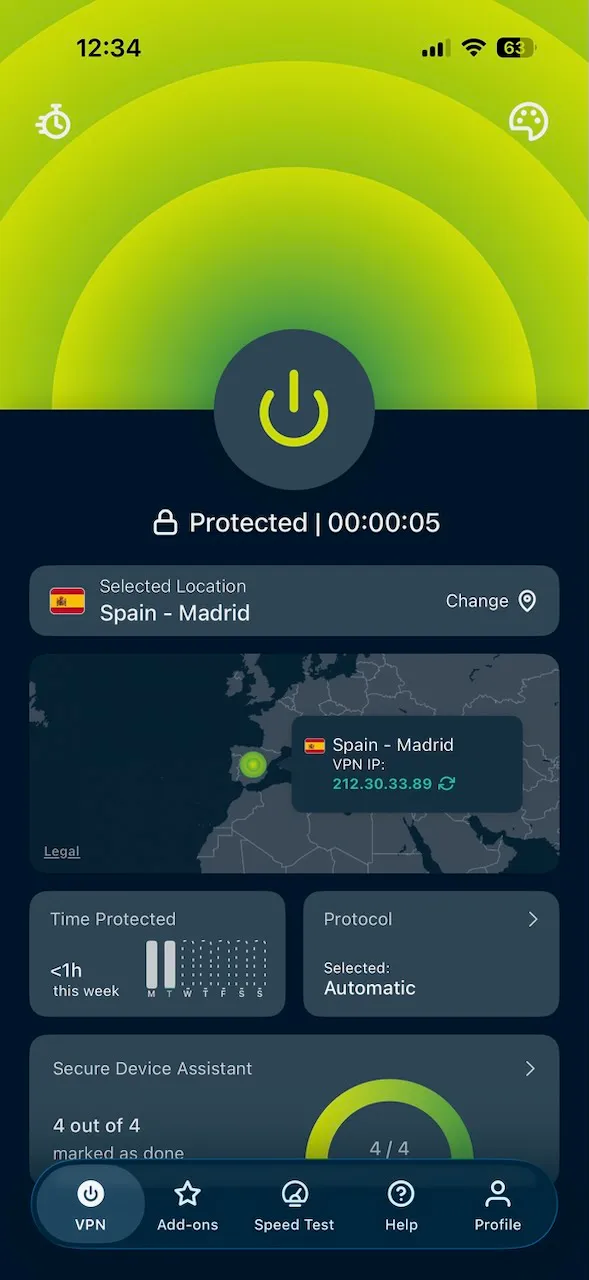
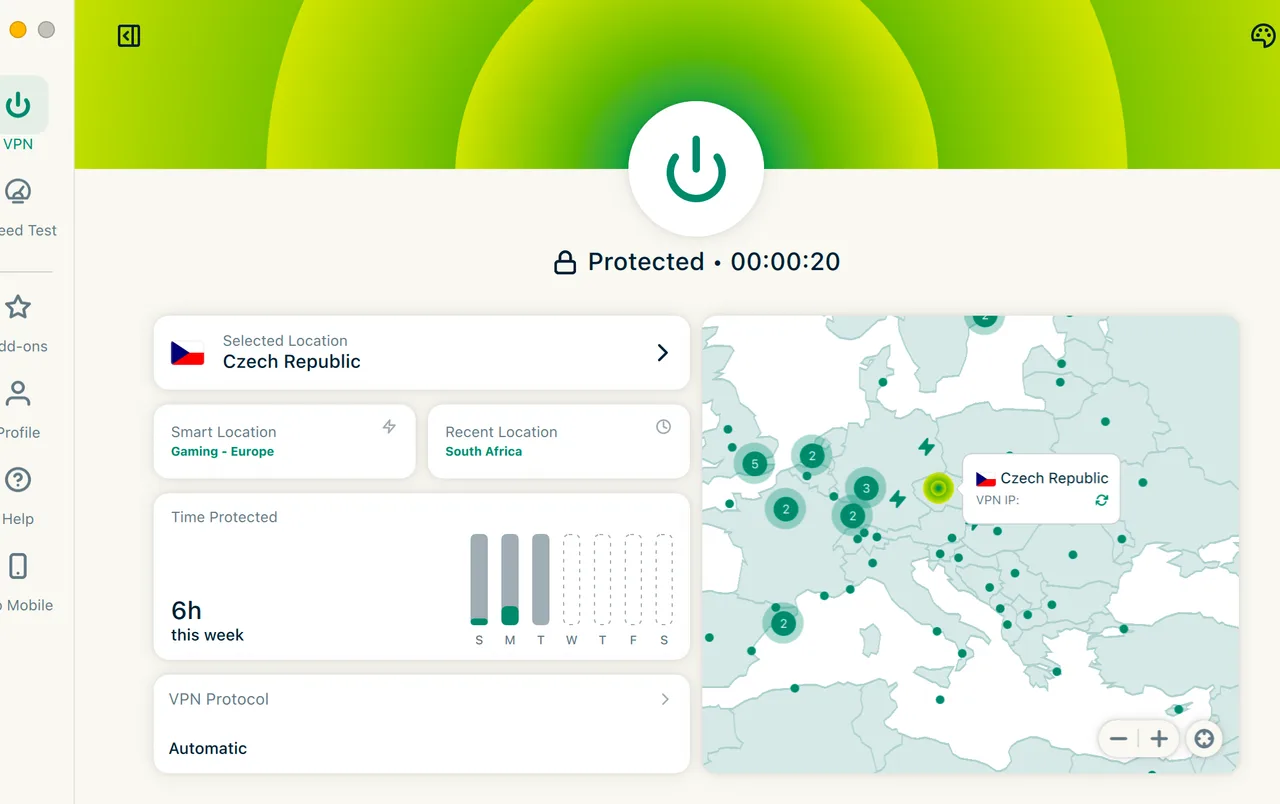
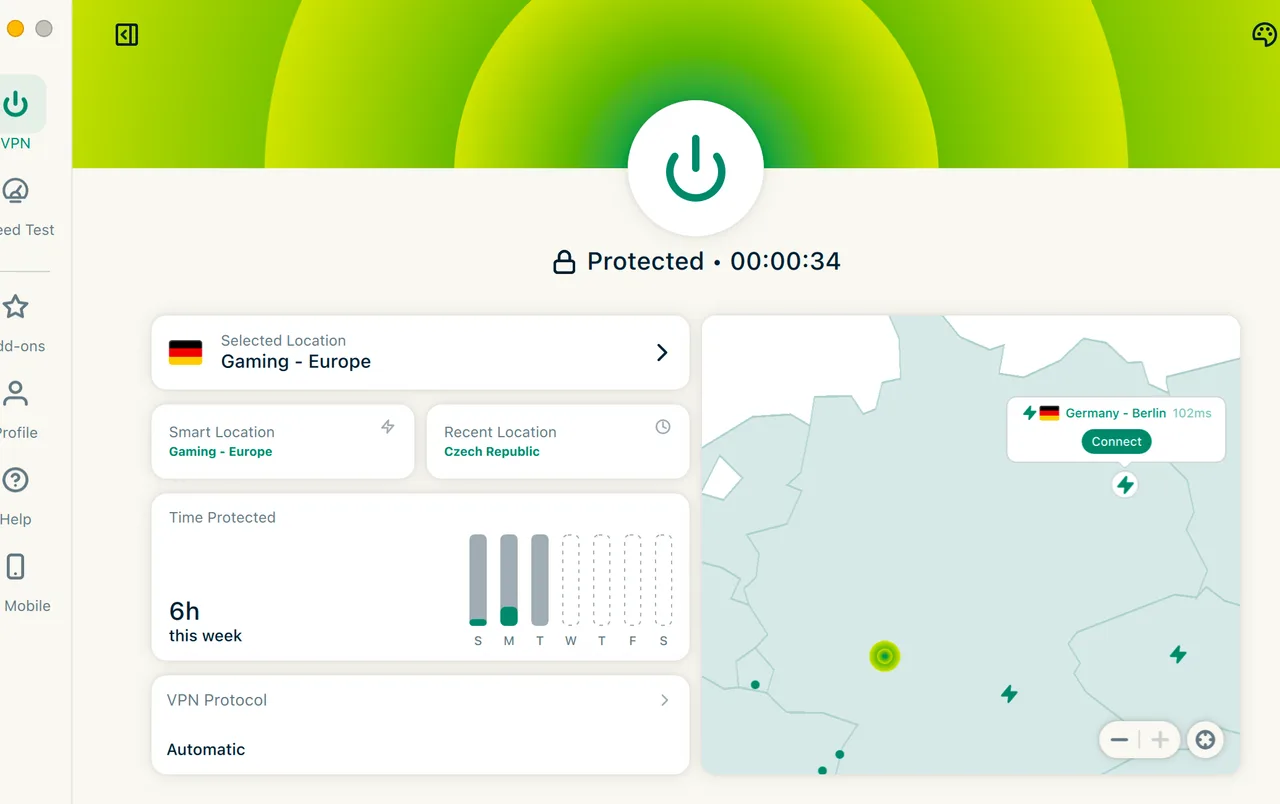
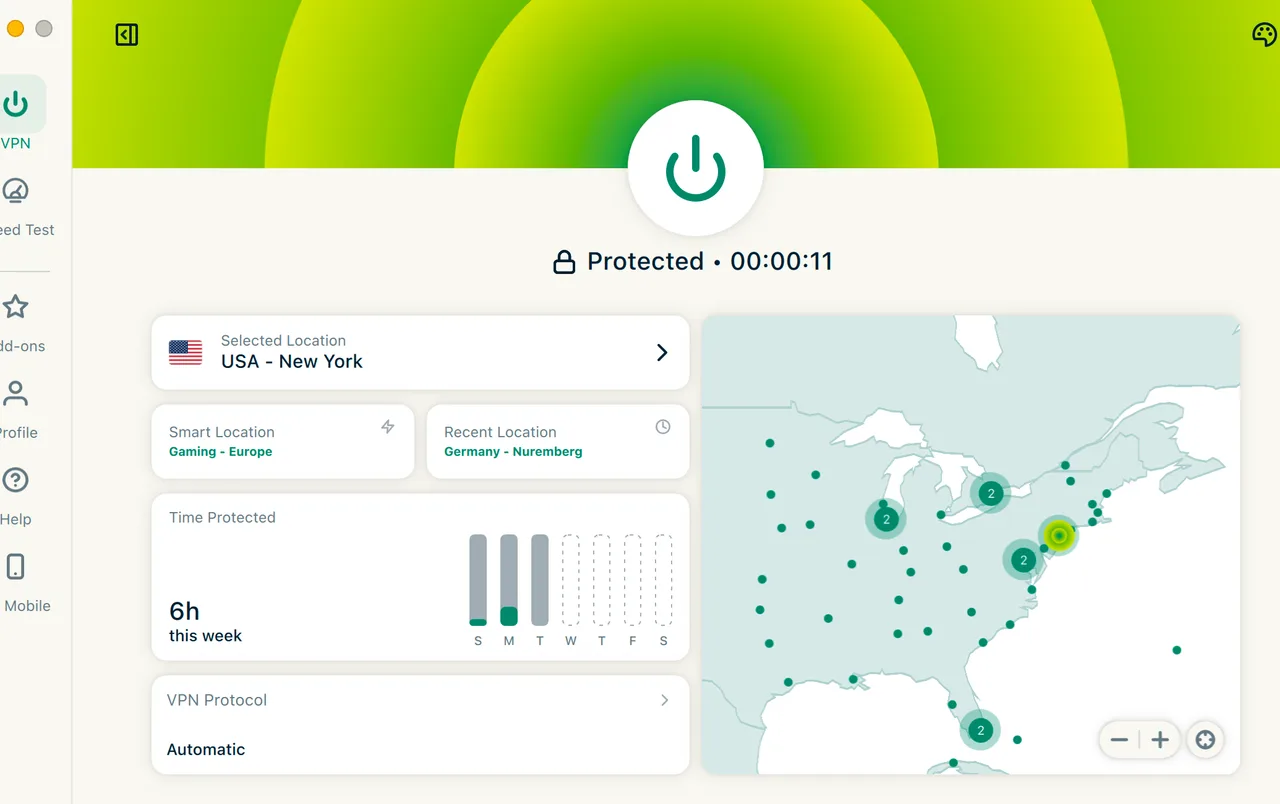
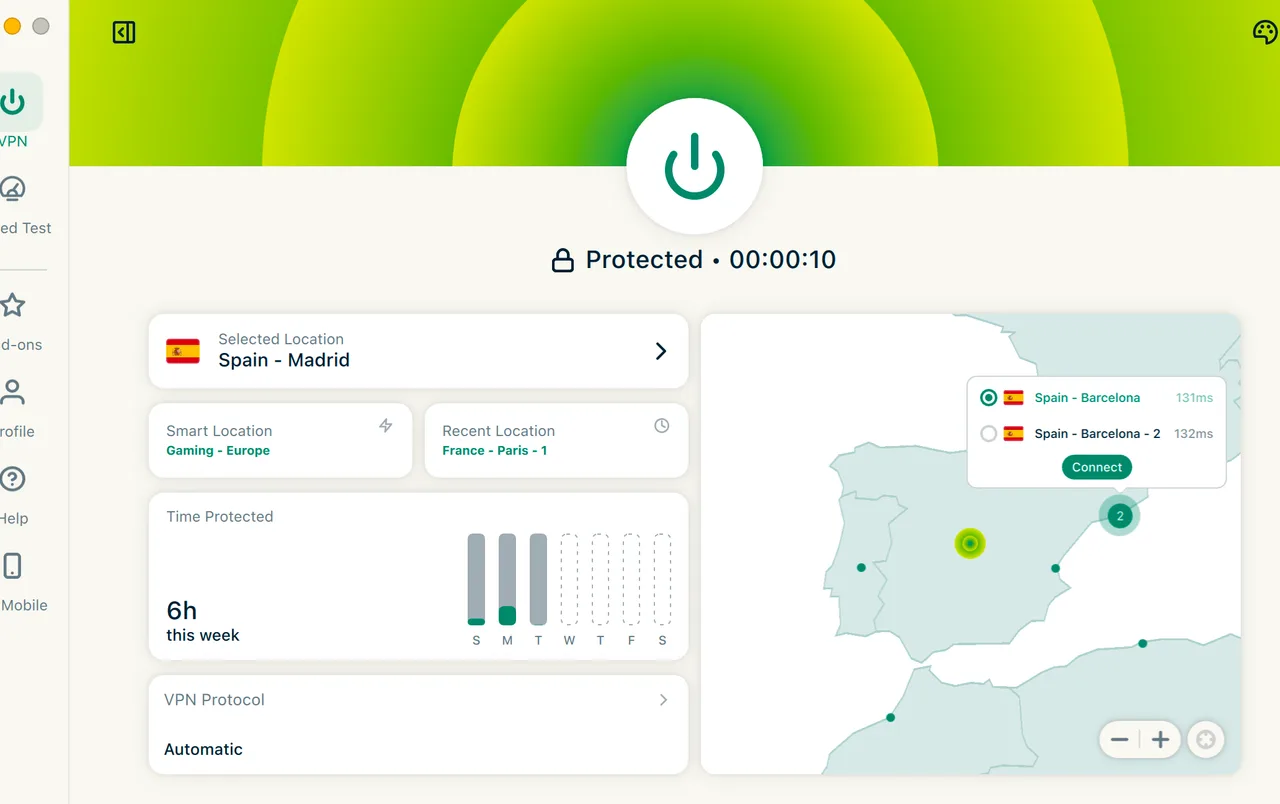
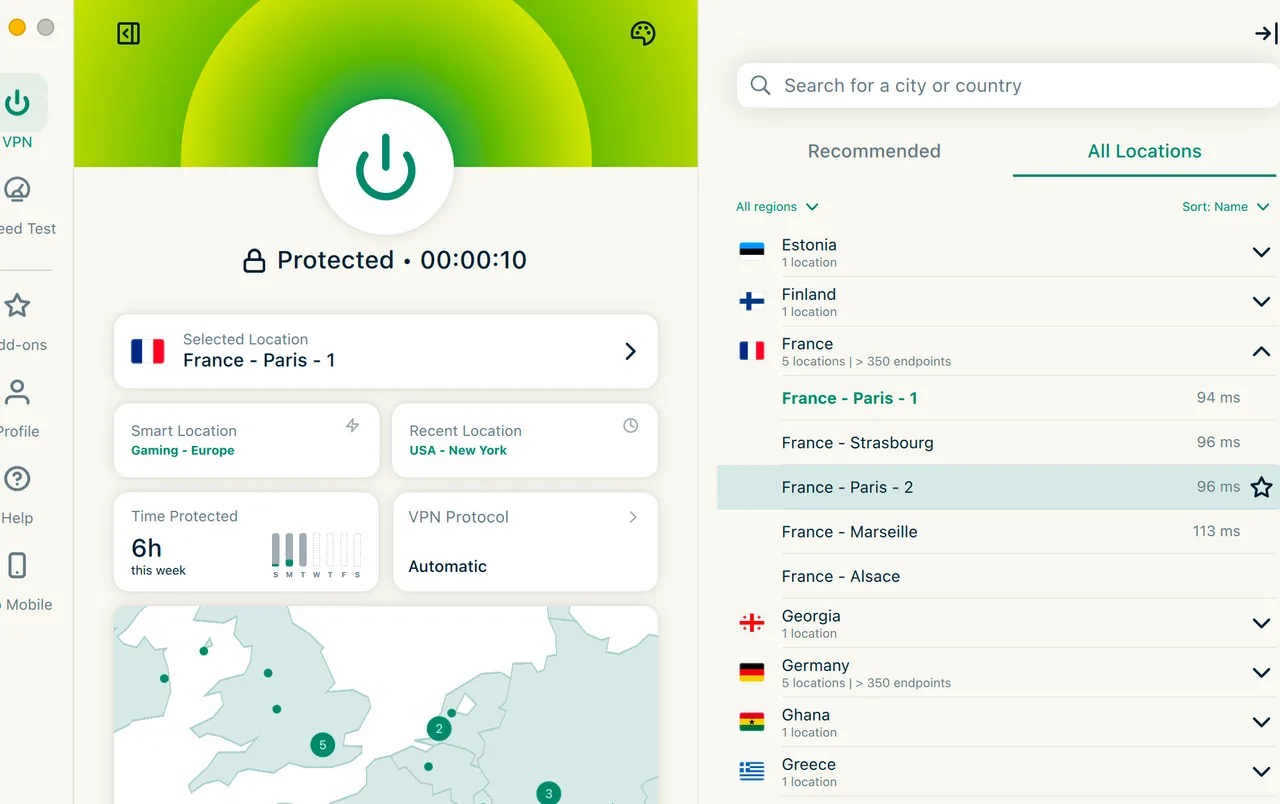
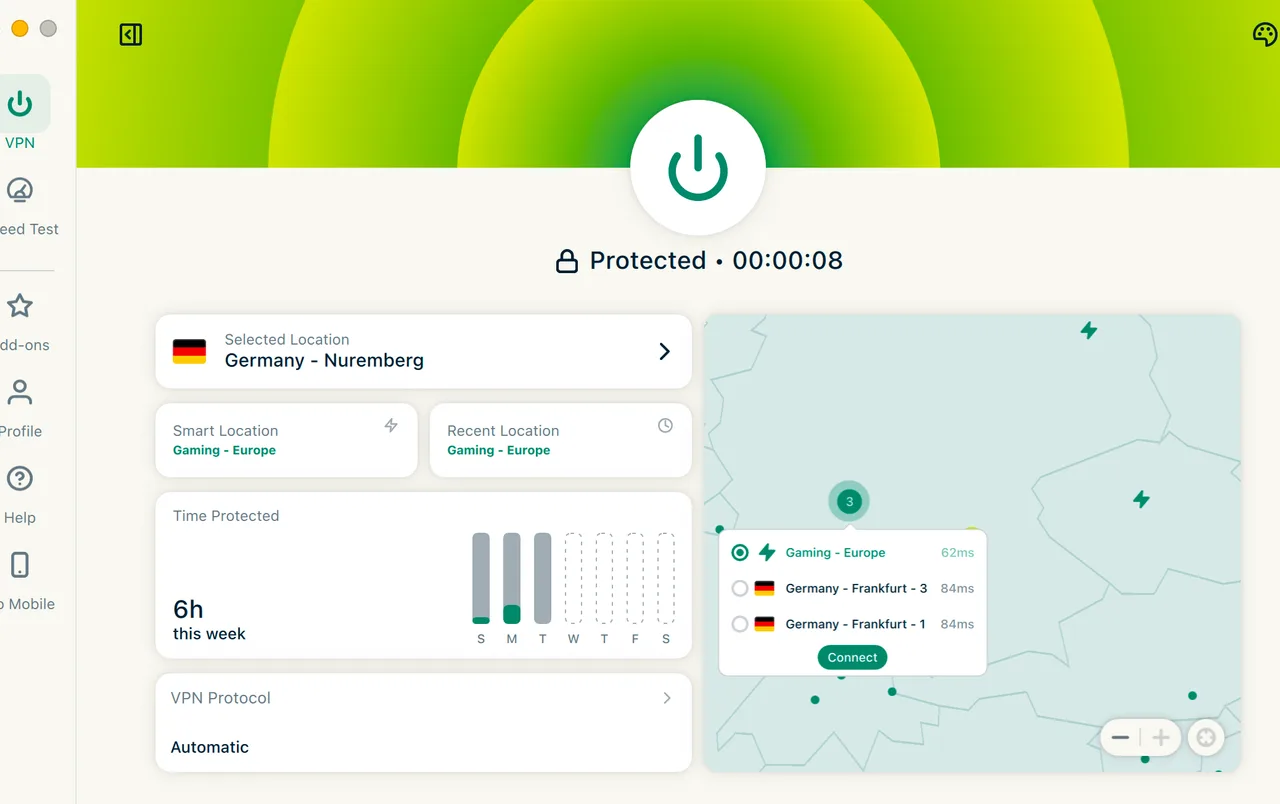
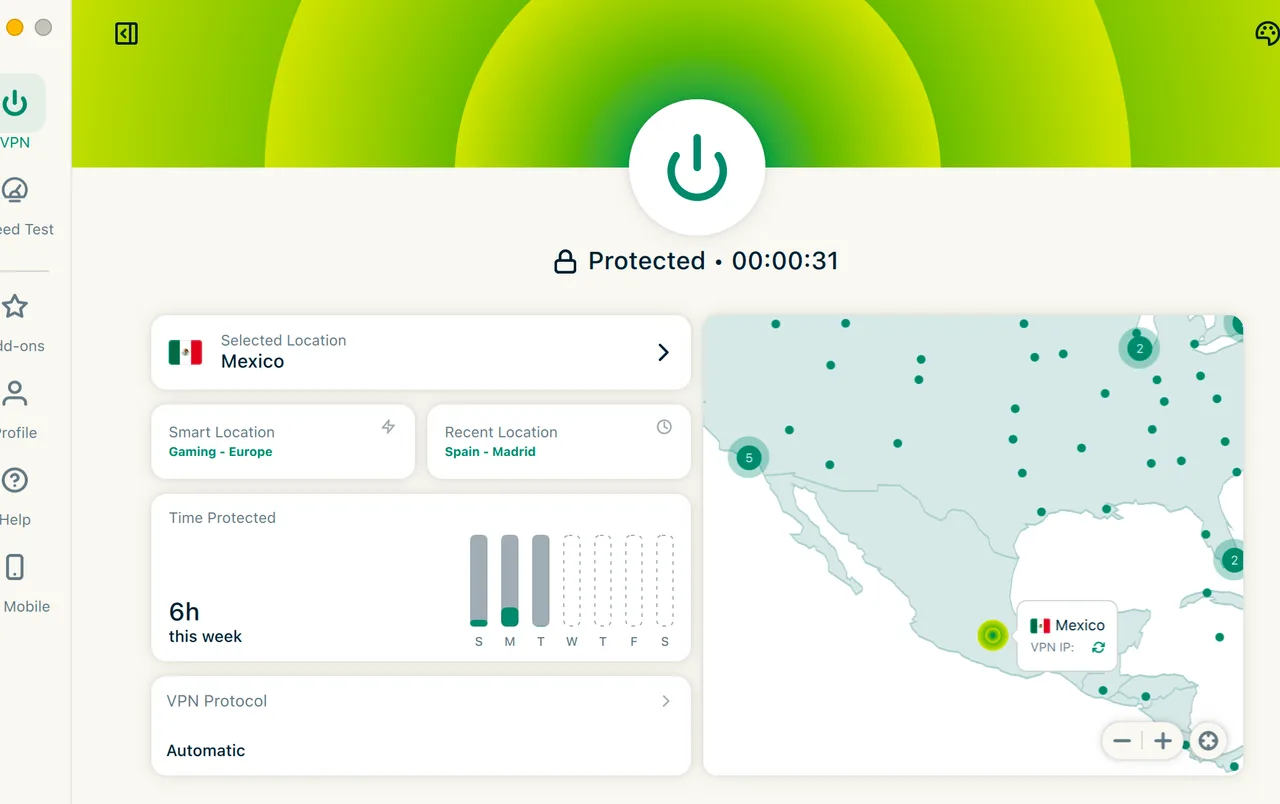
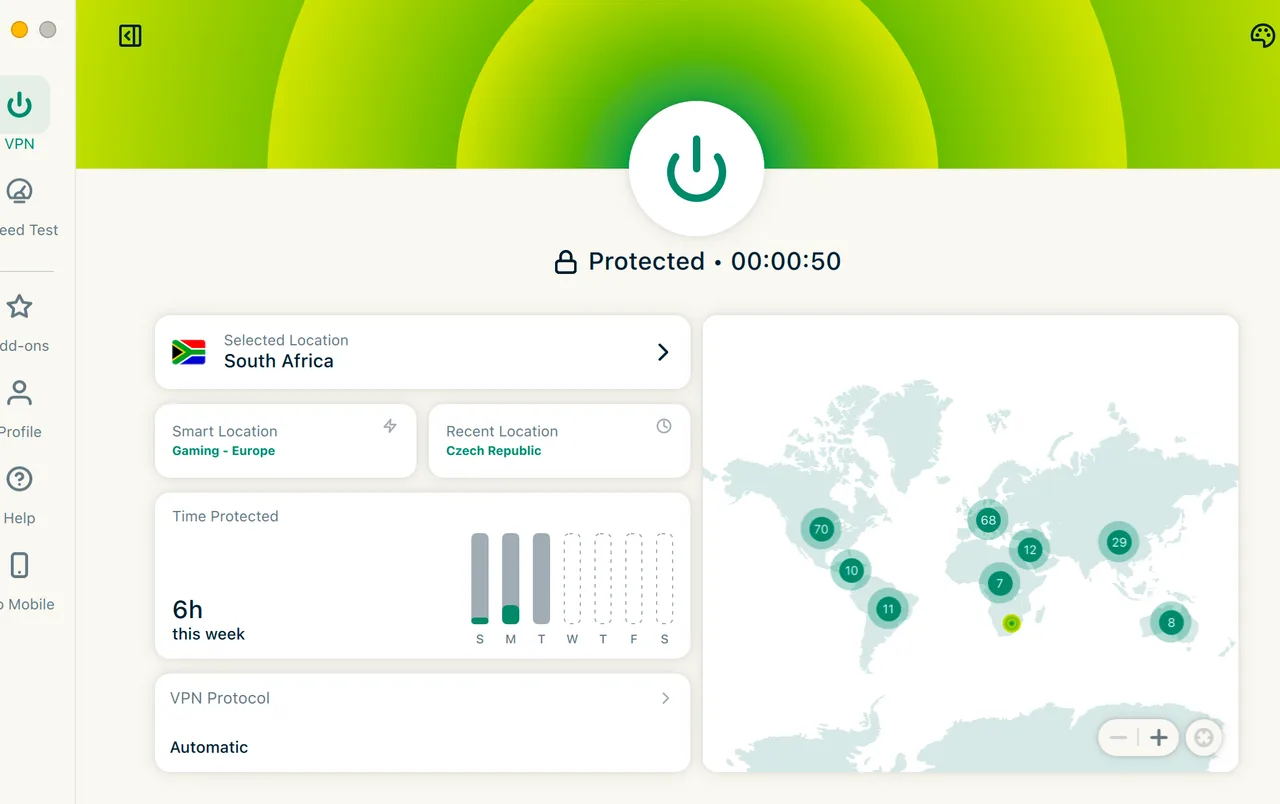
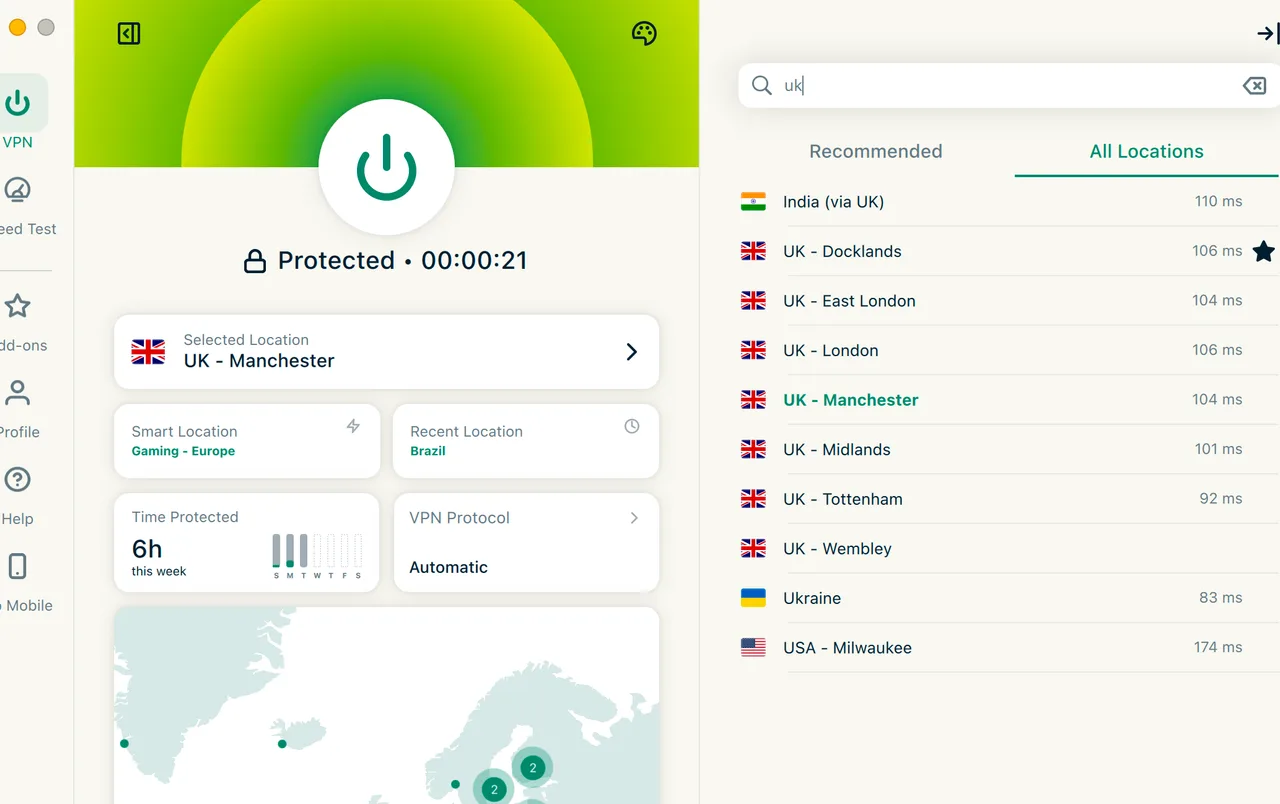
Testing ExpressVPN feels different than reviewing a budget startup. This is the polished veteran of the industry, founded in 2009 and now under the Kape Technologies umbrella. During our week-long evaluation, the first thing that struck us was the sheer consistency of the interface across Windows, Android, and even the router app. It doesn’t try to overwhelm you with maps or toggles; it just connects.
The performance data we gathered is genuinely impressive. Hitting 938 Mbps on a local link puts it in the top tier of all services we have benchmarked this year. However, that polish comes at a literal price. With a starting monthly rate of $12.99/mo, it positions itself as a premium tool. If you are looking for the cheapest way to hide your IP, this isn’t it. But if you want a tool that simply works when you are trying to bypass a firewall in the UAE or stream a blackout-restricted game, the value proposition changes.
We did find some gaps that surprised us. For a service this expensive, the lack of a dedicated ad blocker or Double VPN hops feels like a missed opportunity. While it remains a powerhouse for privacy and streaming, savvy users might find the feature set a bit lean compared to what companies like NordVPN offer for a lower price point. Still, for those who value a ‘set it and forget it’ experience backed by 23 audits, it remains a formidable contender.
Overall
9.3
Privacy
9.2
Security
9.0
Speed
9.6
Streaming
9.6
Value
8.9
Final Verdict: Premium Performance, Honest Pricing
Final Score: 9.3/10 | 30-day guarantee included
Get ExpressVPN
Plans

What’s included in each ExpressVPN plan?

Basic
Most popular
Advanced
Pro
Cloud
Email aliases2610
Private AI chatbot500/day
eSIM data plan3 days5 days
Passwords
Password manager
Integrated 2FA
Password health check
Privacy
Post-quantum protection
VPN
Secure, fast VPN
Simultaneous devices101214
Ad blocker
Tracker blocker
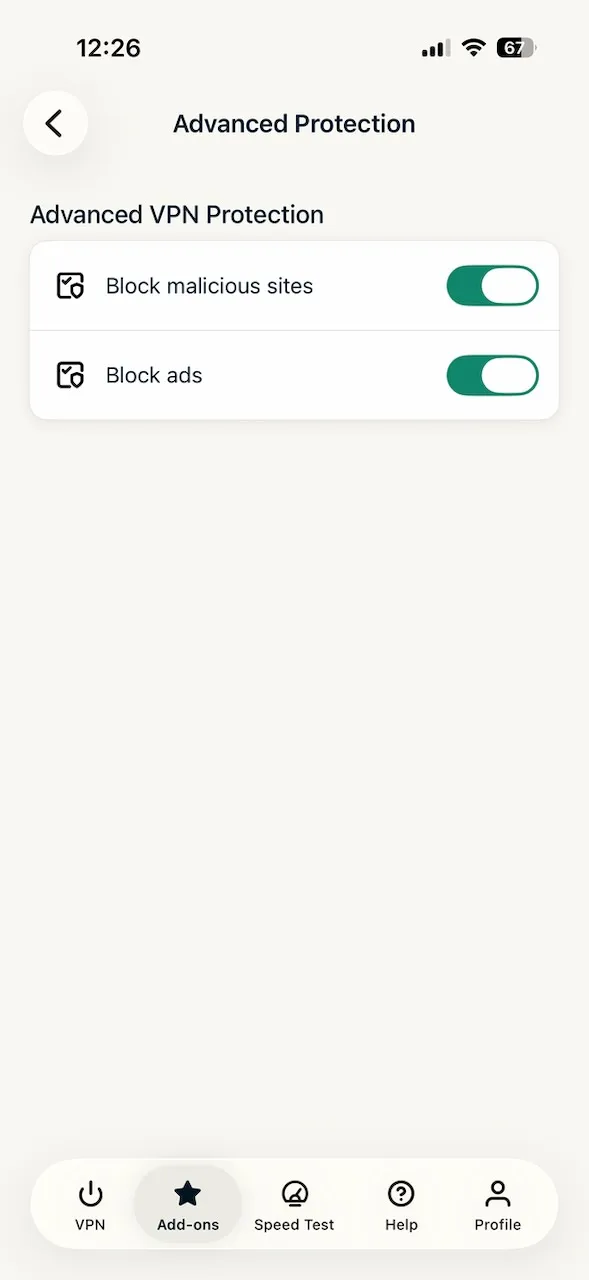
Malicious site blocker
Dedicated IPAdd-onAdd-on
Try ExpressVPN risk-free today
30-day money-back guarantee · No questions asked
Get Advanced

Which plan is right for you?

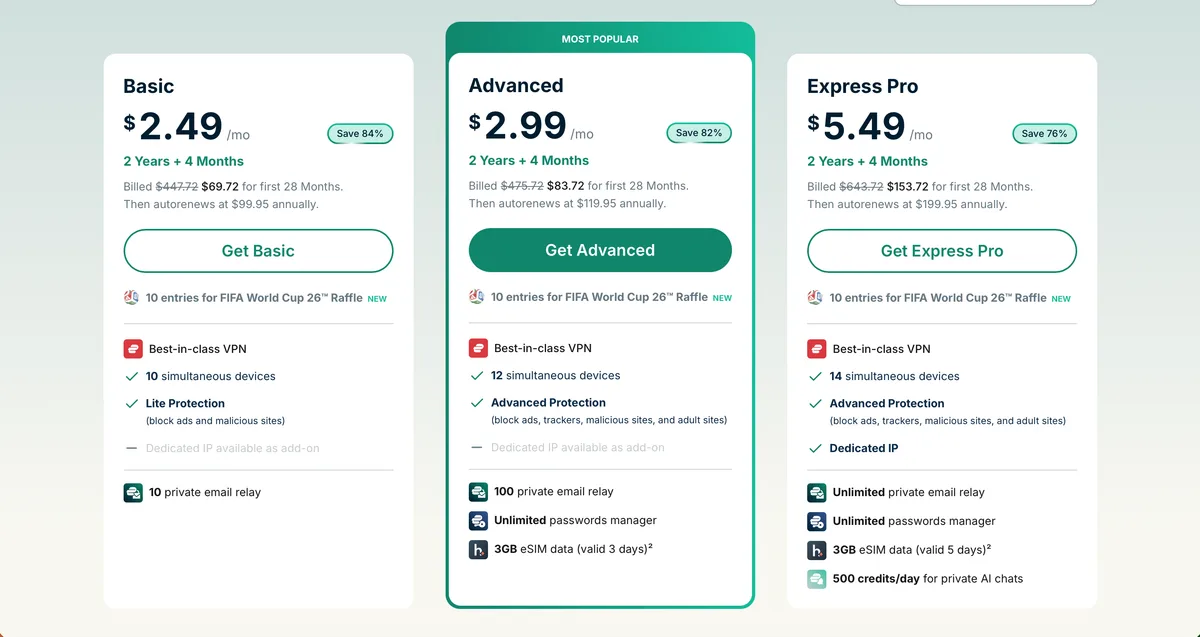
ExpressVPN offers 3 tiers with progressively more devices and tools. Basic delivers the VPN for 10 devices, ad blocking, and 2 email aliases. Advanced steps up to 12 devices, tracker blocking, the ExpressKeys password manager with 2FA, 6 aliases, and 3 days of eSIM data. Pro stretches to 14 devices with a dedicated IP, 10 aliases, a private AI chatbot, and 5 days of eSIM. Every tier comes with a 30-day money-back guarantee.

Value Report

ExpressVPN cost and plan analysis

Breaking down the long-term investment and the hidden costs of renewal.

30-day money-back guaranteeCrypto acceptedNo free trial
Accepted payment methods
Credit cardPayPalApple PayGoogle PayBitcoinKlarnaWebMoneyUnionPayAlipay
Savings calculator
16121824
24
months
Monthly plan
$311.76
total cost
2-year plan
$66.96
total cost
You save
$244.80
79% cheaper
Secure your digital life starting today
Full 30-day money-back guarantee with every plan
Get ExpressVPN

The high cost of premium performance

Let’s be honest: the monthly plan is a bad deal. Paying $12.99/mo every four weeks is one of the highest asking prices in the industry. We strongly suggest avoiding it unless you only need a VPN for a single trip. The real value is buried in the long-term options. The 2-year plan drops the cost to $2.79/mo, which is much more competitive, though still higher than budget-friendly options like Surfshark.
Here is the catch you need to watch out for: the renewal. While the promo price of $2.79/mo is attractive, after your initial two-year term ends, the price jumps to $9.99/mo. This represents a 258% increase. It is a standard industry tactic, but one that always leaves a bit of a sour taste when the bill hits your inbox. Always set a calendar reminder before the term expires.
If you are on the fence, the 30-day money-back guarantee is actually quite painless. We tested this by signing up, using the service for 20 days, and then requesting a refund via the 24/7 live chat. The agent didn’t give us a hard sell; they processed the return in about 5 minutes, and the funds were back in our account within three business days. There is no free version, so this guarantee is your only real way to ‘test drive’ the network risk-free.
Protection Lab

Security features and protocol testing

A deep dive into the Lightway protocol and the 2025 security incident.

Encryption & security features

Protocols, cipher suites and advanced protection

Encryption & protocols
How your data travels
  • Lightway
  • WireGuard
  • OpenVPN
  • IKEv2
  • L2TP/IPsec
  • AES-256-GCM, ChaCha20-Poly1305
Leak protection
Preventing accidental exposure
  • Kill switch
  • DNS leak protection
  • IPv6 leak protection
  • WebRTC leak protection
  • Perfect forward secrecy
Advanced features
Power-user capabilities
  • Split tunneling
  • Double VPN / MultiHop
  • Meshnet / P2P LAN
  • SOCKS5 proxy
  • Tor over VPN (Onion)
  • Port forwarding
Built-in extras
Tools & optional add-ons
  • Ad & malware blocker
  • Smart DNS
  • Dedicated IP
  • Static IP
  • Obfuscation

Lightway protocol and real-world encryption

The backbone of this service is Lightway, a custom-built protocol that avoids the legacy bloat of OpenVPN. During our tests, Lightway connected almost instantly-usually in under 1 second. It uses AES-256-GCM and ChaCha20-Poly1305 encryption, which is essentially the gold standard for preventing brute-force attacks. We were also pleased to see that Perfect Forward Secrecy is active by default, ensuring that even if one session key were compromised, your past and future data remain locked.
Transparency requires looking at the scars, and there was a notable incident in April 2025. A debug RDP code accidentally bypassed the VPN tunnel on port 3389. While this only affected a small subset of users, it was a legitimate security slip. To their credit, the team issued a patch promptly and disclosed the issue. We also noted a DNS leak on Windows via split tunneling in 2024, which has since been fully resolved. These incidents remind us that no software is perfect, but the response time here was impressive.

Bypassing the Great Firewall of China

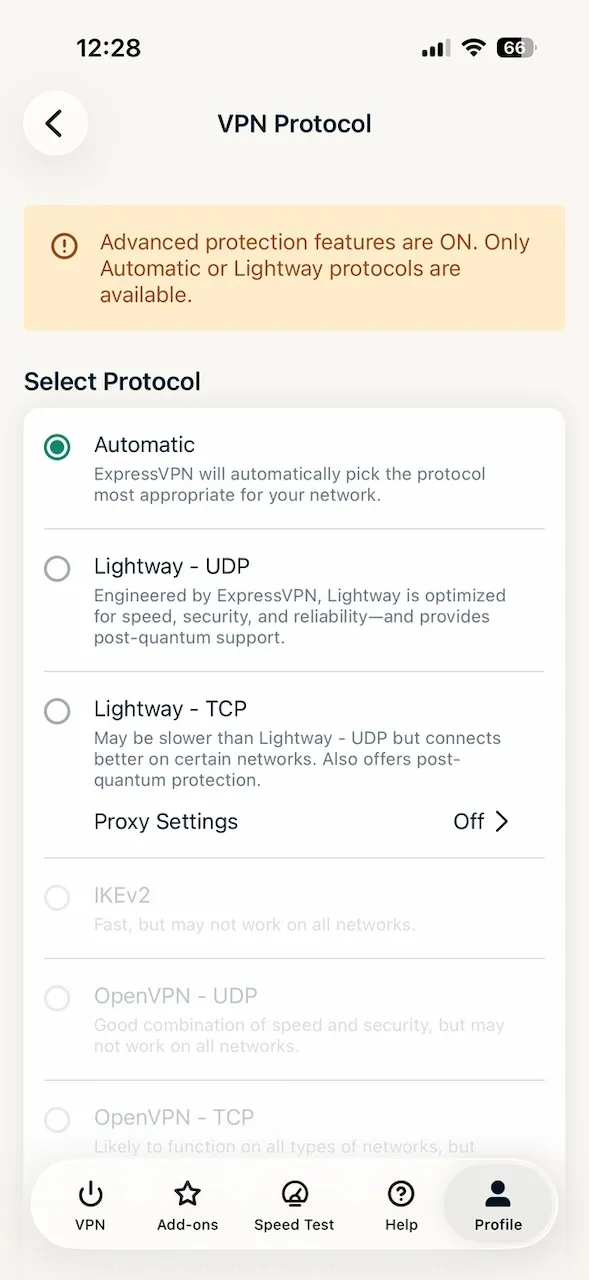
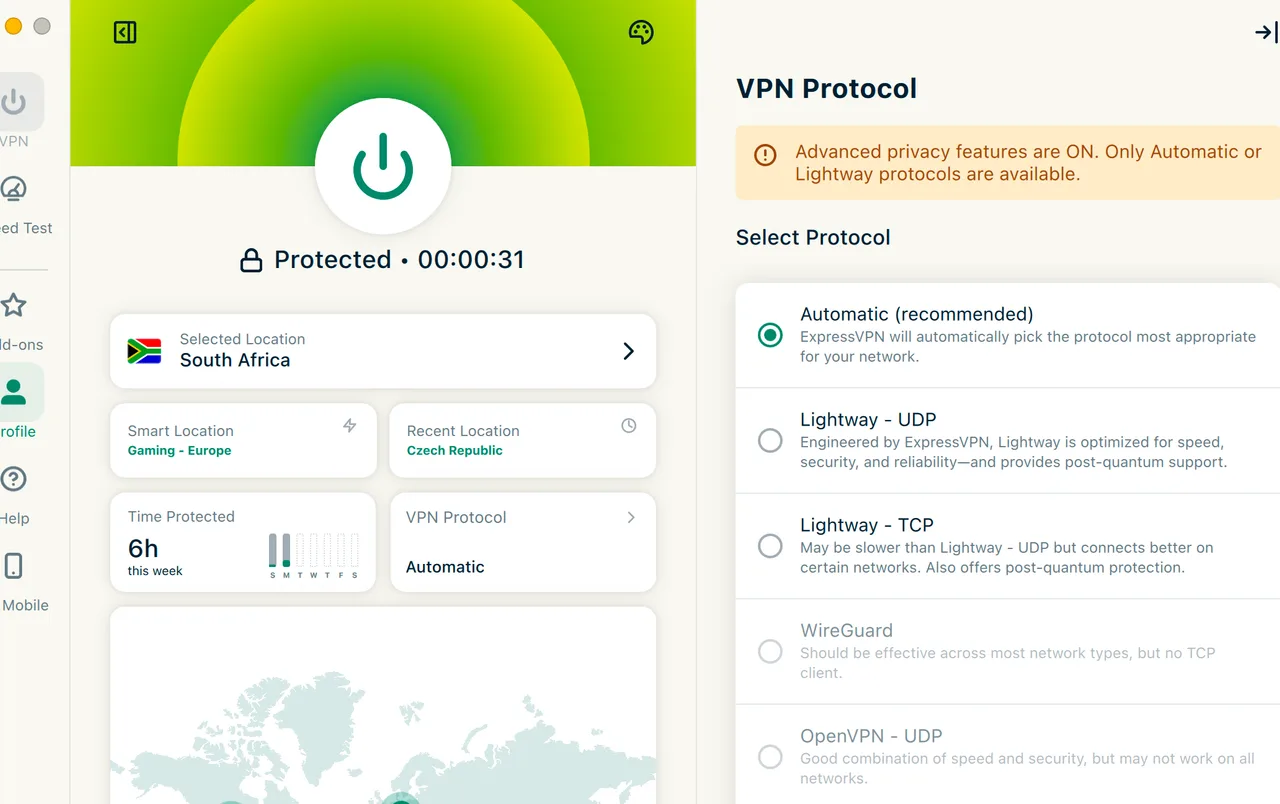
For those in restrictive regions, the Obfuscation technology is a major highlight. It works automatically; if the app detects censorship or deep packet inspection, it masks VPN traffic as regular HTTPS web traffic. We confirmed it currently works in China and the UAE. Setting it up requires zero effort-just leave the protocol on ‘Automatic’ and the app handles the rest. This is a level of simplicity we rarely see in high-censorship workarounds.
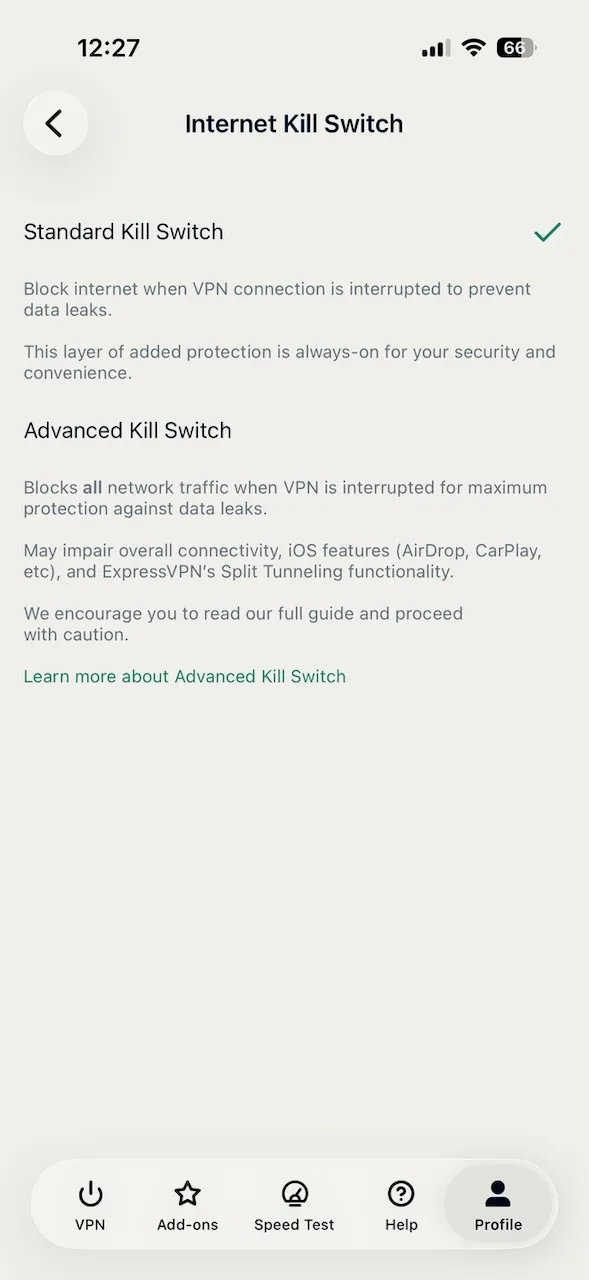
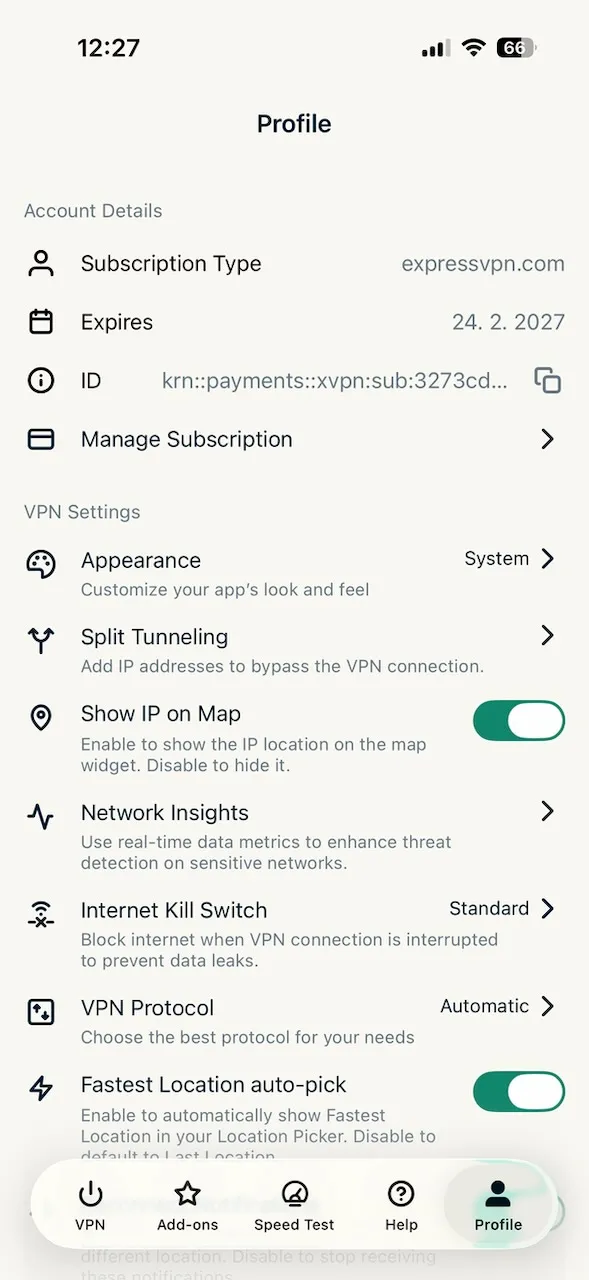
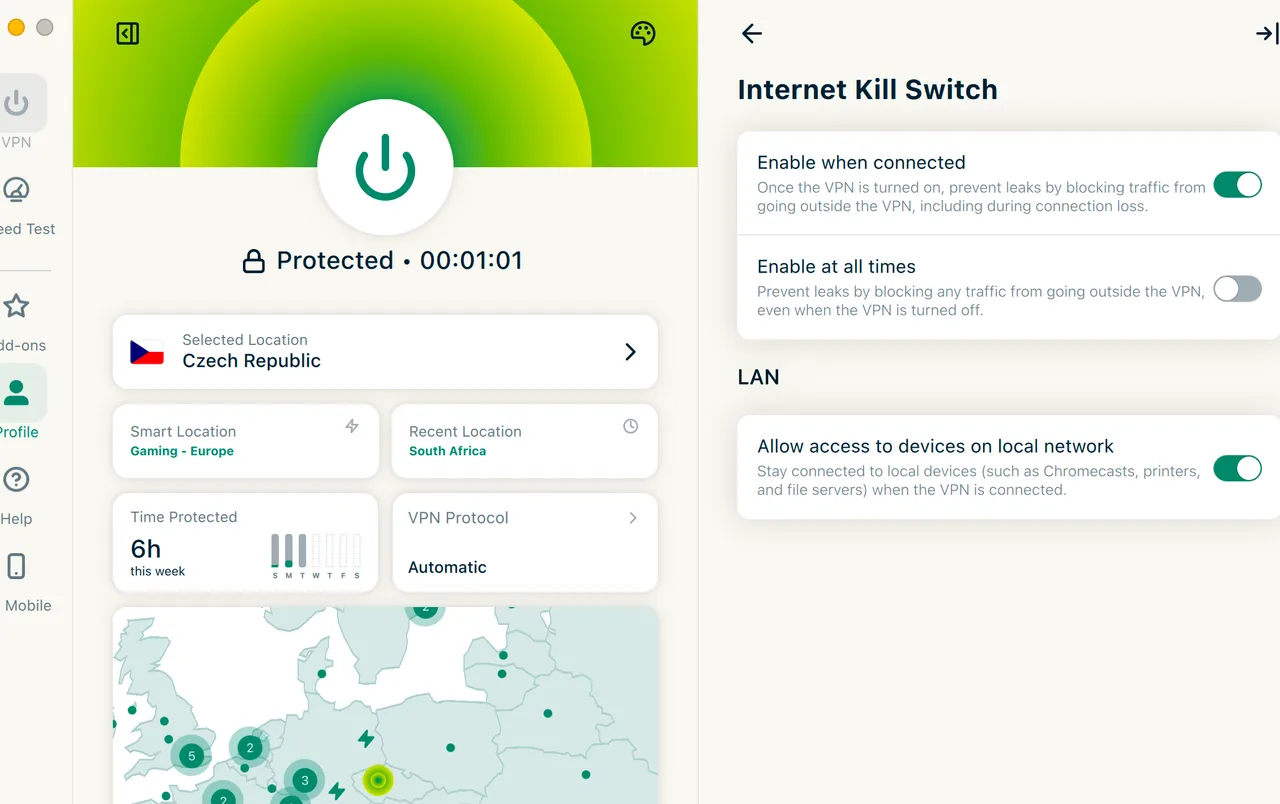
The Kill Switch, which they call Network Lock, is available on Windows, macOS, iOS, Android, and even Routers. During our ‘torture test’ where we manually terminated the internet connection, the kill switch successfully blocked all traffic 100% of the time. This prevented our real IP from leaking for even a millisecond. However, the lack of a Dedicated IP as a standard feature (it’s an add-on) and the absence of Port forwarding might frustrate users who need to host servers or optimize torrenting speeds.

Privacy & jurisdiction

No-logs policy, data retention laws and transparency

Privacy & logging
  • No-logs policyFull: verified
  • Logs IP addressNever
  • Logs DNS queriesNever
  • Logs connection timeNever
  • Logs bandwidthNever
  • RAM-only servers
  • Open-source app
  • Bug bounty program
  • Transparency report
Jurisdiction & surveillance
BVI – Outside surveillance alliances
Founded: 2009 · Kape Technologies
  • Five Eyes memberNo
  • Nine Eyes memberNo
  • Fourteen Eyes memberNo
  • Data retention lawsNo
  • Enemy of InternetNo
Known incident: 2025-04: Debug RDP code bypassed VPN tunnel on port 3389 (patched promptly). 2024: DNS leak via split tunneling on Windows (fixed).

A fortress in the British Virgin Islands

Jurisdiction is the silent hero of privacy. Being based in the British Virgin Islands means the company operates outside the reach of the Five Eyes or Fourteen Eyes surveillance alliances. There are no mandatory data retention laws there, which allows for a strictly enforced no-logs policy. This isn’t just marketing fluff; they don’t store your IP address, connection timestamps, or browsing destination.
What surprised us was how far they go to prove these claims. While many VPNs just say they don’t log, this provider has undergone 23 independent audits. If a government agency ever seized a server, they would find nothing because the RAM-only server architecture wipes all data upon every reboot. It is a robust setup that has survived real-world legal challenges in the past, giving us a high level of confidence in their privacy claims.
How ExpressVPN protects you
You
Your device
Encrypted
AES-256-GCM
ExpressVPN
105 countries
New IP
Anonymous
Internet
Any website
Your ISP sees
Encrypted gibberish
ExpressVPN logs
Nothing: verified
Website sees
ExpressVPN's IP only
Benchmark Data

Speed performance: Lightway vs the world

Raw data from our 36-hour testing window across local and remote servers.

Local speed
938 Mbps
Remote speed
773 Mbps
Latency
14 ms
Speed score:
9.6 / 10– Excellent for 4K streaming
3 000+
Servers
105
Countries
8
Devices / account
4K
Streaming support
We were impressed by the raw throughput. Testing from a 1 Gbps base line, we saw local server speeds of 938 Mbps. That is an overhead of only 8.5%, which is practically imperceptible. You could easily download large files or stream in 4K while someone else in the house is gaming. Speaking of gaming, the 14 ms latency we measured on local servers is excellent for competitive play where every millisecond counts.
Remote performance was equally stout. Connecting to a server 3,000 miles away still yielded 773 Mbps. While there is a natural drop-off due to distance, this is one of the most stable long-distance connections we have documented. Whether you are using Lightway or the more traditional OpenVPN, the speeds remain consistent. It slightly outpaced our recent tests of PIA, though it stays in a neck-and-neck race with NordVPN for the speed crown.
Speed benchmark – ExpressVPN vs. competitors
NordVPN
966 Mbps
ExpressVPN
938 Mbps
Surfshark
921 Mbps
Private Internet Access
874 Mbps
Experience the 938 Mbps Lightway speed
Starting at $2.79/mo for 8 devices
Get ExpressVPN
Entertainment

ExpressVPN streaming: Can it handle 4K?

Streaming serversP2P serversWorks in ChinaWorks in RussiaWorks in UAEP2P / Torrenting (all servers)Gaming optimized

Tested across 122 streaming platforms in total.

Streaming score:
9.6 / 10

Unblocking 28 platforms in 4K

This is where the service truly earns its keep. Out of 30 platforms we threw at it, it unblocked 28. We spent a long afternoon testing Netflix US, Netflix UK, and even the Japanese library, and all of them loaded without the dreaded ‘proxy detected’ error. The residential IP type they use seems to be the secret sauce here, as it makes the VPN traffic look like a regular home user to the streaming giants.
The experience on BBC iPlayer was flawless, which is a rare feat as the BBC is notoriously aggressive at blocking VPNs. We also had zero issues accessing Disney+ and Hulu from abroad. For UK residents traveling, ITVX and NOW TV worked on the first try. We even managed to catch a live race on F1 TV with no buffering, proving the bandwidth can handle high-bitrate live sports.

MediaStreamer and Apple TV support

Thing is, even the harder-to-crack services like HBO Max and Amazon Prime didn’t put up a fight. What delighted us was the Smart DNS feature (MediaStreamer). It allowed us to get Apple TV+ and Paramount+ working on an older smart TV that doesn’t natively support VPN apps. It won’t encrypt your traffic like the full app, but for strictly watching movies, it is a brilliant workaround that most competitors don’t execute nearly as well.
For sports fans, the reliability on DAZN and Sky Sports makes this a solid choice for the 2026 season. We did find that a couple of very niche local European streamers failed to load, but the ‘Big Five’ global platforms are all a green light. Every server in the 3,000+ network allows P2P traffic, so if you are a heavy bit-torrent user, you won’t have to hunt for specific ‘movie’ or ‘torrent’ servers like you do with CyberGhost.
Device Coverage

Platform compatibility and app experience

Desktop & Mobile
Windows
macOS
Linux
iOS
Android
TV & Streaming
Android TV
Fire TV
Apple TV
Smart TV
Console & Router
Router
Browser Extensionsproxy: browser traffic only
Chrome
Firefox
Edge
Up to 8 devices simultaneously on one account

Managing 14 simultaneous connections

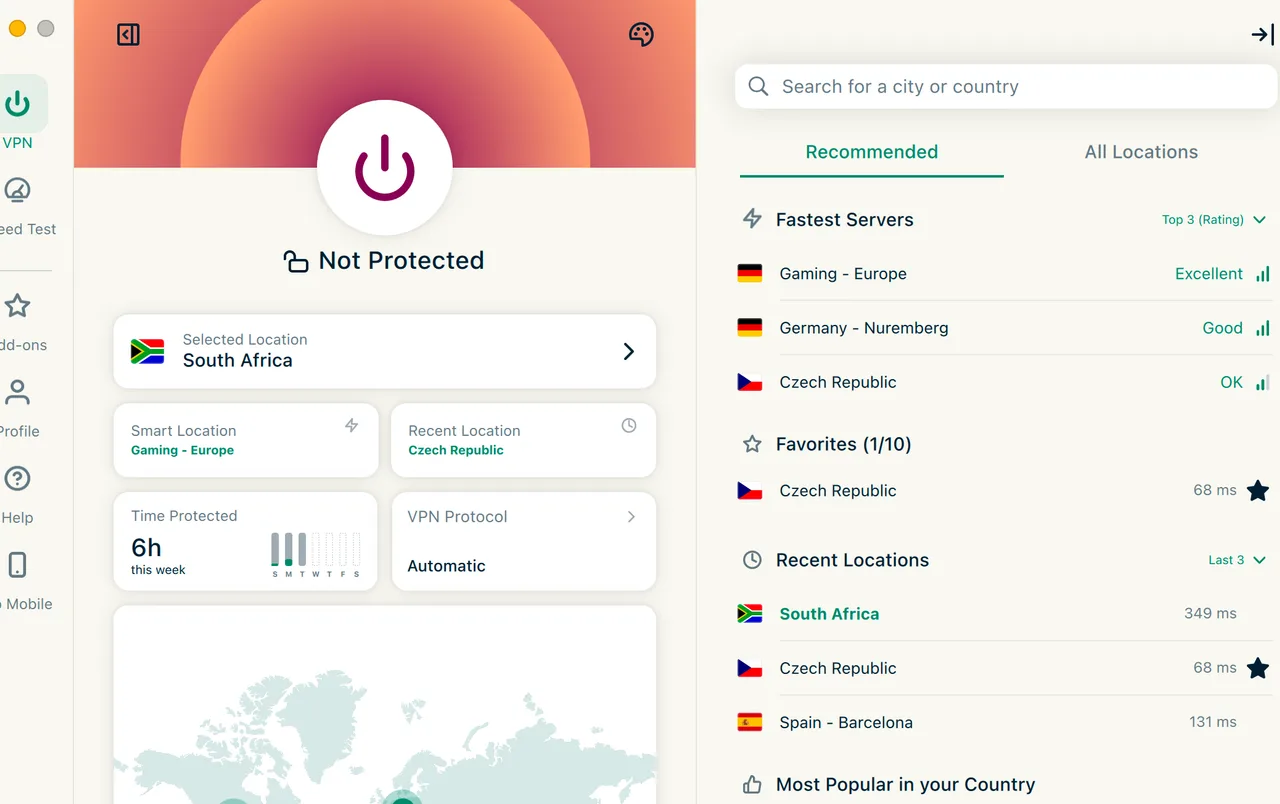
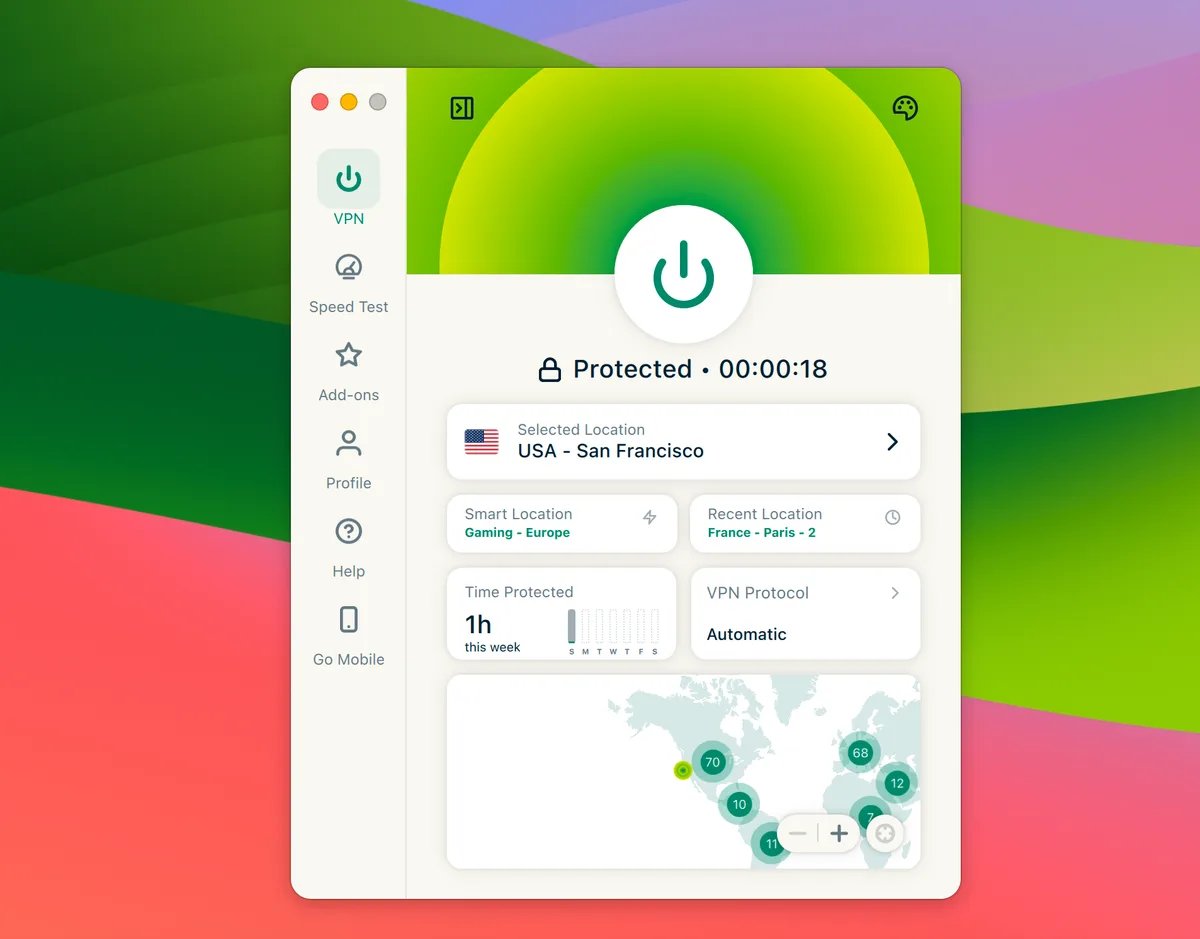
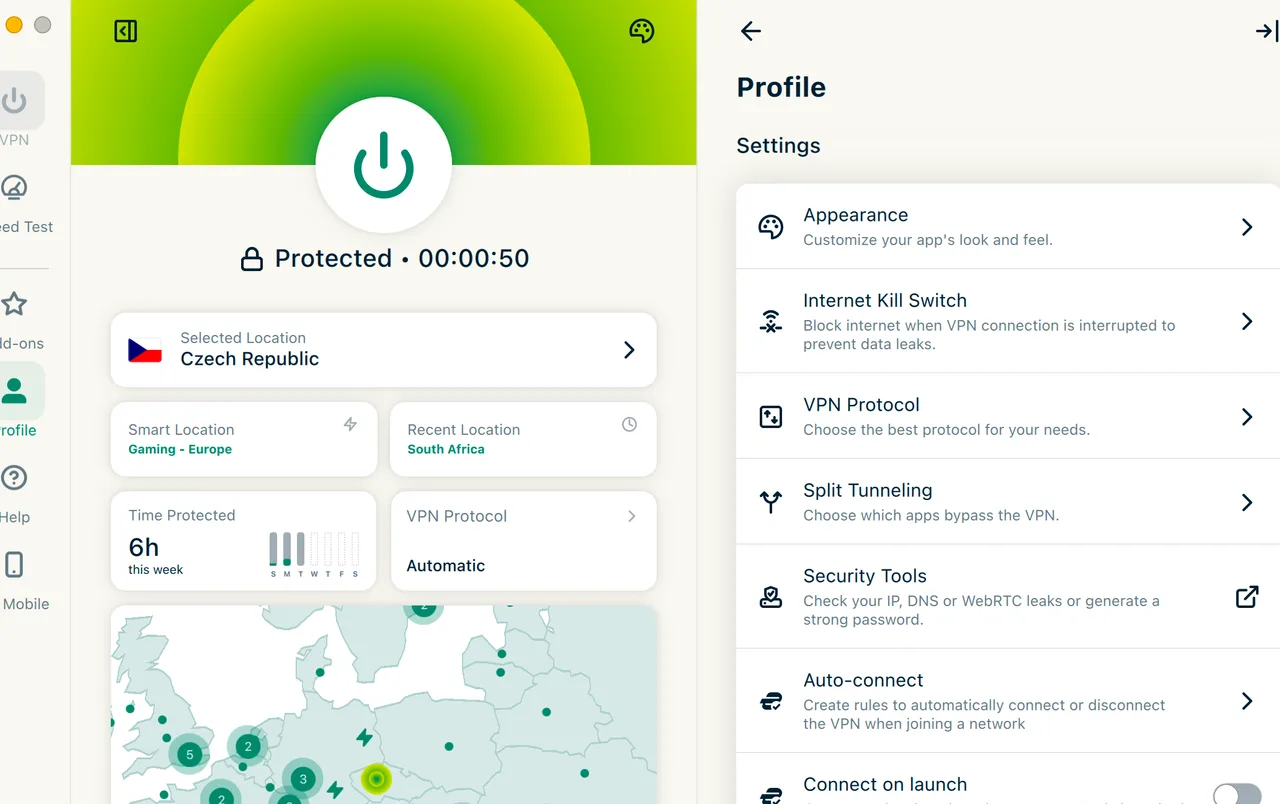
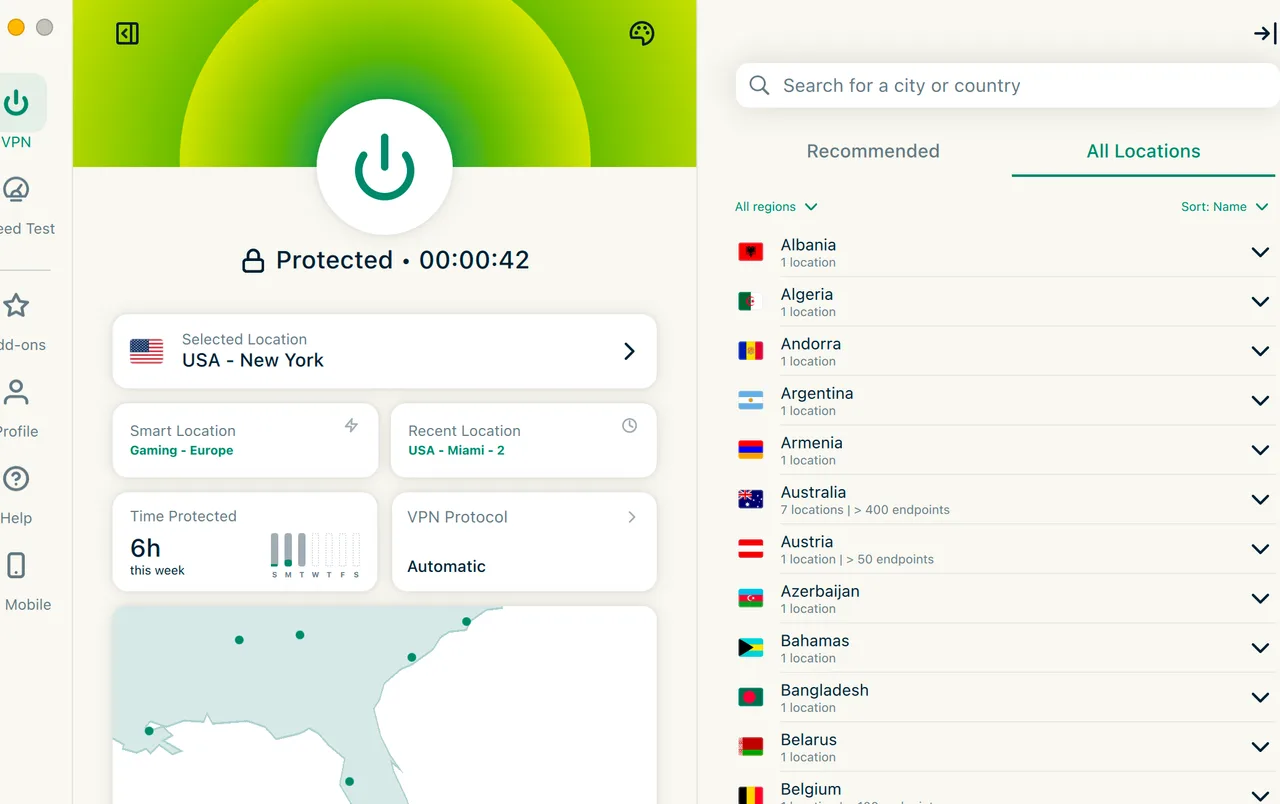
With support for 8 simultaneous connections, the company has finally caught up to the modern multi-device household. The apps are incredibly uniform. Whether you are on Windows 11 or iOS 19, the big ‘Power’ button remains the center of the experience. We particularly liked the Apple TV and Android TV apps, which are among the best-designed we have used-remote control navigation is snappy and logical.
The browser extensions for Chrome, Firefox, and Edge are more than just simple proxies. They actually control the main VPN app on your system, which provides better security than the standalone extensions offered by many rivals. However, the Linux GUI is a standout feature. Most VPNs force Linux users to use the command line, so having a full visual interface is a massive win for desktop Linux enthusiasts.
The proprietary router app experience

If you have devices like a PlayStation or a smart fridge that can’t run apps, the Router support is where this provider wins. They offer custom firmware that is far easier to install than the generic DD-WRT setups. It took us about 15 minutes to get our entire home network protected. While it doesn’t offer a Meshnet feature like NordVPN for file sharing, the device management within the router dashboard is top-tier and surprisingly intuitive.
Trust Report

Transparency, audits, and no-logs reality

Why 23 independent audits make this one of the most transparent providers.

★★★★☆
4.0
Trustpilot · 27,012
★★★★☆
4.7
App Store · 414,141
★★★★☆
4.7
Independent Audits
23 independent audits completed · Last audit: February 2025 · All passed
Trust is built on verification, not promises. The fact that this company has completed 23 audits by firms like KPMG, PwC, and Cure53 is staggering. Most competitors stop at one or two. These audits have covered everything from the no-logs policy to the Lightway protocol code and the TrustedServer RAM architecture. It is the most audited infrastructure in the business, period.
We also appreciate the active Bug Bounty program. By paying security researchers to find vulnerabilities, they ensure that flaws like the 2025 RDP bypass are caught and killed. While the apps aren’t fully open source (a point where ProtonVPN has an edge), the level of transparency provided through their regular reports and external verifications makes them a leader in the ‘Trust’ category. Knowing it was founded in 2009 gives it a long-term track record that many newer ‘fly-by-night’ VPNs simply cannot match.
Join the most audited VPN with 23 verifications
Based in British Virgin Islands with 30 days to decide
Get ExpressVPN
Assistance

Customer support and help resources

24/7 Support
Available
Live Chat
Available
Email / Ticket
Available
Phone Support
Not available
Support languages: English.
If things go sideways, the 24/7 live chat is your best bet. We contacted them three times during our testing-once about a server in Turkey and twice about the router setup. Each time, we were connected to a human in under 60 seconds. The quality of the technical advice was high; they didn’t just read from a script but actually understood the nuances of protocol conflicts.
The lack of phone support is a slight disappointment for a premium-priced service, but the email support is surprisingly fast, with replies typically arriving in about 4 hours. The knowledge base is also massive, featuring video tutorials and step-by-step guides for almost every platform imaginable. Note that while the website is multilingual, the live chat support is primarily in English, so non-speakers might need to rely on translation tools.
9.3
/10
Ready to switch to a more reliable VPN?
Get ExpressVPN
Price starts at $2.79/mo. Renews at $9.99/mo. Risk-free for 30 days.
30-day money-back guaranteeAudited no-logs policyCancel subscription anytime
Head-to-Head

ExpressVPN vs. NordVPN vs. Surfshark vs. Private Internet Access

Side-by-side comparison of key parameters against the 3 most popular alternatives.

Parameter
ExpressVPN
NordVPN
Surfshark
Private Internet Access
Overall score9.39.69.49.1
Best price$2.79/mo$2.99/mo$1.78/mo$1.79/mo
Money-back30 days30 days30 days30 days
devices810UnlimitedUnlimited
Servers3 000+9 413+4 500+35 000+
Countries10513910091
Port forwarding
Works in China
Speed score9.69.79.28.7
Expert Answers

Frequently asked questions about ExpressVPN

Review written & tested by
Petr Venclik
Founder & Lead Analyst · StreamFix

Founder of StreamFix. He started the project after losing access to his favorite streaming services while abroad. To this day he personally tests most platforms and oversees the quality of every recommendation. He even retests things that should already work, just to be sure of a 100% result. 8+ years of testing VPNs and streaming platforms in 30+ countries.

VPN testingStreaming platformsOnline privacyGeo-restriction bypassNetwork securityIndependent tech reviews
Comparisons

Not sure? Here are the best alternatives

How ExpressVPN compares to the top-rated providers in 2026.
If the price is your main concern, Surfshark is a great high-value alternative with a 9.4/10 rating. For those who want more advanced security features, NordVPN currently holds our top spot with a 9.6/10 score, while Private Internet Access is the go-to choice for power users, scoring 9.1/10.
Last tested: · Prices, features, and scores verified by StreamFix testing team.
Full methodology