IPVanish Free Trial: 7 Days Free and a 30-Day Money-Back Guarantee
IPVanish has no free plan, but you can try it free for 7 days on iPhone and Android, or buy on the website with a 30-day money-back guarantee. Here’s how to start, cancel in time and get 100% back.
Marketa HorackovaSpeed & Performance Tester 8 min read Affiliate linksSome links are affiliate links. We may earn a commission at no extra cost to you, and it never affects our ratings.
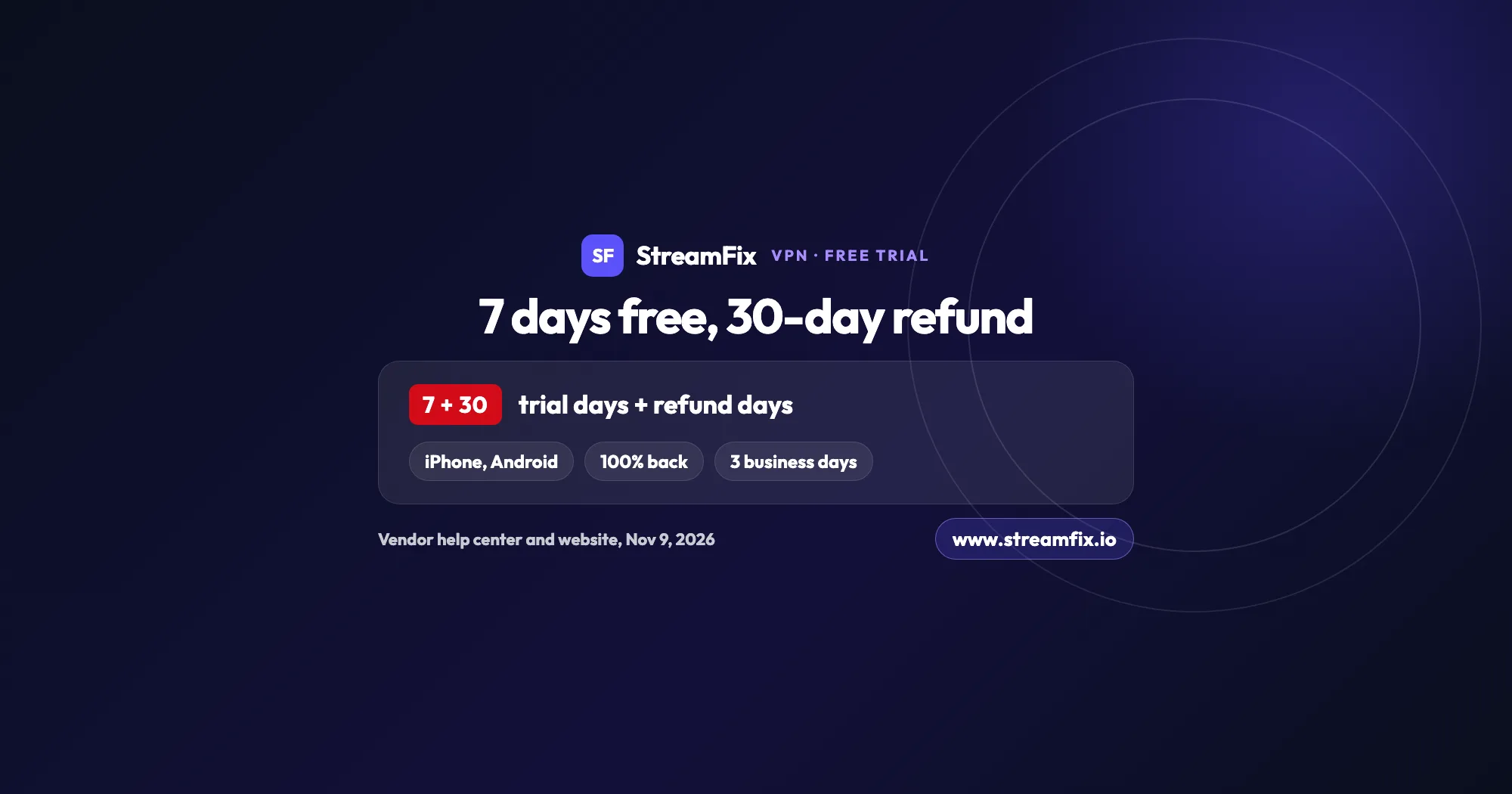
You can try IPVanish free with a 7-day trial in the iPhone and Android app on the yearly plan, confirmed through App Store or Google Play and billed only after 7 days.
Bought on the website, yearly and 2-year plans come with a 30-day money-back guarantee, 100% back, the best option for Fire TV, smart TVs and computers.
Cancel the trial in the store at least 24 hours before the 7 days end, and nothing is charged.
A refund needs no email to support: cancel in your account and IPVanish processes it within 3 business days.
Can you try IPVanish without paying? Yes, in two ways. The IPVanish free trial gives you 7 days on iPhone, iPad or Android, and the 30-day money-back guarantee lets new customers buy a yearly or 2-year plan on the IPVanish website and get 100% back.
There’s no permanent free plan. What you get instead is a full week of the real app on your phone, or a full 30 days on any device: you pay up front and get 100% of your money back if you cancel in time.
Below you’ll find how to start each option, how to cancel so nothing is charged, and how fast the refund arrives. For the bigger picture on speed, apps and privacy, read our IPVanish review.
IPVanish free trial or money-back guarantee?
Both let you try the full service without losing a cent. The trial bills nothing for 7 days; the guarantee is paid up front and fully refundable.
What
7-day free trial
30-day guarantee
Where
iPhone and Android app
IPVanish website
Plan
Yearly
Yearly or 2-year
Paid up front
No, after 7 days
Yes, 100% refundable
How to cancel
App Store or Google Play
Your online account
Deadline
24 hours before end
Within 30 days
Money back
Nothing is charged
Within 3 business days
Source: IPVanish help center and website, checked November 9, 2026
Our tip: use the free trial if you mainly stream on your phone. If you watch on a TV, a Fire TV Stick or a computer, buy on the website and lean on the 30-day guarantee. Through our link, the 2-year plan starts at $2.19 a month (€1.97 in Europe), paid up front. See what each IPVanish plan costs this Black Friday.
The trial runs inside the mobile app and comes with the yearly plan. You confirm it with your App Store or Google Play account, and the store only bills you once the 7 days are over.
On iPhone and iPad
Download the IPVanish app from the App Store and open it.
Pick the yearly plan, the one that comes with the free trial.
Start the 7-day free trial and confirm it with your Apple ID.
Connect to a server and start streaming.
On Android
Download IPVanish from Google Play and open the app.
Tap Create an account, enter your email and a password, then tap Create Account.
Choose the yearly plan.
Confirm with your Google Play password or fingerprint and start streaming.
On Fire TV, a smart TV or a computer
IPVanish lists the 7-day free trial for iPhone and Android. On a Fire TV Stick, a smart TV or a laptop, the smarter route is a yearly or 2-year plan from the IPVanish website.
That way you get the full 30 days to ask for 100% back, and one subscription covers an unlimited number of devices. Then install the IPVanish app on your Fire TV and log in with the same account, using the remote control steps in our IPVanish Firestick and smart TV walkthrough. Our guide to a VPN on Firestick walks you through the setup, and there’s a separate one for a VPN on a smart TV.
Buying on the website also keeps your refund option open: plans bought inside the Amazon app aren’t covered by the guarantee, while website plans are.
How to cancel the IPVanish free trial before you’re charged
Cancel in the store where you started the trial, at least 24 hours before the 7 days end. Do that and nothing is charged.
Only Apple or Google can stop a store subscription, so the IPVanish support team can’t cancel it for you. You do it yourself in a few taps.
Cancel on iPhone
Open Settings and tap your name.
Tap Subscriptions, then IPVanish.
Tap Cancel Subscription.
No Cancel button, or a red expiration message? Then the subscription is already canceled.
Why 24 hours? The App Store renews IPVanish 24 hours before the end of each period, so canceling a day early keeps you on the safe side.
Cancel on Android
Open Google Play and tap your profile picture.
Go to Payments and subscriptions, then Subscriptions.
Tap IPVanish and choose Cancel subscription, then confirm.
If IPVanish isn’t listed, there’s no active trial on that Google Play account.
One more detail: if you buy a plan on Google Play and change your mind, you have 30 minutes from purchase to tap Cancel purchase and get an automatic refund from Google.
IPVanish refund: how the 30-day money-back guarantee works
The guarantee is for first-time customers on a yearly or 2-year plan bought on the IPVanish website. You get 100% of your payment back if you cancel within 30 days, no questions asked.
How to request a refund
Go to the IPVanish website and click My Account in the top right corner.
Log in and open Subscriptions in the left menu.
Click Change plan, then Cancel Subscription at the bottom.
Pick a reason and click Proceed with cancellation.
Confirm with Submit Cancellation.
That’s all. When you cancel within the guarantee period, the plan ends right away and the refund is processed automatically. You don’t need to email support.
How long does a refund take?
IPVanish processes the refund within 3 business days, automatically, once you cancel in your account within the 30 days.
How to make sure the guarantee applies
Pick a yearly or 2-year plan and buy it on the website, as a new customer. That’s the combination the guarantee covers.
The monthly plan, renewals, plans bought inside the Apple, Amazon or Google apps, and returning customers who sign up again after canceling are outside the 30-day guarantee. For phone purchases, the 7-day trial is your free option instead.
Good for streaming? What to try in your first 7 days
A week is plenty if you go in with a plan. According to StreamFix data, IPVanish handles Netflix, Disney+, HBO Max, Prime Video, DAZN and SkyShowtime, and you can read the details in the streaming section of our full IPVanish review. Use this checklist to see how it works for you:
Connect to a server in your home country and open your own Netflix account, or another service you already pay for. Our Netflix VPN guide shows how streaming with a VPN works.
Play a title in 4K. Netflix recommends 15 Mbps for 4K, and according to StreamFix data IPVanish averages 837 Mbps on a local server.
Watch live sports or your TV from home while traveling, for example on DAZN from anywhere.
Try it on hotel or airport Wi-Fi, where a stable connection matters most.
Connect your phone, tablet and laptop at the same time. There’s no device limit.
Switch servers when a title won’t load. If Netflix shows an error, see how to fix the Netflix proxy error.
Planning to watch on a TV? Buy that plan on the website, so the 30-day guarantee covers the big screen too.
Want to see how it stacks up against other services on Netflix? Our ranking of the best VPN for Netflix compares all seven VPNs we review. A VPN doesn’t replace your streaming subscription: you keep paying for Netflix or DAZN yourself, and the VPN lets you watch it the way you do at home. For server picks and setup, read our guide to IPVanish with Netflix.
Yes. Every IPVanish subscription renews automatically, and you get an email before it does.
To stop the renewal, cancel at least 24 hours before the current period ends. Renewals aren’t refundable, so set a reminder. Our breakdown of IPVanish plans and renewal explains how the billing works.
For a side by side look at what VPNs cost after the first term, see our guide to the cheapest VPN for streaming.
The 31-day rule for yearly plans
On a yearly plan, the day you cancel matters. Cancel within the first 31 days and the cancellation takes effect immediately, so you lose access right away. A refund is available through the 30-day guarantee, within the first 30 days.
Cancel later and your account stays active until the end of the paid period; it just won’t renew. So if you like the service and only want to switch off auto renew, do it after day 31.
Free trial or guarantee: which should you pick?
Go for the 7-day trial if you stream mostly on your phone and want to pay nothing up front. Go for the 30-day guarantee if you watch on a TV, a Fire TV Stick or a computer, or want to share one plan with the whole household.
The App Store rating gives you a quick second opinion. As of November 9, 2026, IPVanish VPN has 4.6 out of 5 from 104K ratings in the US App Store.
Start the 7-day trial on your iPhone or Android, or pay for a plan on the website and keep 30 days to get 100% back. Either way, canceling takes a few taps, and the refund is automatic.
Yes. IPVanish offers a 7-day free trial in its iPhone, iPad and Android apps when you choose the yearly plan. You confirm it with your App Store or Google Play account, and the first payment only happens after the 7 days, unless you cancel at least 24 hours before the end.
IPVanish has no permanent free plan, but you can try it without losing money in two ways: the free 7-day trial on your phone, or a yearly or 2-year plan from the website, paid up front and covered by a 30-day money-back guarantee. New to VPNs? Here’s what a VPN for streaming does.
The trial runs through your App Store or Google Play account, which bills the payment method stored there after 7 days. If you cancel in time, nothing is charged. On the website you pay up front and still get 100% back within 30 days.
IPVanish lists the 7-day free trial for iPhone and Android. For a Fire TV Stick, buy a yearly or 2-year plan on the IPVanish website, which gives you 30 days to get 100% back, then install the app on your Fire TV.
The free trial lasts 7 days. The 30 days are the money-back guarantee: you pay for a yearly or 2-year plan on the website, and if you cancel within 30 days, you get 100% of your money back.
Log in under My Account on the IPVanish website, open Subscriptions, click Change plan and then Cancel Subscription. Pick a reason and click Proceed with cancellation. Within the 30-day guarantee, the refund is processed automatically, with no need to contact support.
IPVanish processes eligible refunds within 3 business days after you cancel in your account. You don’t have to request it separately.
Yes, all IPVanish subscriptions renew automatically, and you get an email before the renewal. To stop it, cancel at least 24 hours before the current period ends, because renewals aren’t refundable.
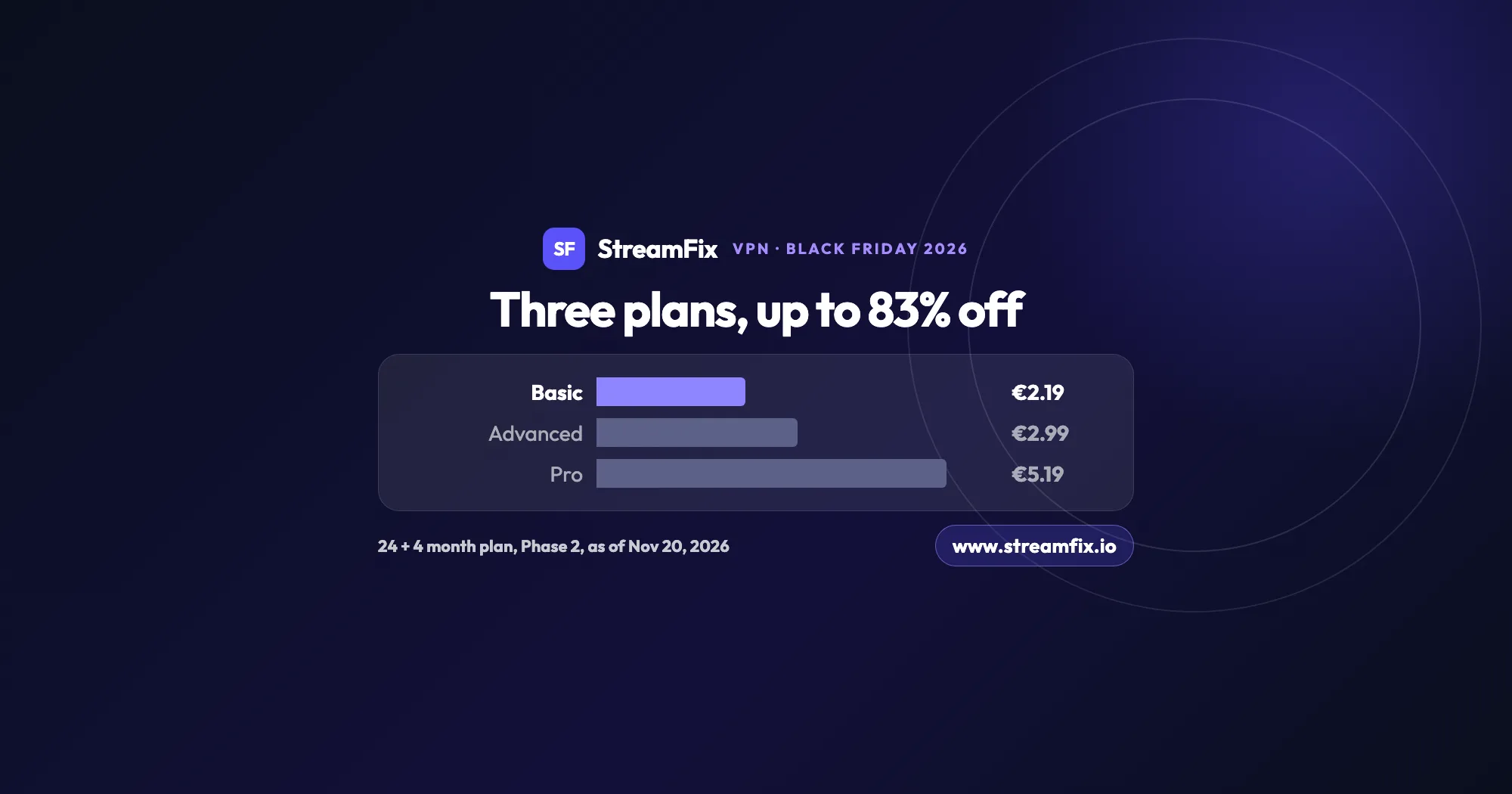
The ExpressVPN Black Friday deal runs in two phases, and on Black Friday itself Basic costs €2.19 a month, 83% off. All three plans share the same VPN, so the choice comes down to devices and extras.
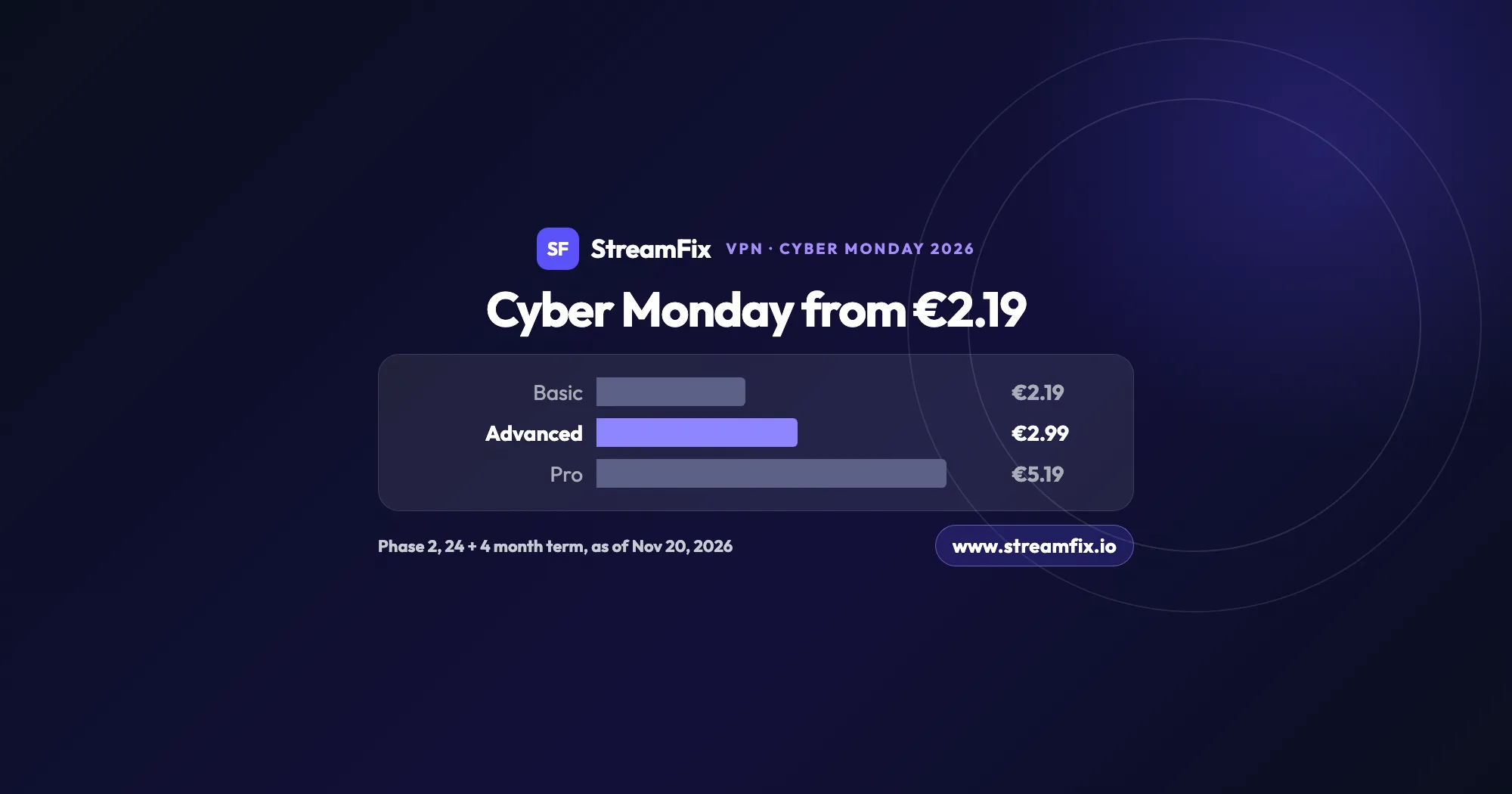
On Cyber Monday, November 30, 2026, Phase 2 of the ExpressVPN Black Friday sale applies: Basic €2.19, Advanced €2.99 and Pro €5.19 a month on the 24 + 4 month term. One subscription covers 10, 12 or 14 devices.
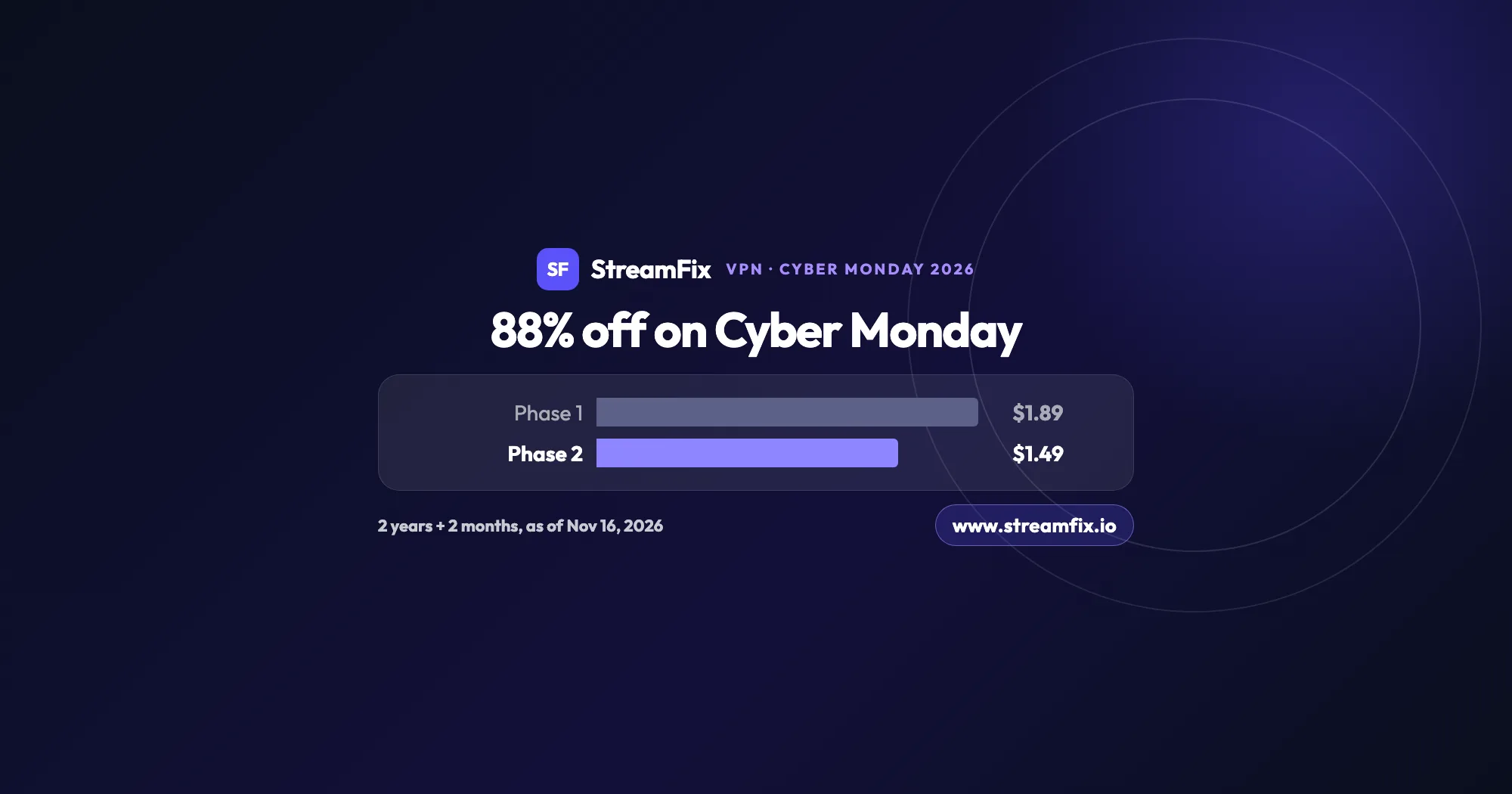
On Cyber Monday, November 30, 2026, Private Internet Access (PIA) costs $1.49 a month, 88% off, on the 2-year plan with 2 extra months. Phase 2 of the sale runs from November 25 to December 2, and one plan covers unlimited devices for your whole household.