IPVanish on Firestick and Smart TV: How to Set It Up in 2026
Does IPVanish work on Firestick and smart TVs? Yes: Fire TV, Android TV, Google TV and Apple TV have an app. Here are the remote control steps for each, the Downloader code and the router route for Samsung, LG and Roku.
Anna VenclikovaCommunity & Support 11 min read Affiliate linksSome links are affiliate links. We may earn a commission at no extra cost to you, and it never affects our ratings.
IPVanish has a TV app for Fire TV and Fire TV Stick, Android TV, Google TV and Apple TV, from the Amazon Appstore, Google Play and the App Store.
Samsung, LG and Roku have no app: use a router, a shared computer connection or a streaming stick in HDMI.
You need a Fire TV Stick 2nd generation or newer; if the app is missing in your country’s Appstore, the Downloader code is 697672.
On a VPN, a Fire TV Stick typically tops out at 30 to 65 Mbps, more than the 15 Mbps Netflix recommends for 4K.
Does IPVanish work on Firestick and on your smart TV? On most devices, yes. IPVanish on Firestick runs as a native app from the Amazon Appstore, Android TV and Google TV get it from Google Play, and Apple TV gets it from the App Store.
Samsung (Tizen), LG (webOS) and Roku have no IPVanish app. For those TVs you run the VPN on your router, share it from a computer or plug a streaming stick with the app into a free HDMI port.
One account covers your household with an unlimited number of devices, so every TV and phone can stay connected at once. Our guide shows which IPVanish plan suits your home. For the bigger picture of the service, read our IPVanish review.
Which smart TVs and streaming devices have the app?
The short answer for every common TV platform:
Device
IPVanish: app and setup route
Fire TV Stick and Fire TV (Fire OS)
Yes, Amazon Appstore (Fire TV Stick 2nd generation or newer)
Fire TV Stick with Vega OS (4K Select 2025, HD 2026)
Yes, Amazon Appstore (separate Vega OS app)
Android TV and Google TV (including Chromecast with Google TV and NVIDIA SHIELD)
Yes, Google Play
Apple TV (tvOS 18 or later)
Yes, App Store on Apple TV
Samsung (Tizen)
No, router or computer, or a stick in HDMI
LG (webOS)
No, router or computer, or a stick in HDMI
Roku
No, router or computer, or a stick in HDMI
Source: IPVanish help center and app stores, November 9, 2026
IPVanish on Firestick: does it work and how do you install it?
Yes, on the Fire TV Stick 2nd generation or newer and on Fire TV. The 1st-generation stick (FCC ID 2ABDU-0509) can’t run the app, so a newer stick solves it.
How to install the app on Fire OS, step by step
Press Home on your remote, select Find (the magnifying glass) and open the Search box.
Type ipvanish, pick IPVanish from the list and select the app on the Apps screen.
Select Get (or Download if you’ve installed it before), then select Open.
Enter your IPVanish username and password and select LOGIN, or scan the QR code with your phone.
Select CONNECT on the app’s home screen.
Select OK on the system message about rerouting your traffic. IPVanish says it doesn’t monitor your traffic.
Connected appears in the top left corner, and the green button turns into DISCONNECT.
Don’t look for a key icon at the top of the screen: Amazon devices don’t show one while the VPN is on.
The Fire OS app lets you pick a country and a city, open a server list with ping and load, and switch between WireGuard, IKEv2 and OpenVPN, with a Scramble option for OpenVPN. You also get split tunneling, launch at startup, automatic reconnect and Automatic App Launch, which opens a chosen app after you connect. Since version 4.1.16 the app can show RAM-only servers.
Fire TV Stick 4K Select and HD: what’s different on Vega OS
Amazon has started selling sticks that run Vega OS, a new Linux-based system, and IPVanish built a new app for it. IPVanish names two models: the Fire TV Stick 4K Select (2025) and the Fire TV Stick HD (2026). You install this app from the Amazon Appstore as well.
A power button in the middle of the screen connects you, and your selected location sits above it. Before you connect, the app shows your own IP address; once connected, it shows the server IP and how long you’ve been connected. Use the magnifying glass to search for a location. To switch locations, disconnect first.
The Vega OS app covers country, city and server selection. Split tunneling, protocol switching and launch at startup aren’t in it yet.
These two sticks don’t display the login QR code, so keep your username and password handy. Not sure which system you have? If your stick is one of these two models, you’re on Vega OS. If the app’s home screen looks different from the Fire OS setup guide, IPVanish points you to its Vega OS instructions or its guide for older Fire TV devices.
Can’t find the app in the Amazon Appstore? Use the Downloader code
Amazon says available content and apps vary by the country of your Amazon account. IPVanish offers sideloading for exactly that case, when the app isn’t in your country’s store. On a Fire OS stick:
Go to Settings > My Fire TV > Developer Options > Apps from Unknown Sources and set it to ON.
Search for Downloader in the Amazon Appstore, install it and open it.
Select the URL box, type the code 697672 and select Go.
Select Install, then Open, log in and select CONNECT.
Sideloading is a Fire OS (Android) method, and the 1st-generation Fire Stick can’t run the app this way either. On the Vega OS sticks, you install IPVanish from the Amazon Appstore.
How to set up the VPN on Android TV and Google TV
On Android TV and Google TV, the app comes from Google Play, where it lists over 10 million downloads and an update dated November 5, 2026.
On the home screen, select Search at the top.
Type ipvanish and select IPVanish from the results.
Select INSTALL, and when it finishes, select OPEN.
Log in with your username and password, or scan the QR code with your phone.
Select CONNECT, then OK on the system message.
Connected appears in the top left corner, and the green button changes to DISCONNECT.
The TV app needs true Android TV. Cheap boxes that run mobile Android give themselves away with display errors and other bugs. On those boxes, install the IPVanish mobile app.
On NVIDIA SHIELD, go to Apps > Get more apps > Search. The Chromecast with Google TV (4th generation, white) gets the app from Google Play too. Older Chromecasts can’t connect to a VPN on their own; they need a router or a connection shared from a computer.
Does IPVanish work on Apple TV?
Yes. There’s a dedicated app that you install straight from the App Store on the Apple TV, with no extra device. The App Store lists tvOS 18.0 or later, and IPVanish supports the Apple TV HD (2015) and every Apple TV 4K (2017, 2021 and 2022).
Open the App Store, select the magnifying glass and type IPVanish.
Select the download icon, then select Open.
Select Get Started, enter your username and password and select Log In.
Select Allow so the app can add its VPN profile.
Select Connect to join the Optimal Location. You’ll see Connected, your new location and your new IP address.
Before your first connection, remove any custom DNS from the Apple TV settings. If the app won’t connect, open Settings in the app, switch the protocol to IKEv2 and turn on Connect by IP address. Still stuck? WireGuard is the default, so try OpenVPN next.
Is there an IPVanish app for Samsung smart TV, LG or Roku?
No. IPVanish has no app for Samsung (Tizen), LG (webOS) or Roku, and no setup guide for Samsung or LG. You still have three solid routes.
Set up a router with WireGuard or OpenVPN
One router running IPVanish covers every device on your network, including Samsung, LG and Roku TVs. IPVanish offers best effort support for ASUS RT routers (ASUSWRT and ASUSWRT-Merlin) and routers running DD-WRT, and it has guides for OpenWRT too.
For WireGuard, log in at my.ipvanish.com, open WireGuard, pick a location and select GENERATE to download a configuration file. Upload it to your router: IPVanish has WireGuard guides for AsusWRT on firmware 3.0.0.4.388.23000 or newer, OpenWRT and DD-WRT v3. The OpenVPN guides cover ASUSWRT, ASUSWRT-Merlin, OpenWRT and DD-WRT.
Prefer it ready to go? Partner FlashRouters sells routers with IPVanish preinstalled. To choose a model, see our guide to a VPN on a router for every TV and console.
Share the VPN from a Windows PC or Mac
IPVanish has guides for sharing your computer’s VPN connection with another device. On Windows that’s Internet Connection Sharing over an Ethernet cable, and on a Mac it’s Internet Sharing. Windows can also share the connection over Wi-Fi under Settings > Network & internet > Mobile hotspot. According to IPVanish, Roku works this way or through a router.
Plug a Fire TV Stick or Chromecast into HDMI
The quickest fix for a Samsung or LG TV is often a stick with the IPVanish app in a free HDMI port: a Fire TV Stick or a Chromecast with Google TV. The app runs on the stick, and the TV simply shows the picture.
Why a Firestick is slower on a VPN, and other things worth knowing
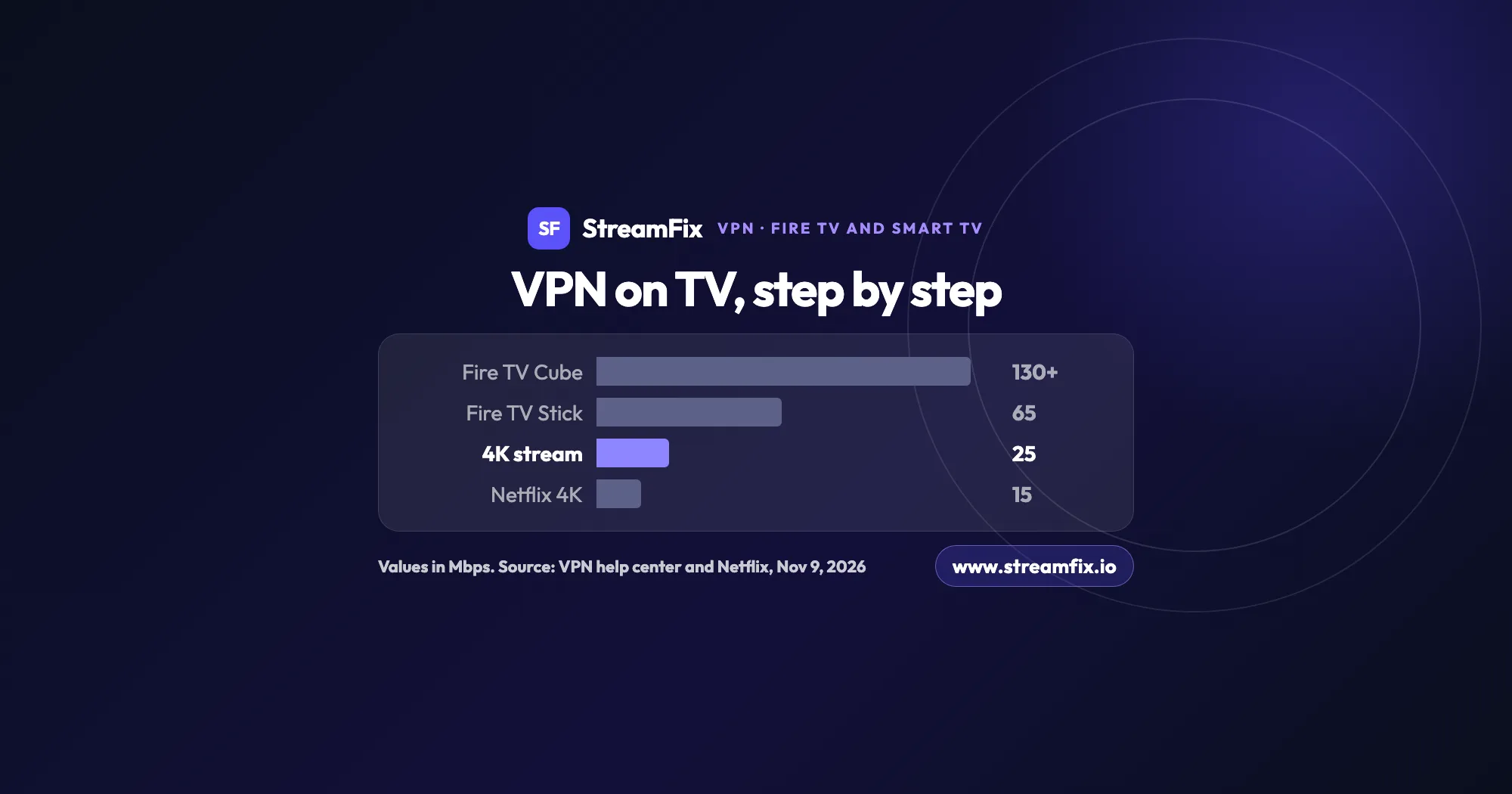
Encryption runs on the stick’s own processor. IPVanish says a Fire TV Stick on a VPN typically tops out at 30 to 65 Mbps, while a Fire TV Cube reaches over 130 Mbps.
Speed and 4K needs, Mbps
Fire TV Cube on a VPN130
Fire TV Stick on a VPN, upper limit65
4K stream according to IPVanish25
Netflix recommendation for 4K15
Show as table
Speed and 4K needs, Mbps
Mbps
Fire TV Cube on a VPN
130
Fire TV Stick on a VPN, upper limit
65
4K stream according to IPVanish
25
Netflix recommendation for 4K
15
Source: IPVanish and Netflix, November 9, 2026
Source: IPVanish and Netflix, November 9, 2026
That’s still enough for 4K. IPVanish puts one 4K stream at about 25 Mbps, and Netflix recommends 15 Mbps for 4K. IPVanish also suggests keeping 500 MB to 1 GB of free storage on the stick. It recommends the Fire TV Stick HD (2026) for Full HD TVs and the Fire TV Stick 4K Plus (2025) or 4K Select (2025) for 4K.
According to StreamFix data, IPVanish averages 837 Mbps on a local server and 779 Mbps on a remote one (see the speed results in the IPVanish review). StreamFix data also shows that IPVanish reliably unblocks Netflix, Disney+ and HBO Max; our Netflix VPN guide explains how to watch from anywhere with your own subscription. Which server to pick and how to fix a stalled stream is covered in our IPVanish Netflix guide.
The app has been in the Amazon Appstore since June 10, 2017, with more than 93,000 ratings. And when Amazon enabled VPN support on Vega OS on November 28, 2025, IPVanish was in the Appstore on day one, with a Vega OS app that runs on WireGuard.
Faster server: open Locations, select the magnifying glass, pick the nearest city, select VIEW SERVERS and choose the server with the lowest ping in ms.
Application Shortcuts: pair a favorite location with a favorite streaming app. One press on the remote connects IPVanish and opens the app. If you don’t see it on the home screen, turn it on in Settings. It works on Fire TV and Android TV.
Launch at startup (Fire OS): the app starts when the Fire TV boots, though Fire OS limits can make that take 5 minutes or longer.
Kill Switch: on Fire TV and Android TV it’s a separate app, IPVanish Kill Switch, from the Amazon Appstore or Google Play. It stops all traffic if the VPN drops; turn it on in the IPVanish app under Settings (the gear icon) > Kill Switch. It runs on models newer than the 2nd-generation Fire TV and Fire Stick.
Set it up once and every screen at home is covered: one account for your household, an unlimited number of devices and a 30-day money-back guarantee on the yearly and two-year plans, so you can try IPVanish before you commit. For the overall rating of the service, read the full IPVanish review.
Yes. IPVanish has an app in the Amazon Appstore for the Fire TV Stick 2nd generation or newer and for Fire TV. The Fire TV Stick 4K Select (2025) and Fire TV Stick HD (2026) run Vega OS and get a separate IPVanish app from the same store. The 1st-generation stick can’t run the app, so a newer stick is the way to go.
No, IPVanish has no app for Samsung (Tizen) or LG (webOS). Set up IPVanish on your router, share the VPN from a Windows PC or Mac, or plug a Fire TV Stick or Chromecast with Google TV with the app into the TV’s HDMI port.
The code is 697672. First set Settings > My Fire TV > Developer Options > Apps from Unknown Sources to ON, install Downloader from the Amazon Appstore, then type 697672 in the URL box. This sideloading route is for Fire OS sticks when the app isn’t in your country’s Appstore.
Yes. You install the app straight from the App Store on the Apple TV, which requires tvOS 18.0 or later. IPVanish supports the Apple TV HD (2015) and every Apple TV 4K. If it won’t connect, switch to IKEv2 and turn on Connect by IP address in the app’s Settings.
Yes, through a router or a computer. Roku has no IPVanish app and can’t connect to a VPN on its own, so IPVanish points you to a router running the VPN or a connection shared from a Windows PC or Mac connected to IPVanish.
Yes. Google TV and Android TV devices get the app from Google Play: select Search, type ipvanish, then select INSTALL and OPEN. The Chromecast with Google TV (4th generation, white) supports the app too, while older Chromecasts need a router or a shared connection.
Check your model first: if the app installs but you lose access to Amazon services right after connecting, you likely have a 1st-generation Fire Stick, and a newer stick fixes it. Also note that no key icon appears on Amazon devices; look for Connected in the top left corner instead. For better speed, keep 500 MB to 1 GB of storage free and pick the server with the lowest ping under VIEW SERVERS.
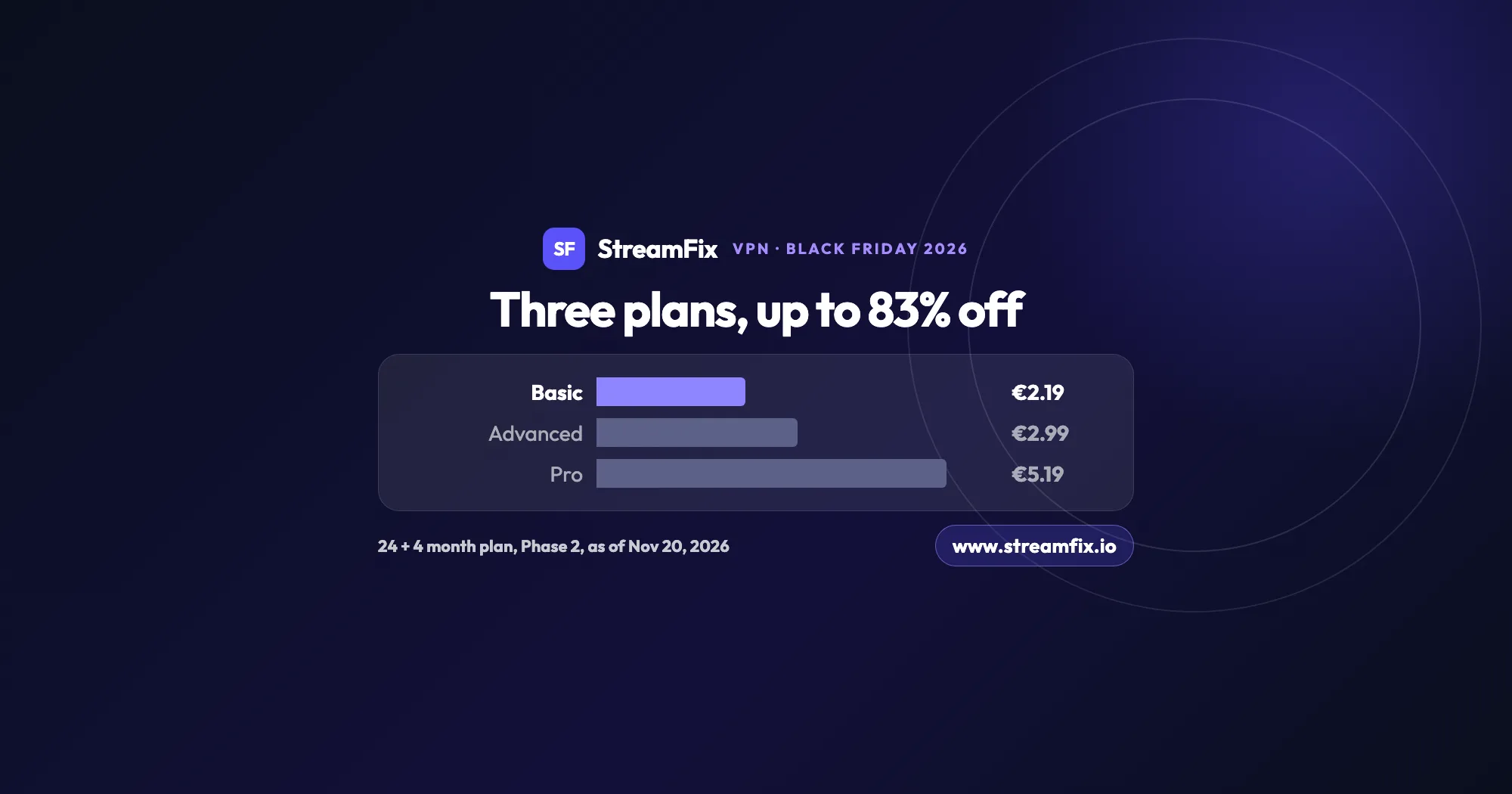
The ExpressVPN Black Friday deal runs in two phases, and on Black Friday itself Basic costs €2.19 a month, 83% off. All three plans share the same VPN, so the choice comes down to devices and extras.
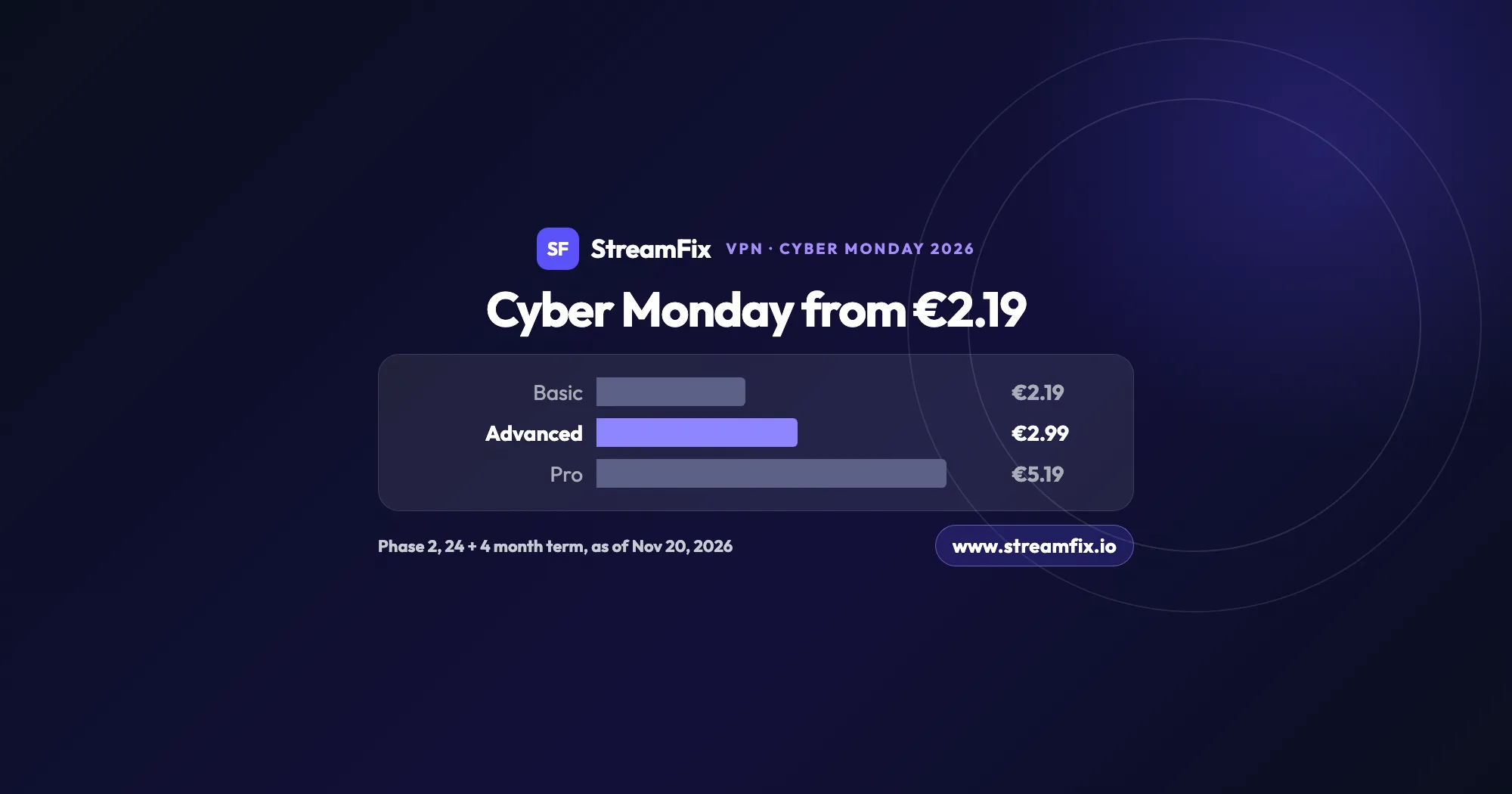
On Cyber Monday, November 30, 2026, Phase 2 of the ExpressVPN Black Friday sale applies: Basic €2.19, Advanced €2.99 and Pro €5.19 a month on the 24 + 4 month term. One subscription covers 10, 12 or 14 devices.
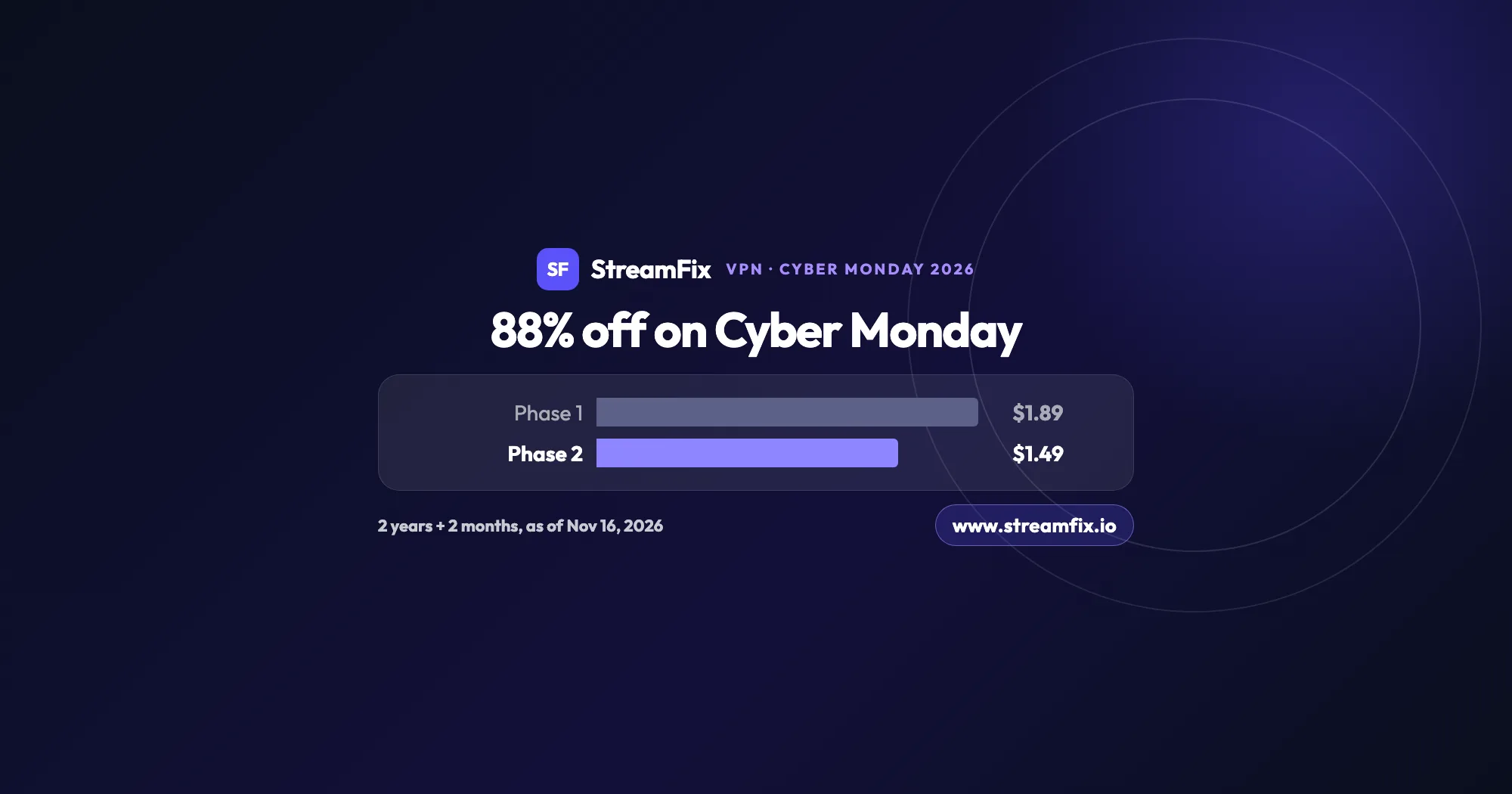
On Cyber Monday, November 30, 2026, Private Internet Access (PIA) costs $1.49 a month, 88% off, on the 2-year plan with 2 extra months. Phase 2 of the sale runs from November 25 to December 2, and one plan covers unlimited devices for your whole household.