Does Surfshark Work with Netflix? Yes: Setup, Netflix US and Fixes
Yes, Surfshark works with Netflix: StreamFix data shows “works” as of November 7, 2026. Here’s the 5-step setup, how to reach the US catalog with servers in 19 US states, and what to do when Netflix shows a proxy error.
Vladimir UhlikSecurity & Privacy Analyst 9 min read Affiliate linksSome links are affiliate links. We may earn a commission at no extra cost to you, and it never affects our ratings.
Yes, Surfshark works with Netflix: per StreamFix data, its status is “works” as of November 7, 2026.
For your home catalog, connect to a server in your own country; for Netflix US, Surfshark has servers in 19 US states.
Seeing only global titles or the proxy error E106? Switch to another server in the same country.
Speed is no issue: 921 Mbps per StreamFix data against the 15 Mbps Netflix asks for 4K.
Netflix doesn’t show the same catalog in every country. What you can stream depends on where your connection appears to come from, because shows and movies are licensed country by country. So does Surfshark work with Netflix? Yes. According to StreamFix data, Surfshark’s status on Netflix is “works,” and that row was last updated on November 7, 2026.
Surfshark gives the same answer in its own help center: with an active Surfshark subscription and an active Netflix subscription, you can watch Netflix through the VPN. This guide stays with Netflix and streaming. For ratings, features and everything else, read our Surfshark review.
Here you’ll find the setup, the trick for the US catalog, what to do when Netflix shows a proxy error, and a few details that most guides skip.
Does Surfshark work with Netflix?
Yes, and the same goes for the other big services. StreamFix tracks VPN status on its streaming platform pages, and Surfshark shows “works” on all five services below. Each date is the last update of that row, so you can see how fresh the result is. The current Netflix row always sits in our Netflix VPN guide.
Service
Surfshark, per StreamFix data
Netflix
works (November 7, 2026)
Disney+
works (November 9, 2026)
Prime Video
works (November 8, 2026)
BBC iPlayer
works (November 7, 2026)
HBO Max
works (November 8, 2026)
Source: VPN tables on StreamFix platform pages, November 9, 2026
The review points the same way. In the StreamFix Surfshark review, Surfshark got through on 29 of 32 streaming platforms, and Netflix US loaded. Keep one thing straight, though. Surfshark doesn’t replace your Netflix account: you still pay for your own Netflix subscription, and the VPN gives you the right location to use it.
Surfshark’s help center keeps the routine short, and one quick check from Netflix itself rounds it off. Five steps are all it takes.
Get Surfshark through the button on this page and create your account.
Install the Surfshark app on the device you watch on and sign in.
Connect to a server in your home country. For the US catalog, pick a server in the United States.
Clear your browser cache, log in to Netflix and refresh the page.
Open fast.com, click “Show more info” and check that the country next to “Client” is the one you chose.
Quick-connect picks the fastest server available, which is handy for everyday browsing. For your home Netflix catalog, choose a server in your own country by hand. Surfshark says a server back home gives you a local IP address and the same catalog you see from your living room. One account covers an unlimited number of devices, so the TV in a rental apartment and the phone in your pocket can stay connected at the same time. Watching on the big screen? Here’s how to get Surfshark on a smart TV or Firestick.
Surfshark runs servers in 19 US states, from California and Texas to New York and Florida. Netflix decides which catalog to show based on the country your connection appears to come from. Connect to a US server and Netflix shows you the American catalog, as if you were there. For Americans traveling or living abroad, that’s simply the home catalog, with the shows they were halfway through. How much catalogs differ from one country to the next is clear from our Netflix library by country ranking.
Seeing only global titles? Switch servers
Netflix is open about one detail in its help center. Over a VPN, it may show only titles it licenses worldwide, such as Squid Game or Stranger Things. That’s why both the VPN and the server matter. Surfshark gets through on Netflix according to StreamFix data, and if a server ever shows you only the global hits, switch to another server in the same country. Surfshark explains why this works: streaming services block individual IP addresses, and a new connection gives you a new one.
One practical tip comes straight from Netflix: its help center says VPNs aren’t supported for Netflix live events or on the plan with ads. So keep it simple. Watch through the VPN on a plan without ads, and switch the VPN off for live events.
That’s the whole division of labor. Surfshark handles the location, the encryption and your devices, while the subscription and the plan stay your call.
Disney+, Prime Video and BBC iPlayer: what else streams
Netflix is rarely the only app on the TV. StreamFix data shows that Surfshark also works with Disney+ (updated November 9, 2026), Prime Video (November 8) and HBO Max (November 8). The live status sits in the Disney+ VPN guide and the Prime Video VPN guide, and the review has a full section on how Surfshark does with streaming services.
Surfshark states one rule for all of them. The VPN doesn’t give you free access to Disney+, Prime Video, Hulu or the BBC, so you need an active subscription of your own. The VPN changes your virtual location, and the subscription stays yours.
BBC iPlayer and the UK servers
For BBC iPlayer, Surfshark has over 440 servers in 4 UK cities: London, Manchester, Edinburgh and Glasgow. StreamFix data shows “works” as of November 7, 2026, and the BBC iPlayer VPN guide keeps the current status. In the UK, you need a TV license to watch BBC iPlayer.
Three things few people know about streaming over a VPN
First, Netflix can remember a VPN detection per profile. Surfshark’s help center explains that Netflix may save the result to the specific profile you were using, not just to the device. That explains a common puzzle: one profile shows an error while another profile on the same account plays fine. The fix is further down.
Second, Netflix has its own way to show which country it sees. Its speed test at fast.com has a “Show more info” button, and the line next to “Client” shows the country of your connection. Netflix itself recommends this check in its help center. It’s the quickest way to confirm that Surfshark puts you where you want to be.
Third, the network is spread wider than most people assume. Surfshark lists servers in 19 US states and over 440 servers in 4 UK cities, part of 4,500+ servers at 130+ locations in 100 countries. For streaming, that means several servers to choose from in the same country.
How much speed 4K streaming needs
Netflix recommends 3 Mbps for HD, 5 Mbps for Full HD and 15 Mbps for 4K (Ultra HD). StreamFix data puts Surfshark at 921 Mbps on a local server and 733 Mbps on a remote server on another continent.
Speed per StreamFix data and Netflix recommendation
Surfshark, local server921
Surfshark, remote server733
Netflix, 4K15
Show as table
Speed per StreamFix data and Netflix recommendation
Mbps
Surfshark, local server
921
Surfshark, remote server
733
Netflix, 4K
15
Source: StreamFix and Netflix, November 9, 2026
Source: StreamFix and Netflix, November 9, 2026
921 Mbps is more than 60 times what Netflix asks for 4K. Even the remote result sits far above 15 Mbps. Surfshark says it runs 10 Gbps servers, including what it calls the world’s first 100 Gbps servers, all of them RAM-only, under a no-logs policy.
There’s one more speed angle. Surfshark says some internet providers slow down streaming on purpose, and a VPN hides that activity from them, which helps keep your speed steadier.
Surfshark not working with Netflix? What helps
When Netflix shows the proxy error E106 or a title won’t start, Surfshark’s help center lists a short set of fixes. Work through them in this order. If the VPN itself won’t connect, see our fixes for Surfshark connection problems first.
Switch to another server or city in the same country. A new connection means a new IP address.
Close the Netflix app or browser completely, then clear the browser cache. In the Netflix app on iOS, delete it and install it again.
Restart your smart TV or game console.
Run a DNS leak test, and on a phone, turn off GPS location.
Try the Netflix website instead of the app.
Endless loading or a login that fails
Two cases have their own fix. If a title keeps loading forever, open the Surfshark app settings and switch the protocol to OpenVPN/UDP. If Netflix won’t let you log in, disconnect the VPN, log in to Netflix, reconnect and refresh the page. Every other variant is covered in our guide to the Netflix proxy error E106.
When the proxy error sticks to one profile
If the error shows up on one profile only, switch to a different profile on the same account and try again. When that profile plays, the original one has been flagged for a while. According to Surfshark, the flag should clear on its own within 24 to 48 hours, with nothing else for you to do.
Proxy error (E106): what Netflix shows when it thinks you’re on a VPN or proxy. In English, the message reads “You seem to be using a VPN or proxy.” A different server in the same country is the usual first fix.
Netflix catalog (library): the set of shows and movies available in one country. It differs from country to country because titles are licensed per country.
Streaming server: a VPN server in the country of the service, which you connect to so you can watch that country’s catalog.
Worldwide license: rights Netflix holds for a title in every country, as with Stranger Things. These titles show up everywhere, over a VPN too.
The bottom line
Surfshark works with Netflix, according to StreamFix data and Surfshark’s own help center. Pick a server in your home country, or a US server for the American catalog, connect as many devices as you like, and you have 30 days to try it with the money-back guarantee.
Yes. According to StreamFix data, Surfshark shows “works” on Netflix, with the row updated on November 7, 2026. Surfshark’s help center confirms it too: with active Surfshark and Netflix subscriptions, you can watch Netflix through the VPN.
Connect to a Surfshark server in the United States, clear your browser cache and log in to Netflix. Netflix then shows the American catalog, as if you were there. Surfshark has servers in 19 US states to choose from. For other American services, see our guide to watching US TV abroad.
Streaming services block individual IP addresses, so the server you’re on may be one of them. Switch to another server or city in the same country, clear the cache and log in again. If only one profile shows the error, try another profile; the flag should clear within 24 to 48 hours.
A server in the country whose catalog you want: your home country for your usual catalog, a US server for Netflix US. Quick-connect picks the fastest server, but not necessarily one in that country. How StreamFix tracks results is described in our methodology.
Yes. According to StreamFix data, Surfshark works with Disney+, Prime Video and BBC iPlayer, and with HBO Max as well; the HBO Max VPN guide has the current row. You still need your own subscription to each service.
Yes. Surfshark has apps for Apple TV, Android TV and Fire TV, and you can set it up on a router for other TVs. Surfshark discontinued its Smart DNS feature on February 2, 2026, so the app or the router is the way to go; see our guide to a VPN on a smart TV.
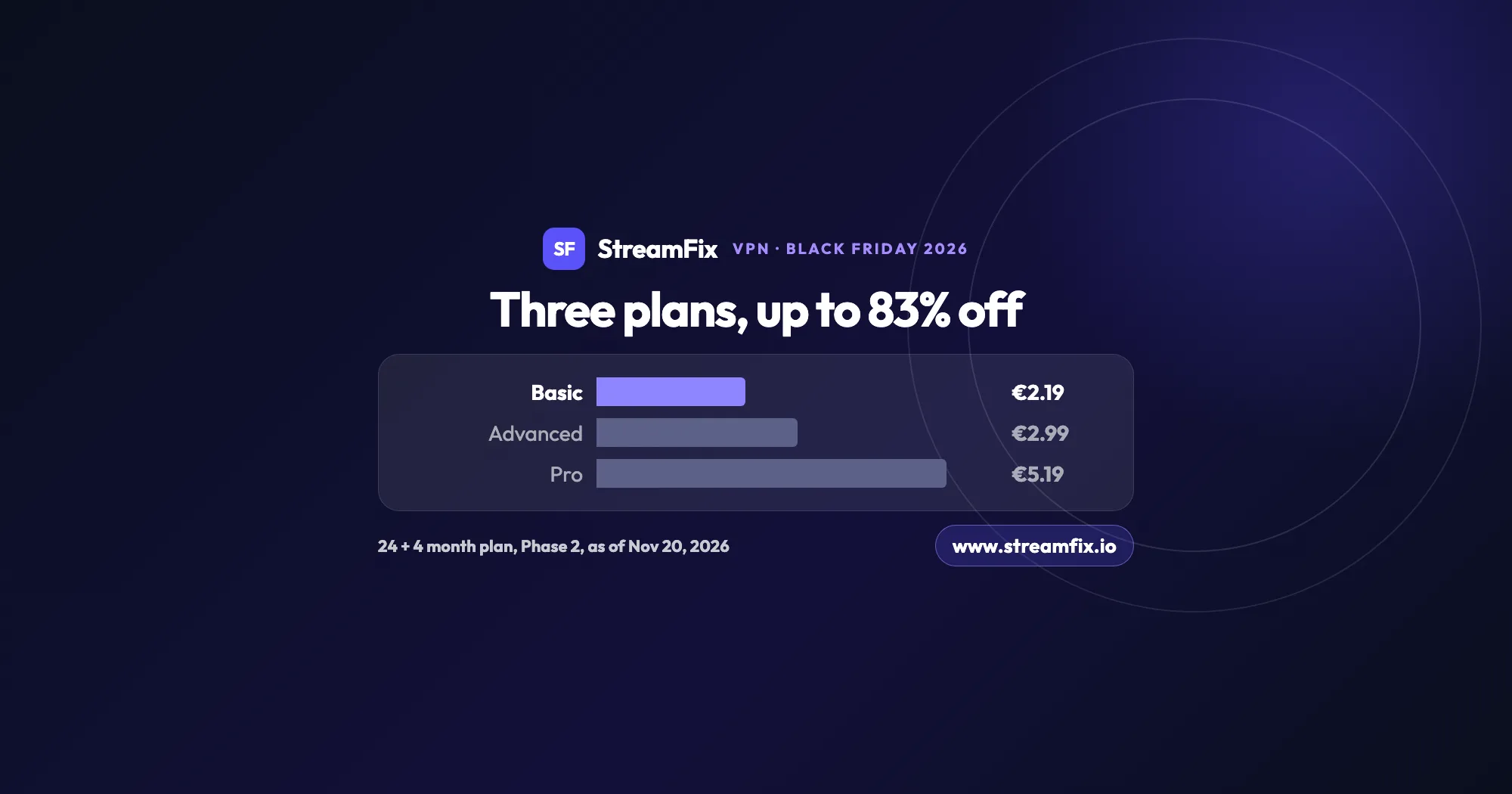
The ExpressVPN Black Friday deal runs in two phases, and on Black Friday itself Basic costs €2.19 a month, 83% off. All three plans share the same VPN, so the choice comes down to devices and extras.
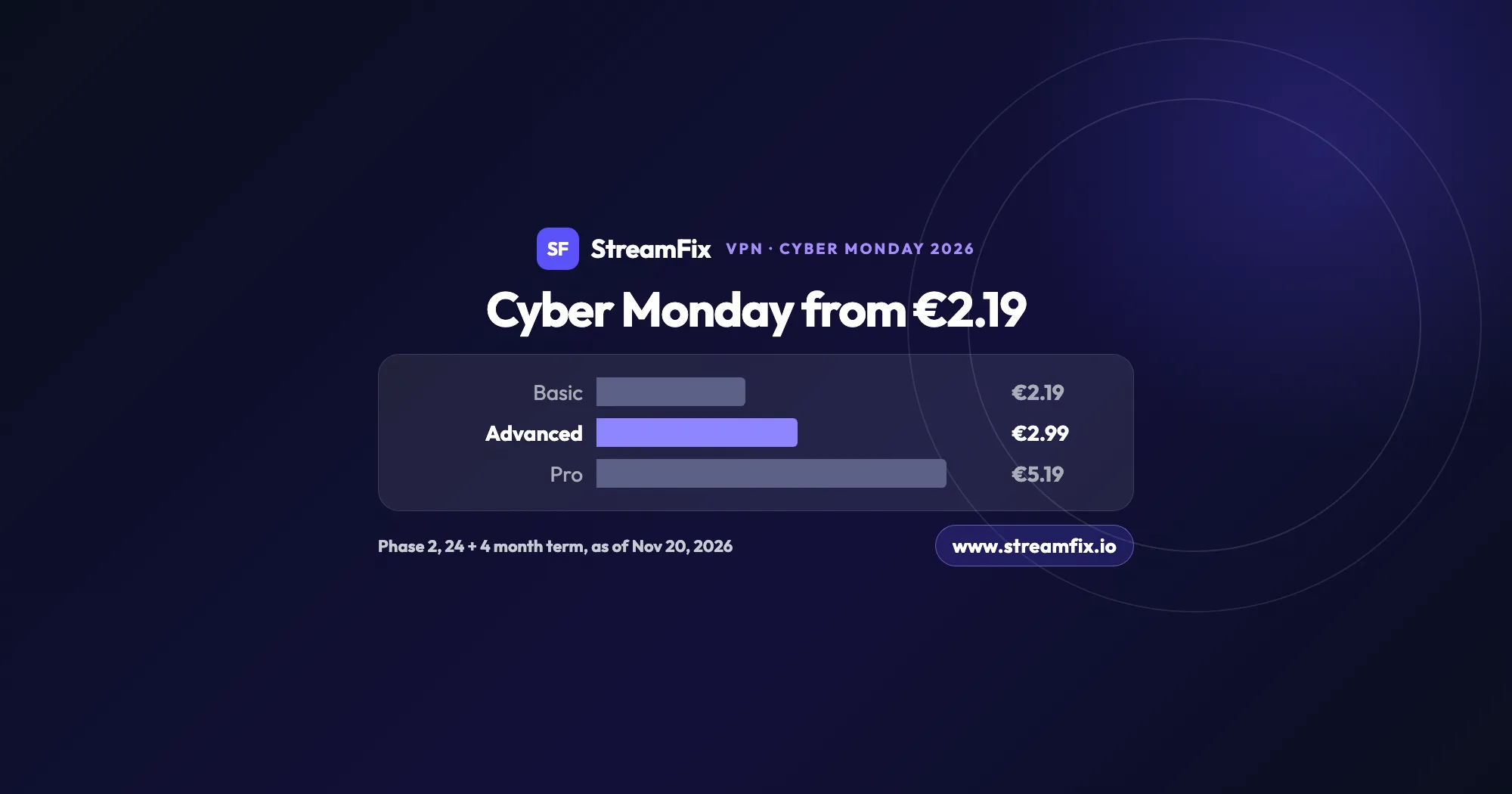
On Cyber Monday, November 30, 2026, Phase 2 of the ExpressVPN Black Friday sale applies: Basic €2.19, Advanced €2.99 and Pro €5.19 a month on the 24 + 4 month term. One subscription covers 10, 12 or 14 devices.
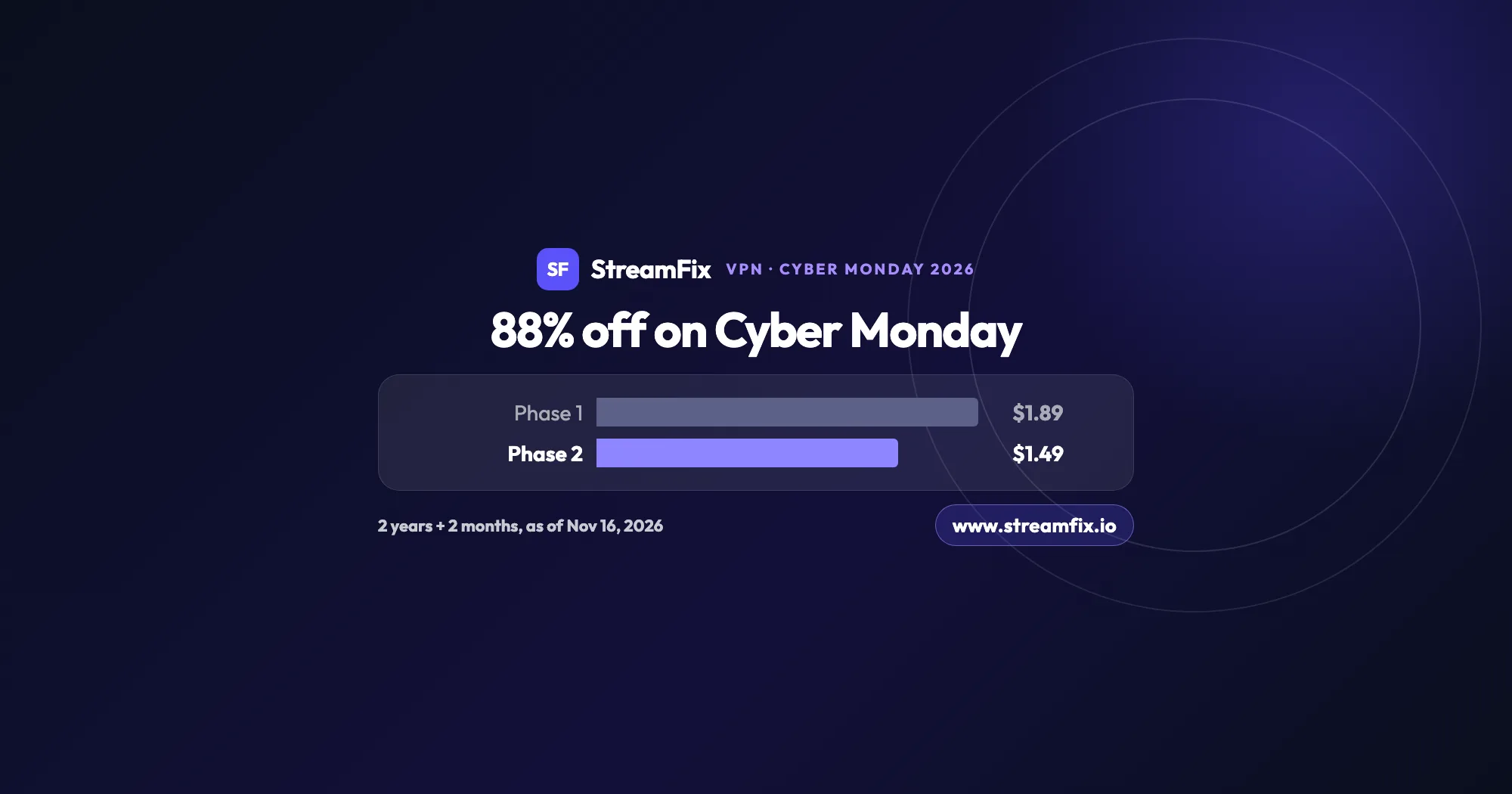
On Cyber Monday, November 30, 2026, Private Internet Access (PIA) costs $1.49 a month, 88% off, on the 2-year plan with 2 extra months. Phase 2 of the sale runs from November 25 to December 2, and one plan covers unlimited devices for your whole household.