Surfshark Free Trial: 7 Days Free, Then a 30-Day Money-Back Guarantee
Surfshark gives new users a 7-day free trial on 12 and 24-month plans, with nothing to pay today. Here’s how to start it, how to cancel before the first charge and how to get a refund under the 30-day money-back guarantee.
Petr VenclikFounder & Lead Analyst 9 min read Affiliate linksSome links are affiliate links. We may earn a commission at no extra cost to you, and it never affects our ratings.
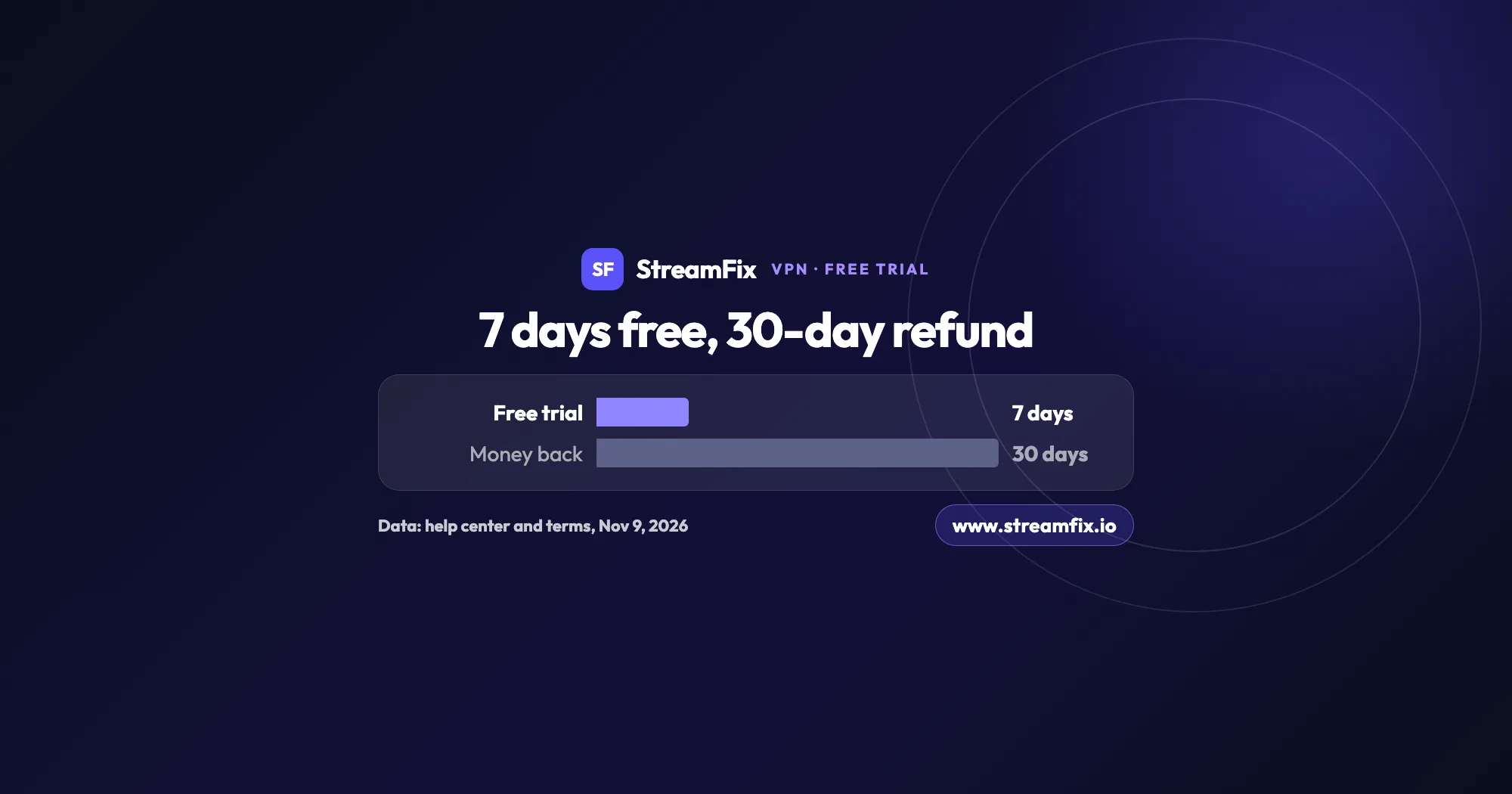
Surfshark offers a 7-day free trial for new users on the Surfshark website, with 12-month and 24-month plans, paid by card or PayPal and nothing charged today.
During the trial you get every VPN feature on up to 3 devices at once; on day 7 the plan is charged and renews automatically.
To cancel, go to your account, then Subscription, Payments and Cancel renewal; App Store and Google Play plans are canceled in the store.
The 30-day money-back guarantee still applies after the trial: ask for a full refund through the live chat.
You’re flying to London on Friday, back on Monday, and the game you’ve waited all week for is on a US streaming service you already pay for. A Surfshark free trial fits that kind of weekend well: connect to a US server from your hotel and your home apps work the way they do on your couch.
Here’s the short answer. Surfshark gives new users a 7-day free trial, started on the Surfshark website with a 12-month or 24-month plan. You enter your email, pay with a card or PayPal and are charged nothing today, and you can cancel at any point during those 7 days. On top of that comes a 30-day money-back guarantee, so even after the first payment goes through, you still have a way back.
This guide sticks to the trial, canceling and refunds. For speeds, apps and our overall verdict, read our Surfshark review.
Surfshark free trial: how the 7-day trial works
The trial isn’t a cut-down demo. You get every VPN feature from the first minute, on up to 3 devices at the same time. Once you pay for a plan, that limit goes away and you can connect an unlimited number of devices.
Surfshark asks for your email and payment details when you sign up, which is how it confirms you’re a first-time user. Surfshark Starter, Surfshark One and Surfshark One+ all come with the 7-day free trial at checkout, and the differences between them don’t change how the trial works.
On day 7, the trial ends and Surfshark charges you for the plan you picked. Our breakdown of Surfshark plan prices shows what each one costs. From then on, the subscription renews automatically. Prices are listed before tax, and Surfshark may add VAT depending on your country. Our tip: put the end date in your calendar the moment you sign up.
Compare
Free trial
30-day guarantee
Length
7 days
30 days from first purchase
Where
Surfshark website
Website, Paddle, Google Play, Cleverbridge
Paid upfront
No, nothing today
Yes, the full plan
Plans
12 and 24 months
First purchase
Devices
Up to 3
Unlimited
How to cancel
Cancel renewal in your account
Live chat with support
Source: Surfshark help center and terms, Nov 9, 2026
The two work together. The trial lets you try Surfshark for nothing, and the guarantee still covers you after the first charge, as long as it’s your first purchase.
Before you start, have your card or PayPal login ready.
Open the offer with the button on this page. It takes you to the Surfshark website, where the trial starts.
Pick a 12-month or 24-month plan with the 7-day free trial.
Enter your email and pay with a card or PayPal. Checkout shows that you pay nothing today.
Download the app on your phone, computer or TV. During the trial, you can use up to 3 devices at once.
Write down the day your trial ends, so you make the call before the first charge.
Want the trial on iPhone or Android? Sign up on the Surfshark website first, as Surfshark’s trial page explains, then use the same account in the mobile app.
In our view, Friday evening is the best time to start. You get a full weekend of streaming, then the working week to decide.
Seven days is plenty to check what matters to you, from the server you pick to the Surfshark settings that suit streaming. Start with the basics: connect to a server in the country of the service, then sign in to your own account. A VPN changes your virtual location and nothing more, so you keep paying for Netflix or any other subscription yourself.
If you travel, connect to a server back home and watch your services as if you never left. Curious about another country’s catalog, such as US Netflix from London? That works with your own Netflix subscription. Our guide on how to watch Netflix from anywhere covers the setup, and if Netflix is your main reason for a VPN, see our ranking of the best VPN for Netflix.
Speed decides whether 4K stays sharp. According to StreamFix data, Surfshark reached 921 Mbps on a local server and 733 Mbps on a distant one, with 14 ms latency, and it handles 4K. Our Surfshark review found it worked with 29 of 32 tracked platforms, Netflix US among them, on a network of 4,500+ servers in 100 countries.
Don’t forget the big screen. Our guides to a VPN on a smart TV and a VPN on Firestick show the setup. Just keep the limit of 3 devices in mind if the whole family wants in.
Cancel during the 7 days and you pay nothing at all. Where you cancel depends on where you bought: a trial started on the website is canceled in your Surfshark account, while a subscription from an app store is canceled in that store. Changes made in a store don’t show up in your Surfshark account.
Keep in mind that canceling renewal doesn’t refund anything by itself. It stops future payments, and your subscription keeps running until the end of the period you paid for.
Cancel on the website
Log in to your account on the Surfshark website.
Click your profile icon (your email address) in the top right corner.
Choose Subscription.
Open the Payments tab.
Click Cancel renewal and confirm.
Don’t see the button? Then the live chat can cancel for you.
Cancel on iPhone, iPad and Mac
Open your Apple ID settings.
Go to Subscriptions and select Surfshark.
Cancel the subscription at least 24 hours before the current period ends.
Cancel on Android
Open Google Play and tap your profile icon.
Go to Payments & subscriptions, then Subscriptions.
Select Surfshark and follow the steps to cancel.
Bought through the Amazon Appstore? Cancel in the Amazon account you used to pay.
One more thing: deleting your account (done through the live chat) is not the same as canceling. It ends an active subscription with no refund for the rest of it, so if you only want to stop payments, canceling renewal is enough.
How do I get my money back with the 30-day guarantee?
If you bought directly from Surfshark or through Paddle, Google Play or Cleverbridge, you can get a full refund within 30 days of your first purchase. That still holds after your trial has turned into a paid plan.
To ask, open the live chat. Support runs 24/7 and takes care of the whole process for you, and the website footer also has a direct “Request a refund” link. Once approved, refunds usually arrive within a few business days, depending on your payment method and bank. Surfshark doesn’t offer phone support, so chat is the way to go.
It helps to know the exceptions before you buy. The guarantee covers your first purchase only, so a second refund isn’t possible, and it no longer applies once the subscription has renewed. Purchases through other resellers and non-refundable add-ons (anonymous Dedicated IP, Alternative ID and Alternative Number) are excluded, and payments made with a prepaid or gift card aren’t refunded.
App store purchases follow the store’s process. For the App Store, Apple handles the refund: go to reportaproblem.apple.com, choose “Request a refund” and expect an update within 24 to 48 hours. Amazon handles Amazon Appstore refunds. On Google Play, ask Google Play directly within 48 hours of purchase; after that, Surfshark support can help.
A message you can paste into the live chat
Short and specific gets the fastest result. Fill in the details in parentheses and send:
Hi, I’d like to request a refund under the 30-day money-back guarantee. My account email is (your email), and I made my first purchase on (purchase date). Could you please confirm once the refund is on its way? Thanks for your help.
Keep the chat confirmation until the money shows up on your statement.
Your email and 2FA are locked during the trial. Surfshark’s terms say you can’t change the account email address or your two-factor authentication settings until you have a paid subscription. Sign up with the address you plan to keep.
Crypto refunds come back in crypto. If you paid with cryptocurrency, Surfshark refunds the US dollar equivalent in the same coin, at the exchange rate on the day of the refund. The rate can move in the meantime, so the amount of coin you get back may differ.
A small card charge can be a check. Before a plan longer than a month renews, Surfshark emails you in advance. It may also place a small pre-authorization on your card to verify it, and that amount is returned right away, so there’s no need to worry if you spot it on your statement.
Curious how the two compare? Our NordVPN vs Surfshark comparison puts the two side by side.
Seven days free, then 30 days to change your mind: that’s a risk-free way to see if Surfshark suits your streaming. Start the trial before your next trip and see how your own streaming apps hold up abroad.
Yes. Surfshark offers new users a 7-day free trial, started on the Surfshark website with a 12-month or 24-month plan. You pay with a card or PayPal, nothing is charged today, and you can cancel at any point during the 7 days.
No, Surfshark is a paid VPN, but you can try it free for 7 days and then rely on the 30-day money-back guarantee. If you don’t cancel during the trial, the plan you chose is charged automatically on day 7. A VPN also doesn’t make paid streaming services free: it lets you keep watching your own subscriptions on the road, for example when you watch UK TV abroad.
Log in on the Surfshark website, click your profile icon in the top right corner, choose Subscription, open the Payments tab and click Cancel renewal. Do it within the 7 days and you won’t be charged. If you subscribed through the App Store, Google Play or Amazon, cancel in that store instead.
Contact Surfshark support through the live chat within 30 days of your first purchase and ask for a refund under the 30-day money-back guarantee. Support handles the process for you. App Store refunds go through Apple, and Amazon Appstore refunds through Amazon.
No. The free trial lasts 7 days. The 30 days refer to the money-back guarantee, which lets you ask for a full refund within 30 days of your first purchase, even after the trial has turned into a paid plan.
Up to 3 devices at the same time. Once you pay for a plan, you can use Surfshark on an unlimited number of devices. That’s enough for a phone, a laptop and a TV, so you can try it on the screens you watch most.
Once approved, refunds are usually processed within a few business days, depending on your payment method and bank. For App Store purchases, Apple handles the request and gives an update within 24 to 48 hours.
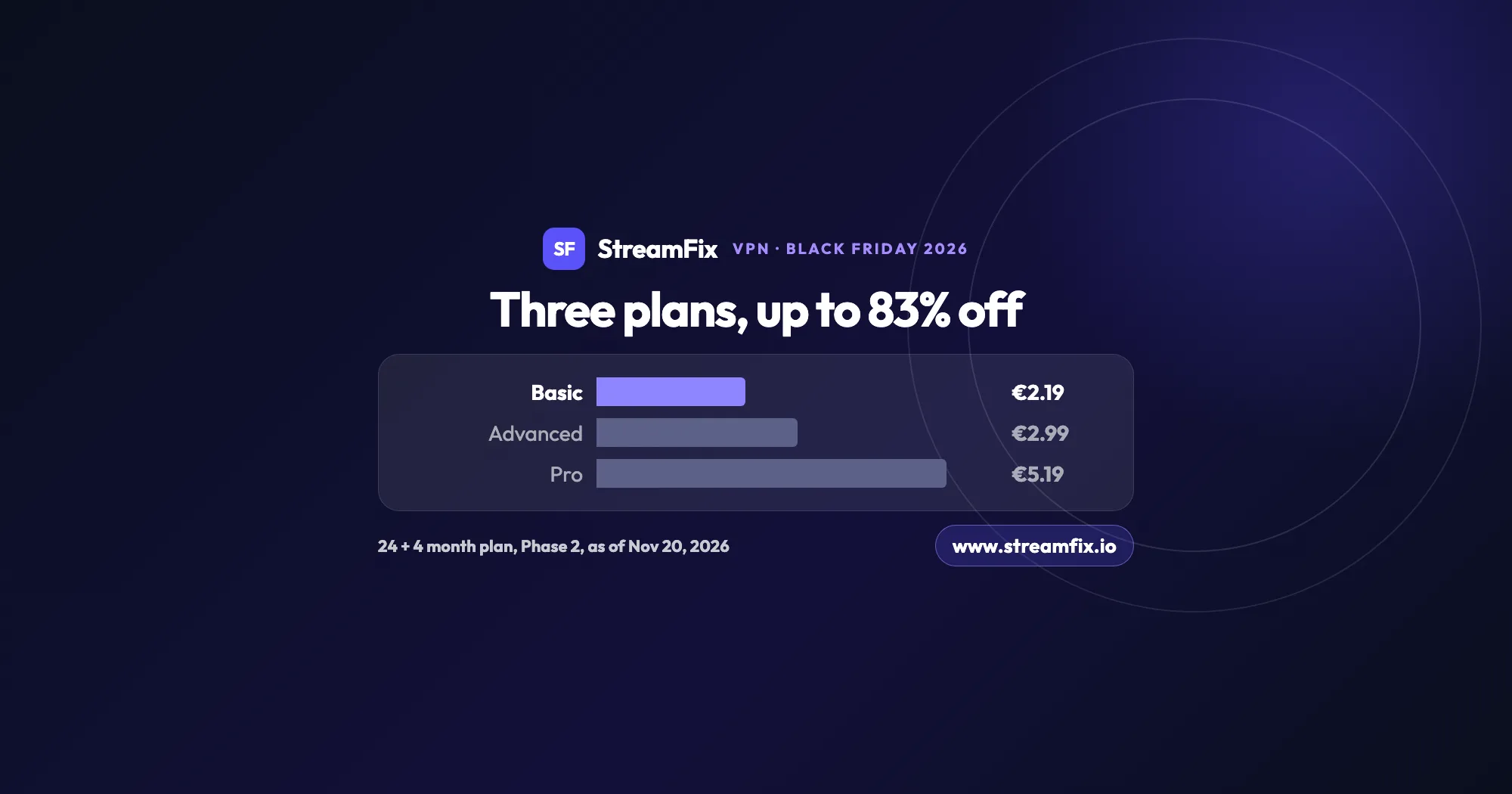
The ExpressVPN Black Friday deal runs in two phases, and on Black Friday itself Basic costs €2.19 a month, 83% off. All three plans share the same VPN, so the choice comes down to devices and extras.
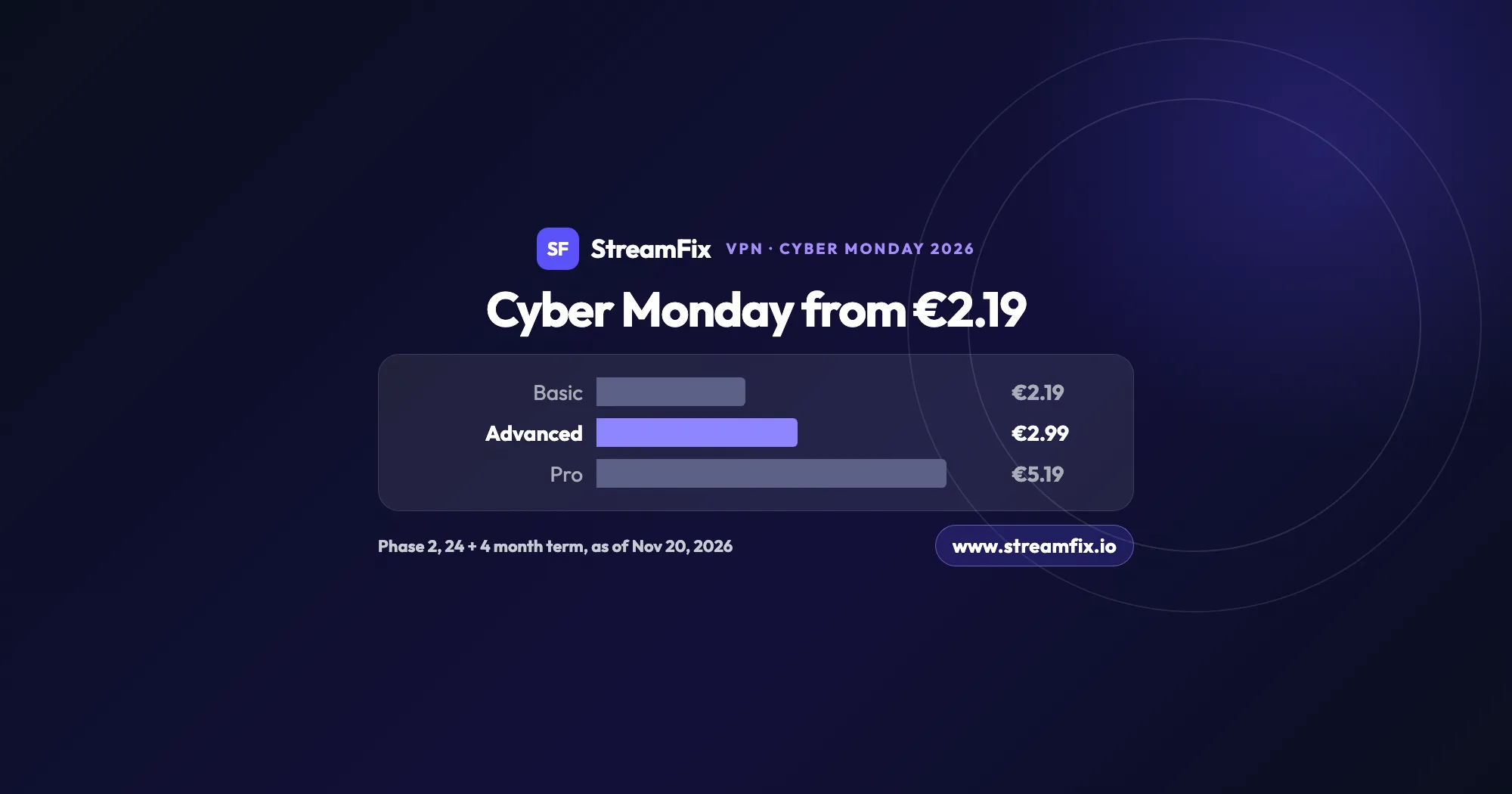
On Cyber Monday, November 30, 2026, Phase 2 of the ExpressVPN Black Friday sale applies: Basic €2.19, Advanced €2.99 and Pro €5.19 a month on the 24 + 4 month term. One subscription covers 10, 12 or 14 devices.
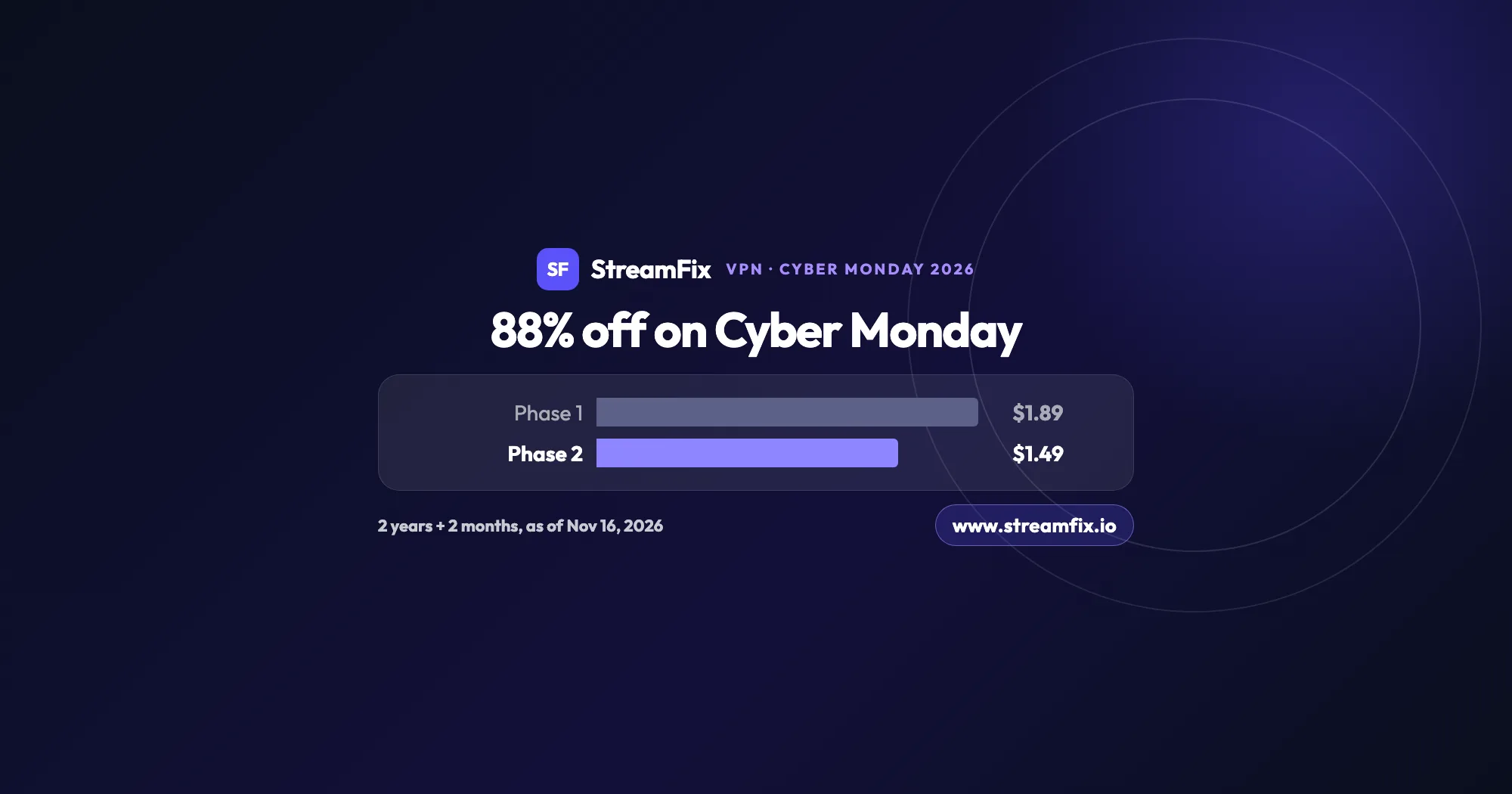
On Cyber Monday, November 30, 2026, Private Internet Access (PIA) costs $1.49 a month, 88% off, on the 2-year plan with 2 extra months. Phase 2 of the sale runs from November 25 to December 2, and one plan covers unlimited devices for your whole household.